Geo-Block Your Channels
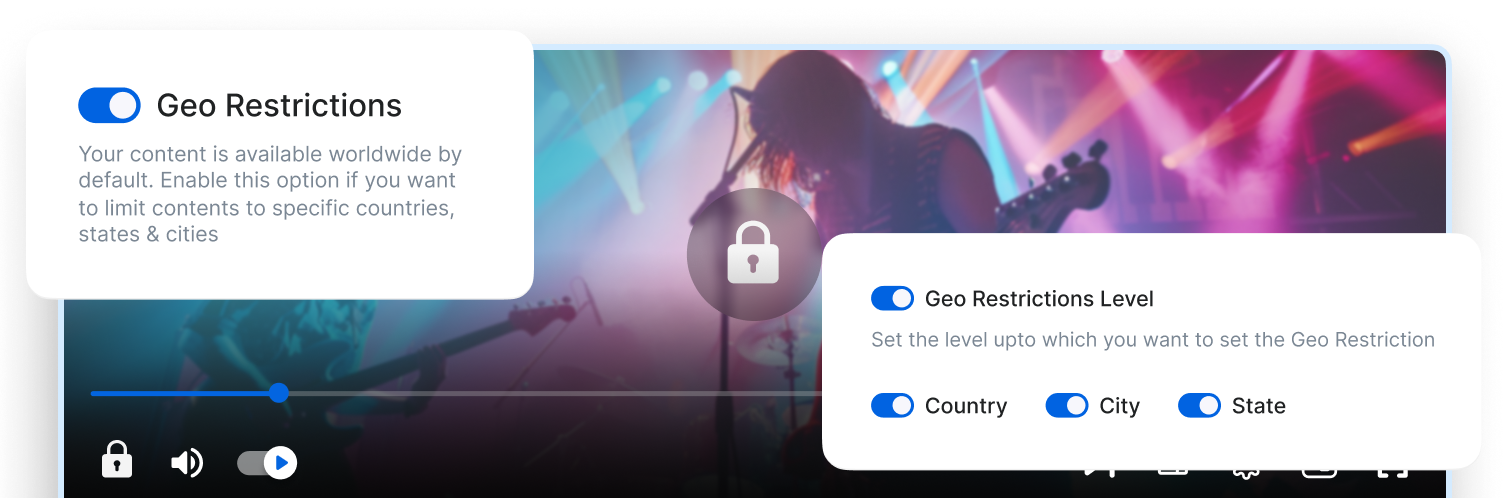
Geo-block Your Channels
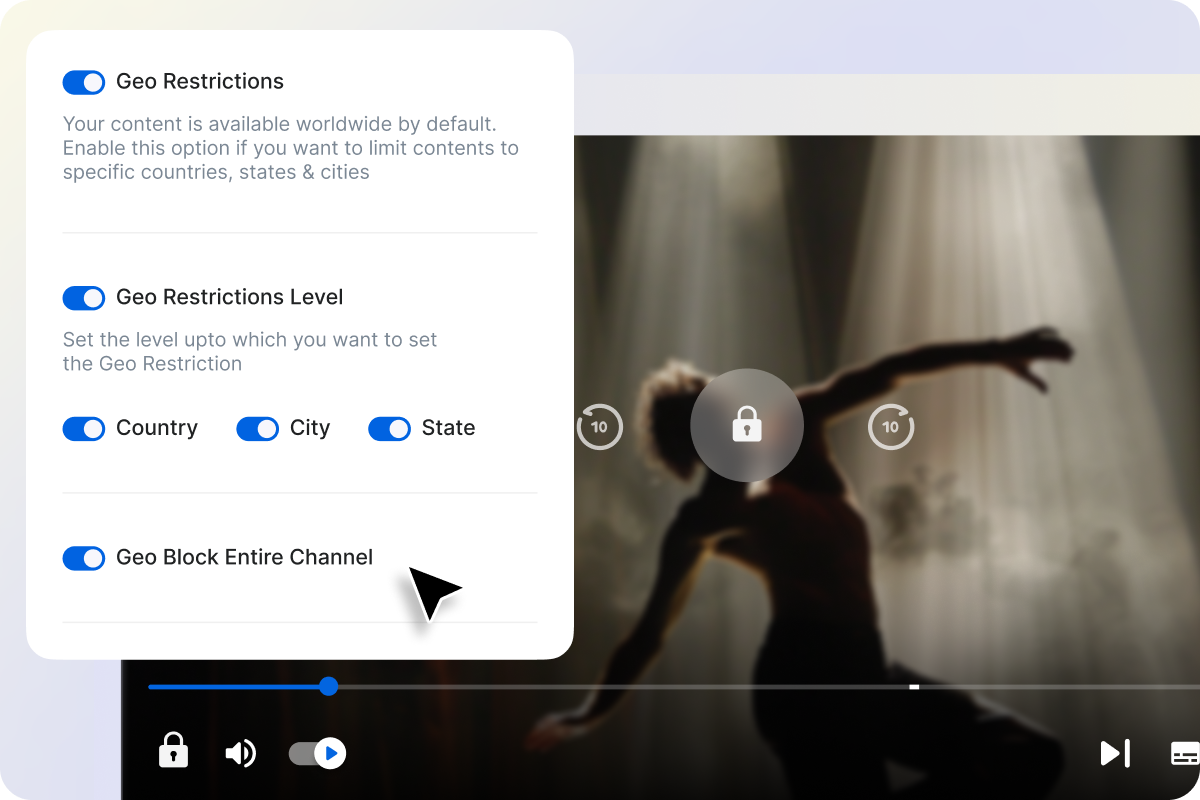
Block Entire Channels

Block Entire Channels

Restrict access to your Playout channels in specific regions or countries directly from your CMS. Ensure that only authorized territories can view your 24 × 7 streams, while others see a “Currently Not Available in Your Country” message.

From CMS

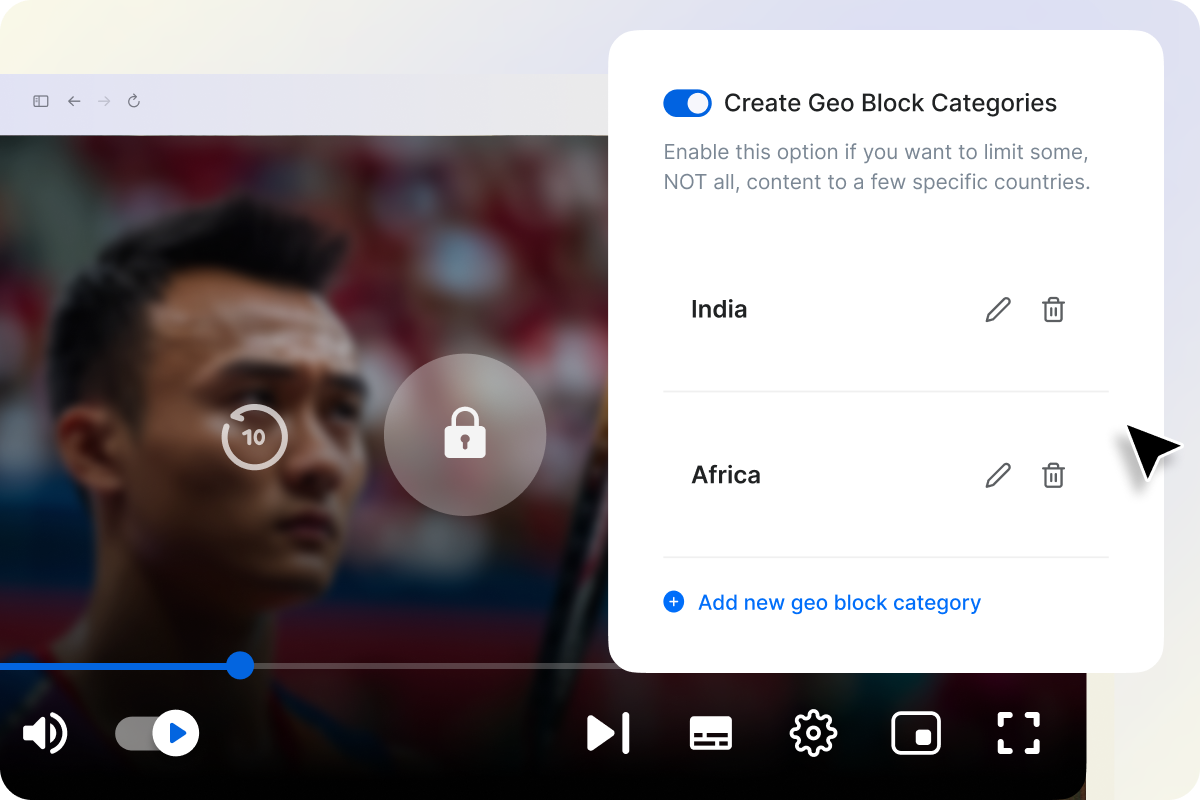
Build Geo Block Categories From Dashboard

Build and manage Geo-Block categories effortlessly. Create country groups like Only USA, Only Asia, or Europe Exclusive, then apply them to your Playout channels in just a click. Whether you’re segmenting global rights or launching region-specific feeds, every access rule can be managed within your CMS — fast, flexible, and centralized.
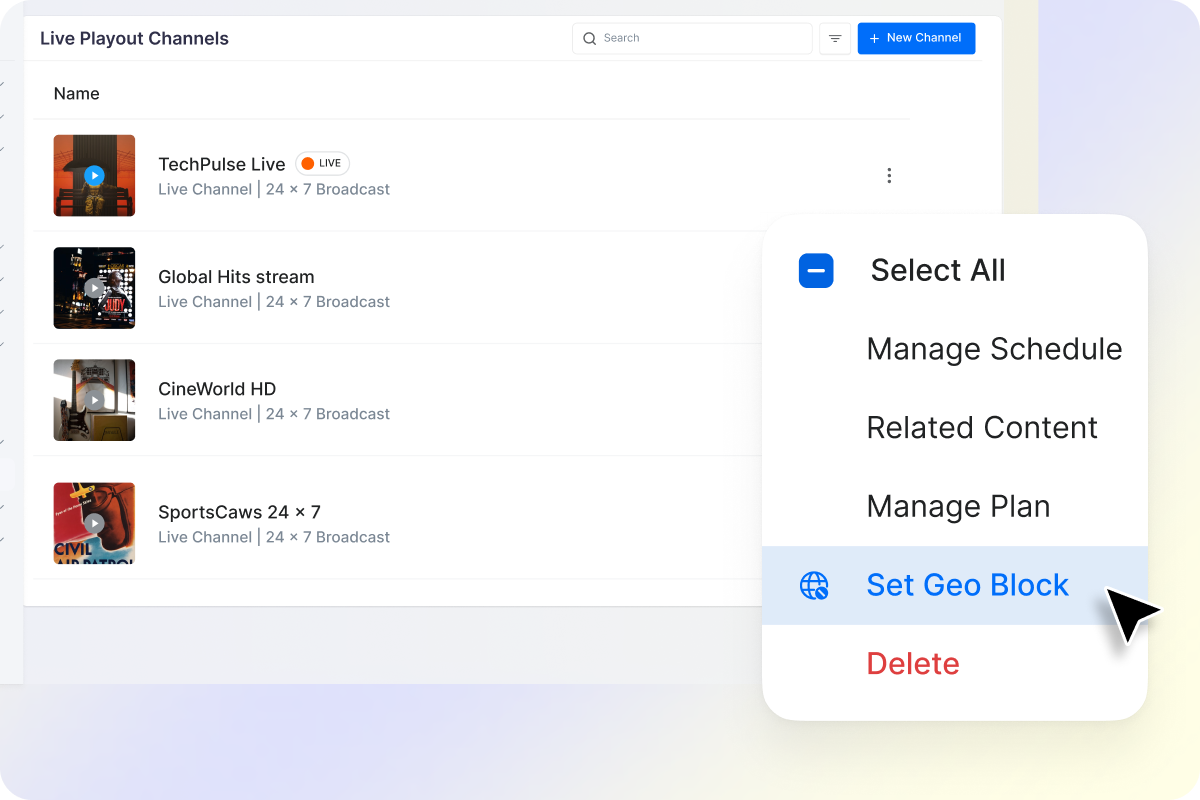
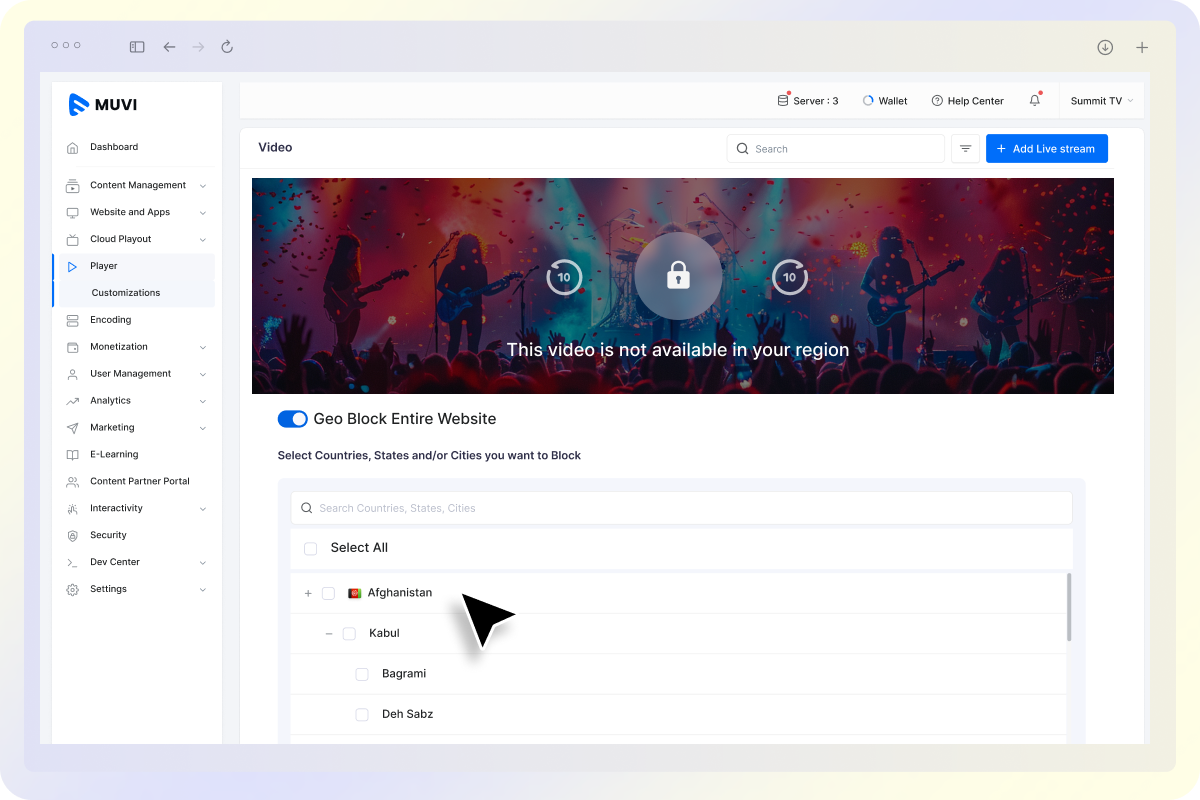
Safeguard Your Broadcast Rights

Control where your Playout channels are accessible and keep your content rights protected — in every region, on every screen.

Restrict Channel Recording and Playback

Restrict Channel Recording and Playback

Prevent unauthorized access or re-broadcasting of your Playout channels in restricted regions. Muvi’s geo-blocking ensures your 24×7 streams remain protected and viewable only in licensed territories, maintaining compliance with your content rights.

Whitelist _ Blacklist Countries

Whitelist / Blacklist Countries

Fine-tune your reach with country-based filtering. Add or remove regions from your whitelist or blacklist anytime to adapt to new markets or licensing updates — all from one intuitive dashboard.

Already using a platform?

Muvi will help with Data Migration, Customizations, and Integrations. Switch to Muvi today!

Migrate to Muvi
Control Playout Access With Region-Based Geo-Blocking
  • Block entire channels in restricted countries or regions
  • Apply Geo-Block categories in one click from your CMS
  • Whitelist / blacklist countries instantly based on rights
  • Keep your broadcasts compliant with licensing agreements
Get Started Upgrade / Cancel Anytime. No Commitments.