Paywall: Live Stream Monetization
Go live, get paid. Fastest way to monetize your live events
Go-live Instantly
Built-in Payment Integration (via Stripe Connect )
135+ Global Currencies
Keep 91% Earnings
Quick and Easy Settlement
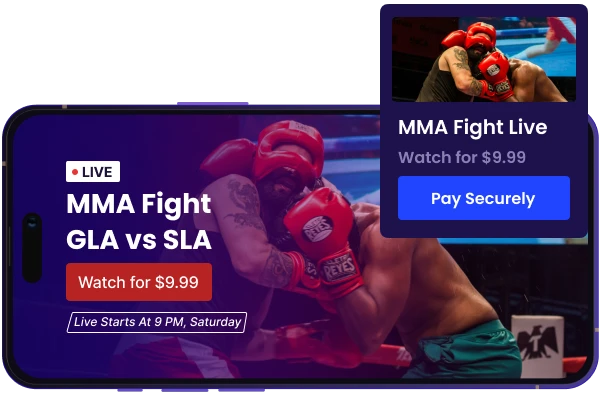
Go Live & Monetize Your Live Streams Instantly
- Go-live Instantly!
- No Monthly Fees
- White-label Interface
- Revenue Analytics
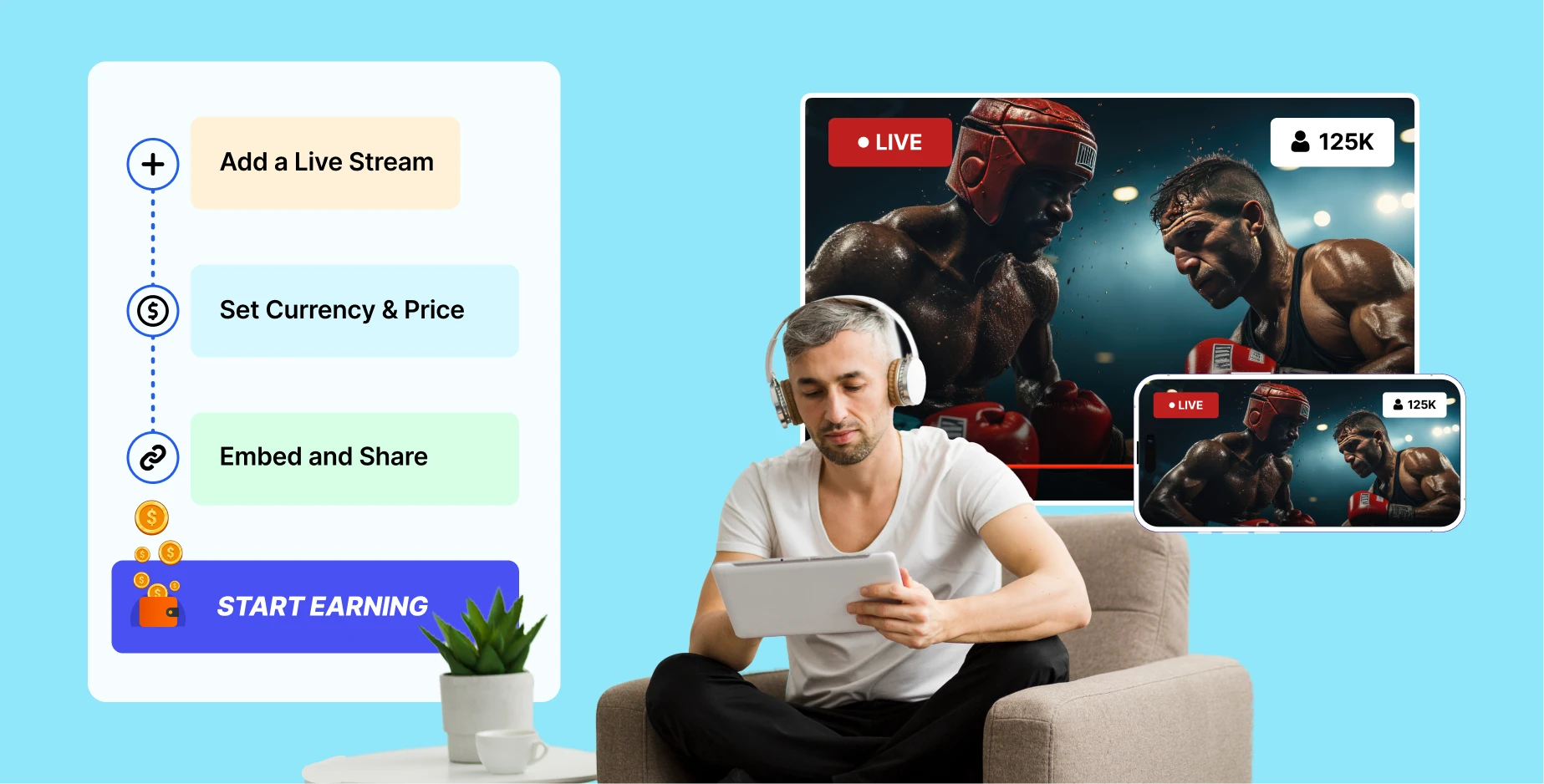
Live Stream Paywall Platform - Engage, Entertain, and Inspire Audiences Around the Globe
 Whitelabel Platform
Fully customize pay-per-view live streaming as your own, add your logo, band colors, and more.
 Adaptive Bitrate Streaming
Automatically adjusts video quality based on the viewer's network conditions & devices.
 High-quality HD & 4k Streams
Deliver crystal-clear streams with support for High-Definition 1080p and Ultra HD 4K streaming.


 Geographic Restriction
Control access by restricting or allowing viewers from specific countries or regions.
 Live Chat, Poll & Quizzes
Engage your audience with interactive live chat, polls, and quizzes during streaming events.
 Paywall On Existing Live Streams
Monetize your existing live streams by adding a secure paywall instantly - no coding required.


Ready To Monetize Livestreams?
Collect one-time payments for your livestreams. Setup & Go Live, We take care of rest.
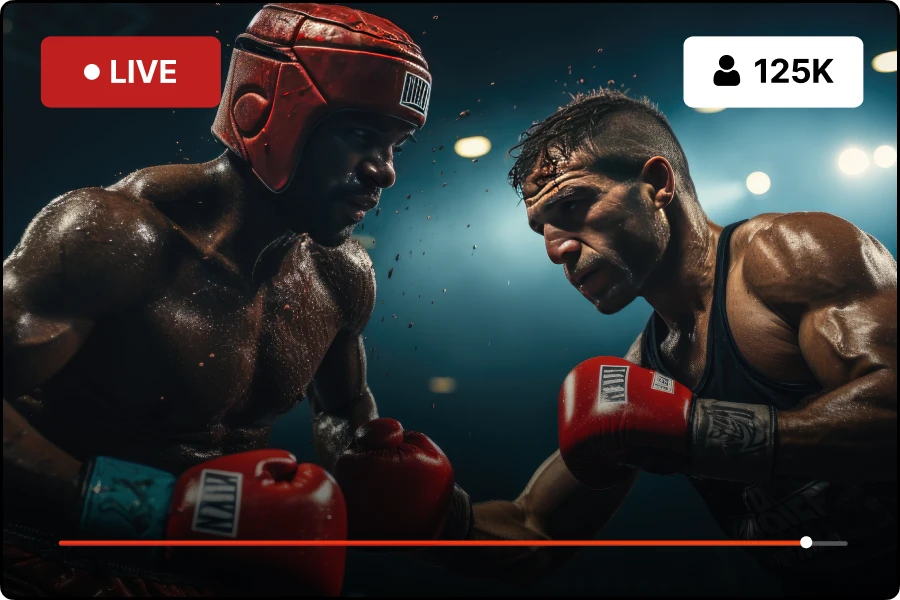
Monetize the Thrill : Live Sports & Matches
Capitalize on the excitement of combat sports such as Boxing, UFC, MMA & more with live streaming revenue analytics. Bring every punch, kick, and knockout directly to your audience, keeping them on the edge of their seats and deeply engaged with an efficient pay-per-view (PPV) subscription model, so that your viewers don't miss out on any of the action and you on any revenue.
- Professional League Matches
- International Tournaments
- University Sports
- Club Sports Events
- Amateur Competitions
- Youth and School Sports
- Extreme Sports and Adventure Races

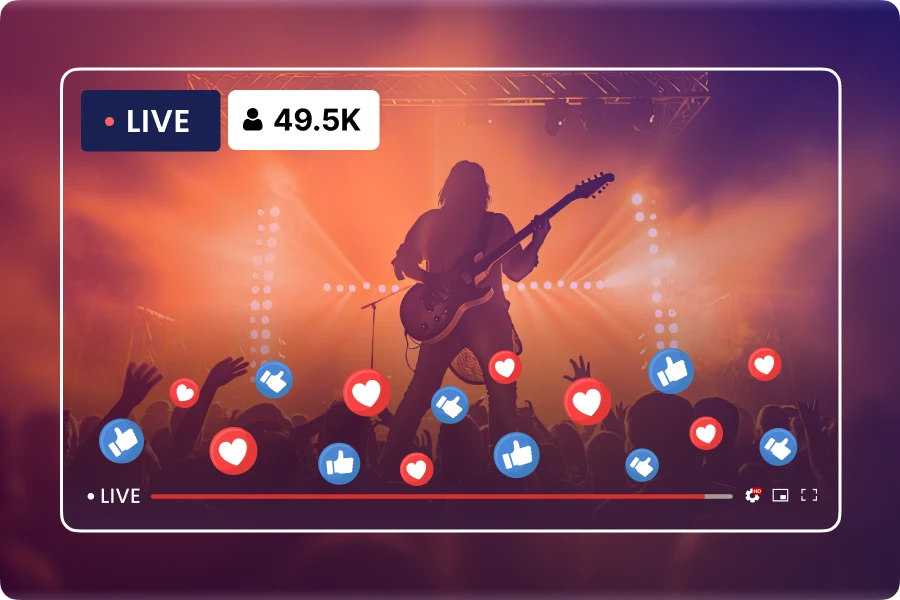
Amplify Concert Profits : Live Concerts
Ignite the magic of live music and turn every concert into a blockbuster revenue hit with Muvi Live's Paywall. Deliver an unparalleled in-person concert-like experience offering fans not just a ticket, but exclusive virtual front-row seats in the comfort of their homes.- Exclusive Artist Performances
- Festival and Event Streams
- Intimate Acoustic Sets
- Genre-Specific Concert Series
- Emerging Artist Showcases
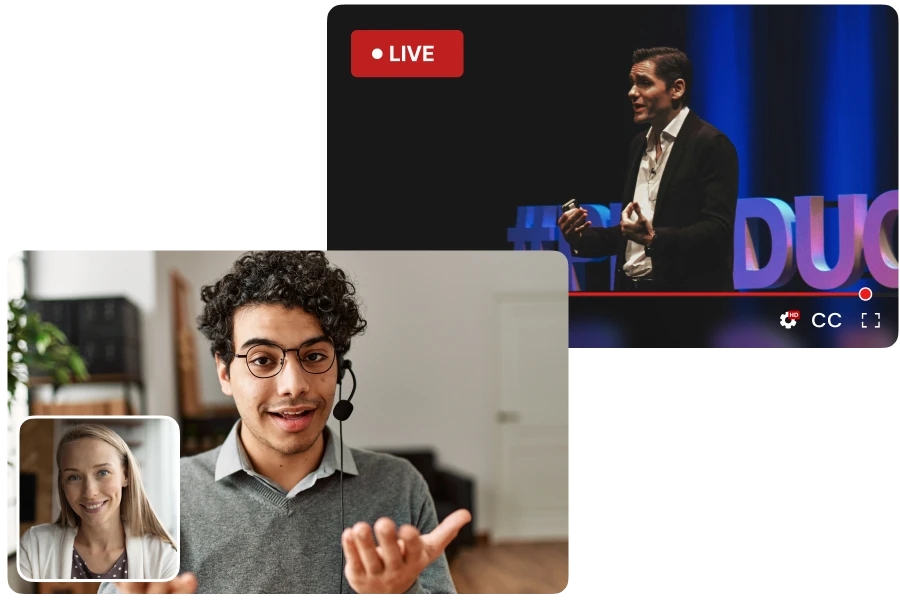
Educate and Earn : Live Webinars & Conferences
Leverage the full potential of your expertise, and turn every live webinar into a rich learning experience for learners and a profitable venture for you. Reach learners globally or keep it to specific regions.- Professional Development Workshops
- Academic Lectures and Courses
- Industry Conferences and Panels
- Live Wellness Webinars
- Technical Tutorials and Workshops
- Entrepreneurship and Business Strategy Sessions
Setup Paywall & Go Live Instantly!
Select live stream source, set pricing, select currency, share & collect payments via live streaming payment gateway in no time!
Ask Sales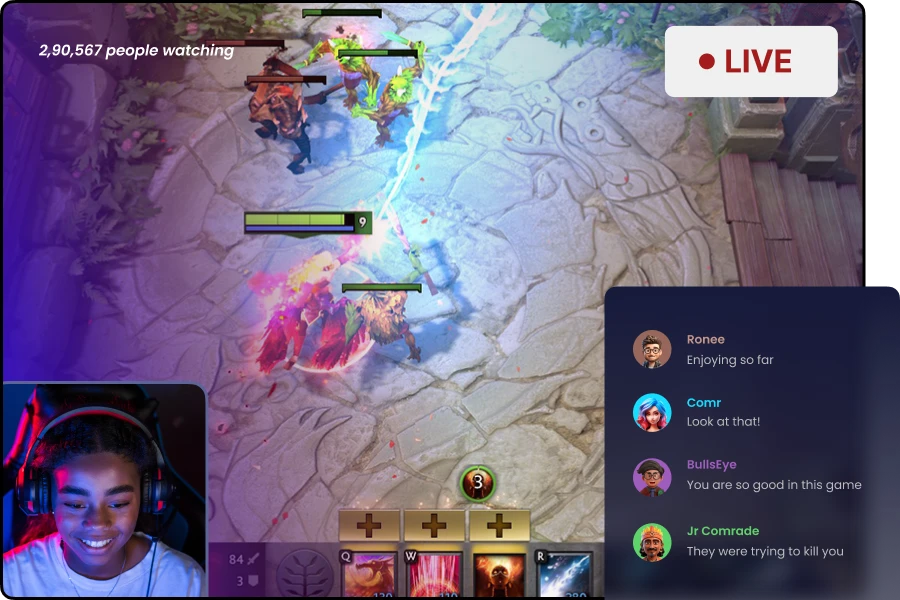
Game, Stream, Earn : eGaming
Capitalize on the excitement of eGaming with Muvi Live's Paywall. With Muvi Live, every click, every level-up, and every epic battle becomes an opportunity to rack up earnings, turning your gaming streams into high-score profit adventures. Interact with viewers through live chat and be a part of their excitement.- Intense eSports Showdowns & Battles
- Game Beta Access Streams
- Pro-Gamer Strategy Sessions
- Virtual Meet-and-Greets
- Niche Gaming Community Events
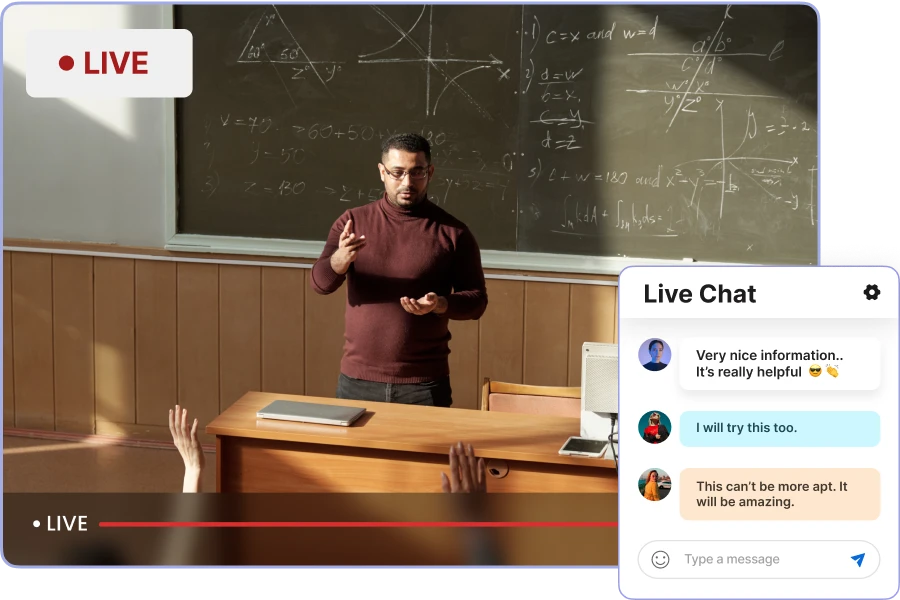
Teach and Monetize : Live Educational Lectures
Offer a range of live lectures, from academic subjects to professional development. Track your financial performance with Muvi Live's detailed analytics, making each lecture a blend of educational value and financial gain.- Professional Skill Workshops
- Specialized Industry Training
- K-12 Educational Content
- Language Learning Classes
- Cultural and Historical Lectures
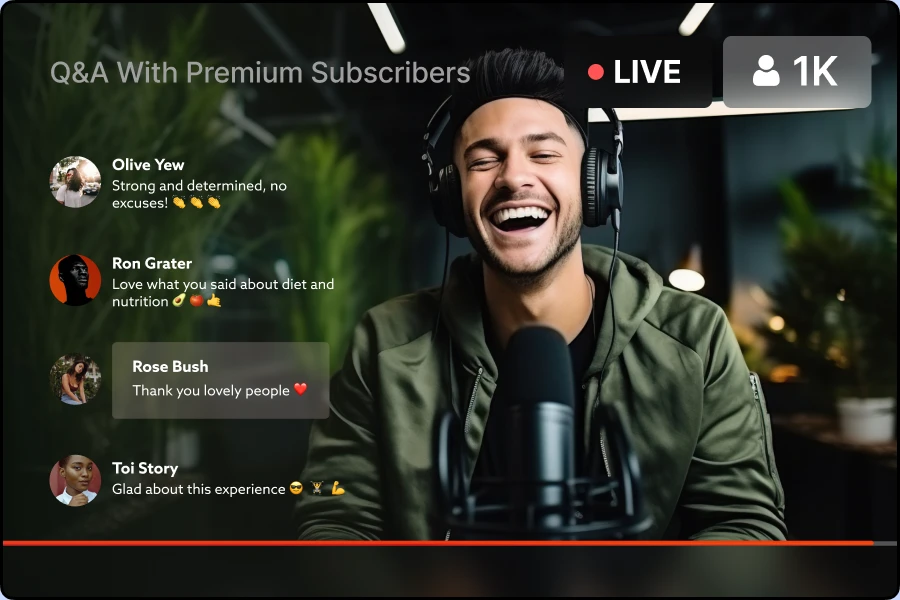
Influencers: Leverage Your Influence
Turn your passionate social media following into a lucrative revenue source by doing live streaming with Paywall. Offer exclusive pay-per-view PPV live streams, from behind-the-scenes glimpses into your daily life to intimate Q&A sessions. Foster deeper connections with your most devoted fans through live interactions, and members-only virtual hangouts.- Exclusive Behind-the-Scenes Live Streams
- Interactive Q&A and AMA Sessions
- Niche Fan Community Meetups and Events
- Expert Sessions