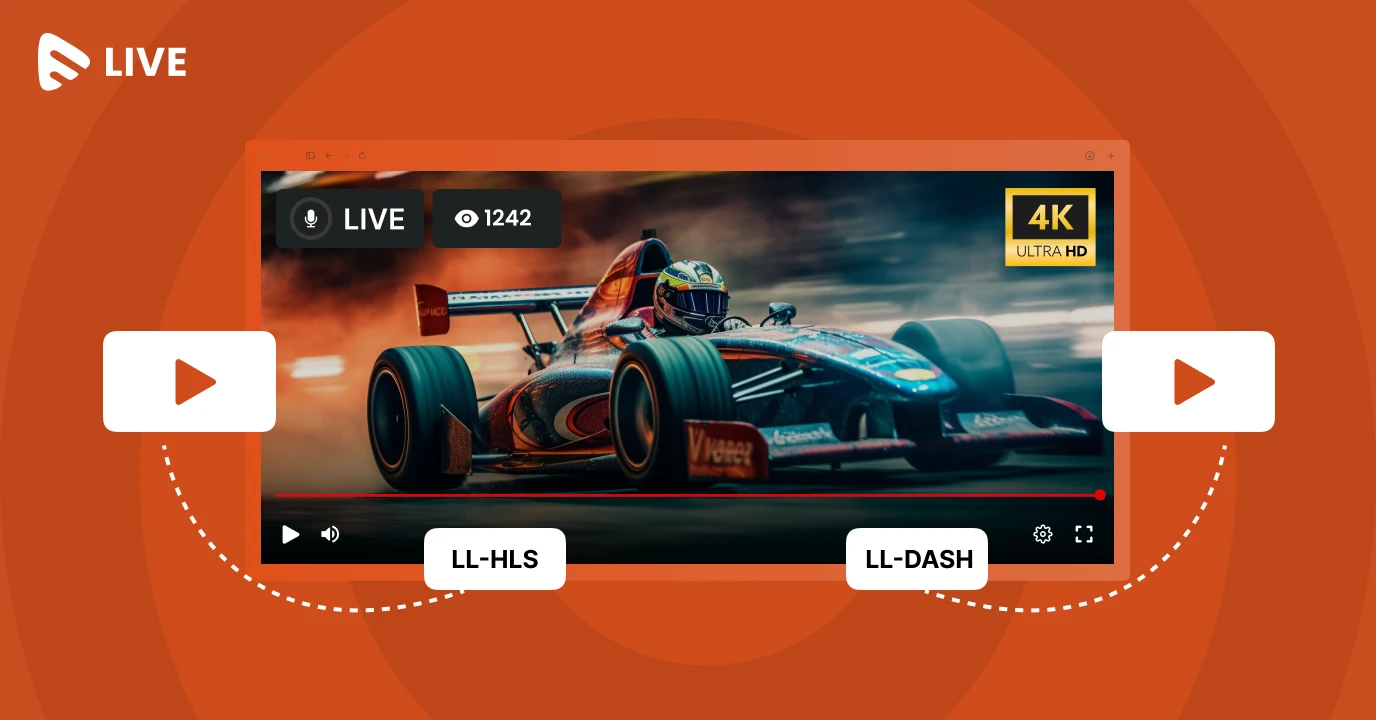
Live streaming has entered a new era where audiences no longer accept close to live streaming experiences. Whether it’s a gaming live stream, a football game, or the next Joe Rogan podcast, they want to see things as they happen. Even a delay of 10–15 seconds can break immersion, reduce engagement, and create a frustrating experience. This growing demand for low-latency live streaming has created demand for LL-HLS or low-latency HLS and LL-DASH or low-latency dynamic adaptive streaming over HTTP. This blog talks about these technologies in detail and how they solve the latency challenges encountered while live streaming.
In this guide, we’ll explore what LL-HLS and LL-DASH are, how they work, and most importantly, how to optimize them effectively to achieve truly ultra-low latency live streaming.
Why is Ultra-Low Latency Video Streaming Needed?
Latency is the time lapse between the actual event happening and the viewer seeing it on the screen. While traditional streaming formats were designed for stability and scale, they were often not very optimized for immediate or real-time delivery of content. A typical HLS stream can easily introduce a gap of up to 15 seconds owing to segment buffering, CDN catching, and more. As you can see, it is not designed for ultra-low latency streaming.
However, today’s live streaming culture demands low latency to an extent that it is not simply a technology enhancement but an important component of popular streaming use cases.
Here are a few use cases that show why ultra-low latency live streaming is essential for a lot of industries.
Sports streaming, where every second of media playlists counts
Live betting, where fairness depends on real-time delivery
Interactive education, where instructors and students must stay synced
Live commerce, where engagement drives conversions
Corporate broadcasts, where global teams need instant communication
Low latency, as you can see, is not simply a technical improvement. It is something that drives business growth.
Why Does Latency Happen in Live Streaming?
Let’s go through the general pipeline of live streaming in the content delivery network. A typical live streaming goes through the following stages.
Capture
Encoding
Segmentation
Packaging
CDN Distribution
Player Buffering
Playback
Each stage adds latency. So, assuming there is a one-second delay at every step or more, you effectively lose at least 7 seconds. Hence, the viewer will see the stream 8 seconds later. Common latency contributors include long segment durations, caching behaviour, poor encoder alignment, network latency, and more. Even if one part of the pipeline is optimized, the entire chain must work together to achieve sub-3-second latency.
What is LL-HLS or Low Latency Live Streaming?
LL-HLS is Apple’s extension to the traditional protocol of HLS streaming. It is specially modified for ultra-low-latency streaming at the streaming server. Here are a few key changes that LL-HLS does to maintain sub-3-second latency while live streaming.
Smaller Partial Segments
Instead of the usual 6-second segments of video, LL-HLS breaks videos into much smaller segments that are often 200 – 500 milliseconds long. What this means for the streaming world is that videos that earlier took at least 6 seconds to load and begin streaming can start almost instantaneously with LL-HLS.
Blocking Playlist Reloads
Traditional low latency HLS constantly requests the playlist to stream or fetch chunks of data. LL-HLS blocks reloads, and the server holds playlist requests until new data is available. This significantly reduces unnecessary reloads and server requests and speeds up content delivery.
Preload Hits
The server can tell the player what part is coming next, allowing it to request chunks in advance. This keeps playback closer to the live edge.
What is LL-DASH?
LL-DASH, or Low Latency Dynamic Adaptive Streaming over HTTP, is a low-latency extension of the MPEG-DASH streaming protocol, specifically designed to achieve ultra-low latency by utilizing chunked CMAF segments, faster manifest updates, and reduced player buffering, allowing viewers to stay closer to the live edge.
It is widely adopted across Android devices, smart TVs, and modern web players such as Shaka Player. For OTT platforms aiming to provide real-time streaming experiences across a broad range of devices, LL-DASH serves as a powerful counterpart to Low Latency HLS, enabling scalable and interactive live delivery.
Just like LL-HLS, LL-DASH achieves low latency streaming through chunked CMAF delivery, faster manifest updates, and reduced buffering requirements. Both LL-HLS and LL-DASH rely heavily on CMAF (Common Media Application Format), which has become the backbone of modern low-latency streaming workflows.
LL-HLS or LL-DASH: Which One to Deploy?
A simple answer to this question would be to vary both depending on the targeted ecosystem.
| Feature | LL-HLS | LL-DASH |
| Best for | iOS, Safari, Apple TV | Android, Smart TVs, Web |
| Standardization | Apple-driven | MPEG-driven |
| CMAF Support | Yes | Yes |
| Player Compatibility | Excellent for Apple devices | Excellent for Android ecosystems |
| Latency potential | 2-3 seconds | 2-3 seconds |
How to Optimize LL-HLS Protocol & LL-DASH for Sub-3-Second Latency
Now that we have a fair bit of an idea about the various streaming protocols that promote low-latency live streaming, here are a few industry-backed tips that can help you get the best out of your live streaming setups.
Reduce Streaming Segment Duration
Traditional HLS streams use 6-second buffers. This creates delays of a minimum of 6-8 seconds. Using buffers as low as 1-2 seconds significantly reduces that wait time and delivers content almost instantaneously. Shorter segments allow faster playlist updates and quicker playback near the live edge.
Allow Partial Segment Delivery
Partial segment delivery is the backbone of LL-HLS infrastructure. Smaller segments that we had in step 1 are further divided into smaller parts. Players must be designed to request parts immediately, and so should be the servers. With an average part length of 200ms to 500ms, continuous streaming delivery is ensured without full segment delivery at once.
Use of CMAF Packaging
To enable truly modern low-latency streaming, CMAF (Common Media Application Format) plays a foundational role. CMAF is an industry-standard media container format developed to unify streaming delivery across protocols like LL-HLS and LL-DASH. Instead of creating separate segment formats for each protocol, CMAF allows content to be packaged once in a fragmented MP4 structure and then delivered efficiently across multiple streaming environments.
CMAF Packaging ensures
Faster playback due to smaller MP4 packages
A shared format for both LL-HLS and LL-DASH
Better interoperability across platforms, ensuring smoother playback across Apple, Android, web, and smart TV ecosystems
Align Encoder Settings
Encoder configuration is often overlooked, but it directly impacts playback smoothness. Our GOP (Group of Pictures) must align with segment boundaries. If the segment duration is 2 seconds, your encoder should insert keyframes every 2 seconds. Keyframes, as the title suggests, tell the player where the streaming starts for the particular segments and where to place the stitches while joining frames.
Playlist Update Frequency
LL-HLS requires a rapid playlist refresh since segments are so small. Playlist reload interval should be less than 500ms. This ensures that reloads are blocked and there are fewer interruptions while live streaming of content.
Optimal CDN Configuration
Your CDN must be optimized for caching of content that can sometimes add latency. Playlists must be treated as real-time assets and not static files. To support LL-HLS properly:
Disable aggressive caching for playlists
Use low TTL for manifests
Ensure chunked transfer encoding is supported
Optimize edge delivery for partial segments
Challenges Faced During Low Latency HLS Live Streaming
While low-latency live streaming is very efficient in terms of content delivery and gives the user a near-live experience, it comes with its own set of challenges, both in terms of deployment as well as maintenance, by introducing the following complexities.
Increased request volume due to smaller parts
Higher sensitivity to network jitter
CDN compatibility requirements
Player support variations across devices
Balancing latency vs stability
Simplify HLS Streaming with Muvi Live
Implementing LL-HLS and LL-DASH from scratch can be highly complex for OTT providers and broadcasters. This is where modern platforms like Muvi Live help streamline the process by offering:
Built -in Global CDN for optimal content delivery
Custom encoding & transcoding
Direct phone to stream using the Muvi Live app
Adaptive bitrate streaming from 144p up to 4K
HLS delivery for consistent playback across web and app environments with the best video quality
Muvi and its team of engineers ensure your LL-HLS streaming is as fast as it can be. Get a free 14-day trial to learn more.





Add your comment