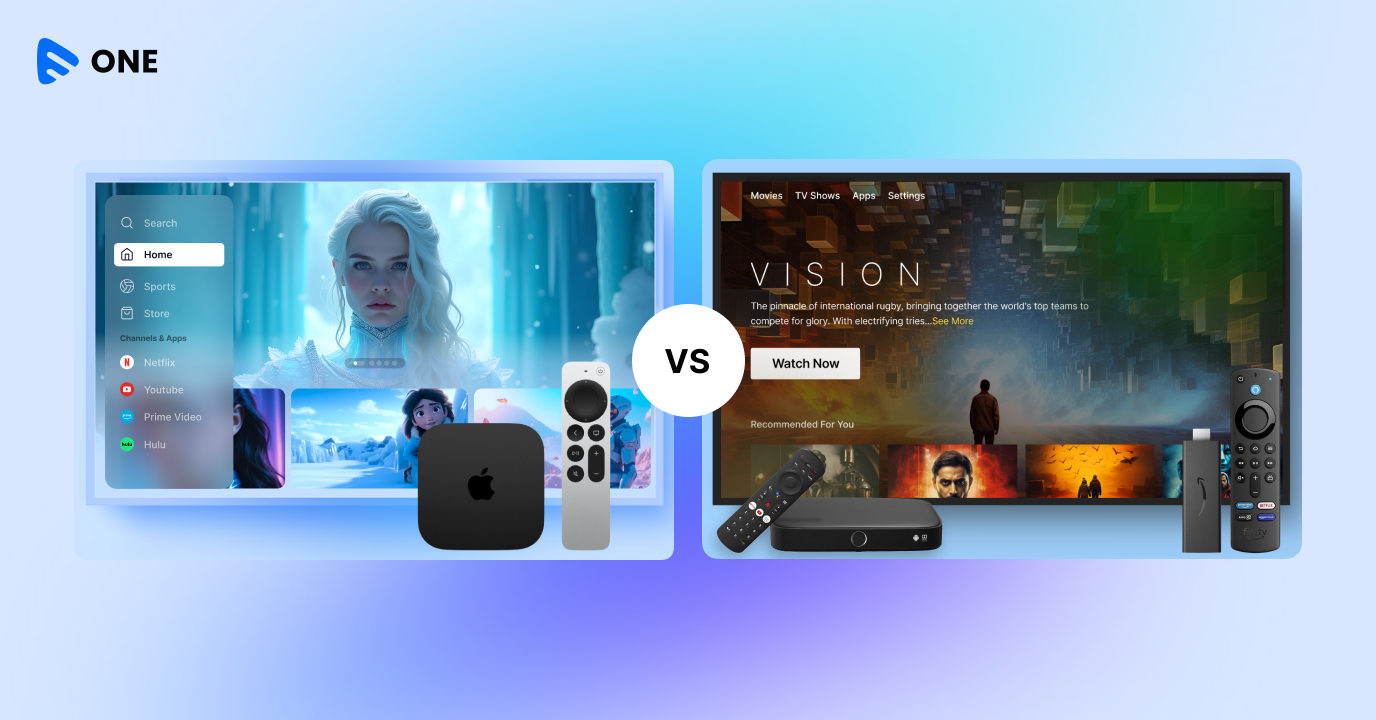
Apple TV vs Amazon Fire Stick: both are two well-known names in the present streaming devices market and despite having the same core functionality, they differ from each other on several aspects – starting from the apps and channels offered to supported video/audio formats.
If you’re comparing Apple TV and Fire Stick today, you’re not alone. It’s one of the most searched streaming comparisons — but also one of the most misunderstood.
Because this isn’t just about hardware. It’s about user experience (ads vs clean UI), performance and speed, audience type and most importantly — how you distribute and monetize your content. Let’s break it down properly.
What is Apple TV?
Apple TV refers to a digital media player and microconsole developed by Apple Inc. for watching movies, shows, and other video content delivered by Apple. The first generation Apple TV, originally announced as ‘iTV’ was launched in September 2006 and since then several updates of Apple TV have been released such as second generation in September 2010, third generation Apple TV in March 2012, and Apple TV HD released in March 2019, to name a few.
The Apple TV app is crucial in providing a seamless user experience on smart TVs, emphasizing its organizational features and ease of access to a wide range of entertainment content.
Also, 4K first generation, 4K second generation, and 4K third generation Apple TV generations were released in 2017, 2021, and 2022 respectively. Not only does it offer a range of apps and games to its users but also lets you stream videos, podcasts, music etc. as well as helps you with casting and mirroring. It also lets you experience TV for sound quality, allowing you to stream videos with exceptional audio immersion.
What is a Fire Stick?
Amazon Fire TV Stick is a popular media streaming device that lets you transform your conventional TV into a smart TV. You can easily plug a Fire TV stick into the HDMI (High-Definition Multimedia Interface) port of your TV to stream movies, TV shows and other content from Amazon Prime, Netflix, YouTube, Hulu etc. The first generation Fire Stick was released in November, 2014.
Apple TV vs Fire Stick: What’s the Real Difference?
At a glance, both devices promise the same thing—smooth 4K streaming, support for Dolby Vision, and voice-controlled navigation. But once you start using them, the difference becomes immediately clear.
Apple TV 4K is built as a premium, performance-first experience, deeply integrated into the Apple ecosystem. On the other hand, Amazon Fire TV Stick is designed for mass accessibility—affordable, flexible, and tightly woven into Amazon’s ecosystem.
Both get the job done. But they feel very different.
Performance & Speed: Where the Gap Shows
This is where the experience starts to diverge.
Apple TV runs on the A15 Bionic chip—the same class of processor used in iPhones—which translates into instant app launches, fluid navigation, and zero friction when switching between apps. It feels fast in a way that’s hard to ignore.
Fire Stick, by comparison, is perfectly capable for everyday streaming, but not built for heavy multitasking. You may notice slight delays when opening apps or navigating the interface—nothing deal-breaking, but noticeable over time.
In real-world usage:
Apple TV feels like a high-end console while Fire Stick feels like a reliable utility device
Verdict: Apple TV leads comfortably on performance.
User Experience: Clean vs Ad-Driven
One of the biggest shifts in recent years—and a key decision factor today—is the interface itself.
Apple TV offers a minimal, content-first experience. No intrusive ads, no clutter—just a clean interface focused on what you want to watch.
Fire Stick, however, leans heavily into Amazon’s ecosystem. The home screen includes ads, sponsored content, and Amazon-prioritized recommendations, which can make the interface feel busy.
The trade-off is clear: Apple TV = premium, distraction-free while Fire Stick = ad-supported, content-discovery heavy
Verdict: Apple TV delivers a cleaner, more premium UX.
Pricing: Accessibility vs Premium
This is where Fire Stick flips the narrative.
Fire Stick typically sits in the $40–$60 range, making it one of the most accessible streaming devices globally. Apple TV, on the other hand, comes in at $129–$149, nearly 2–3x higher.
This pricing gap explains market behavior:
Fire Stick dominates in volume and global reach
Apple TV dominates in premium households
Verdict: Fire Stick wins on affordability.
Streaming Quality: Similar Specs, Different Consistency
On paper, both devices support:
- 4K at 60fps
- Dolby Vision
- Dolby Atmos
But in practice, Apple TV delivers more consistent playback, especially during high-motion scenes. Its stronger hardware ensures smoother frame handling and fewer hiccups under load.
Fire Stick performs well for most use cases, but under demanding conditions, Apple TV holds the edge.
Verdict: Apple TV offers more consistent high-end performance.
Ecosystem: It Depends on Your World
Your choice here depends less on the device—and more on your ecosystem.
Apple TV integrates seamlessly with iPhones, iPads, and Macs. It can also act as a HomeKit hub, making it ideal for users already invested in Apple’s ecosystem.
Fire Stick, meanwhile, is deeply connected to Alexa and Amazon devices, making it a natural fit for smart homes powered by Echo and Alexa-enabled products.
App Ecosystem & Developer Flexibility
This is where things get especially interesting—particularly for OTT platforms and developers.
Apple TV operates within a highly controlled App Store ecosystem. Apps must pass strict guidelines, ensuring better quality and consistency—but limiting flexibility and experimentation.
Want to launch an Amazon Fire TV app? Fire Stick’s open Android ecosystem means faster deployment — but if you’re weighing an android box vs firestick, our Android TV vs Fire TV comparison covers every technical and deployment difference. With tens of thousands of apps and publishers, it’s a more flexible environment—especially for startups and niche OTT platforms.
What this means:
Apple TV = stability, quality control
Fire Stick = speed, flexibility, faster go-to-market
Voice Control: Siri vs Alexa
Voice control is no longer a bonus—it’s central to the experience.
Apple TV uses Siri for natural language content search, tightly integrated with Apple services and privacy-first design.
Fire Stick uses Alexa, which goes beyond content. It enables full smart home control, from lights to cameras, and works across a broader device ecosystem.
Key difference:
Siri = content-focused
Alexa = ecosystem-focused
The Real User Experience (2026)
Here’s what most comparisons miss:
Apple TV feels like a long-term investment—a device you buy once and use for years without frustration.
Fire Stick feels like a practical, replaceable device—great for what it does, but something you may upgrade more frequently.
Across user discussions and real-world usage, the pattern is consistent:
Apple TV is faster, cleaner, and more premium
Fire Stick is affordable, flexible, and widely accessible
Apple TV vs Fire Stick for OTT Businesses
This is where things get interesting — and where most blogs completely miss the point.
Apple TV = Premium Audience + Subscription Revenue
- Users more likely to pay for content
- Strong ecosystem loyalty
- Better for SVOD (subscriptions)
On the contrary,
Fire Stick = Scale + Reach + Ad Monetization
- Massive global install base
- More flexible distribution
- Better for AVOD / FAST / ad-supported models
Industry comparisons show that Apple TV offers a premium, subscription-focused service while Fire TV is scale-driven and ad-friendly.
So, the real takeaway for OTT platforms: You don’t choose one but launch on both.
Apple TV vs Fire Stick: Key Stats You Should Know (2026)
Market & Adoption
- Amazon Fire TV devices account for 13% of the global streaming device market, outperforming Apple TV in reach
- Apple TV holds a smaller but premium segment, often targeting high-income households
- In many markets, Fire OS holds 40–50% share, while Apple tvOS remains a niche player
- Global streaming device market expected to reach $42B+ by 2030
Why You Should Launch on Both Apple TV & Fire Stick
If you’re serious about building a streaming platform:
- Apple TV gives you high-value subscribers
- Fire Stick gives you scale and discoverability
Together:
They cover both premium + mass audience segments which is exactly how modern OTT platforms grow.
Choose Muvi Live to Build Your Streaming Business
If your goal goes beyond simply “going live” and you’re looking to build a real streaming business, Muvi Live is designed for that path. Unlike basic streaming tools, it enables you to launch across Apple TV, Fire TV, mobile apps, and web platforms from a single backend, with built-in monetization models like subscriptions, pay-per-view, and ads.
That means you’re not just distributing content — you’re building a scalable OTT platform with full control over your audience and revenue. For businesses, educators, and content owners planning long-term growth, this approach is far more sustainable than relying on fragmented tools.
Final Verdict: Which One Should You Choose?
- Want the best experience? → Apple TV
- Want the best value? → Fire Stick
- Want to build a streaming business? → Both
Choose Muvi One to Launch across Apple TV and Fire Stick:
Choose Muvi One to Launch Across Apple TV and Fire Stick
If there’s one clear takeaway from this comparison, it’s this: you don’t have to choose between Apple TV and Fire Stick — your audience is already on both.
Apple TV gives you access to a premium, subscription-ready audience, while Fire Stick helps you scale across a mass, ad-driven user base. The real opportunity lies in reaching both segments without doubling your effort or infrastructure.
This is where Muvi One fits in.
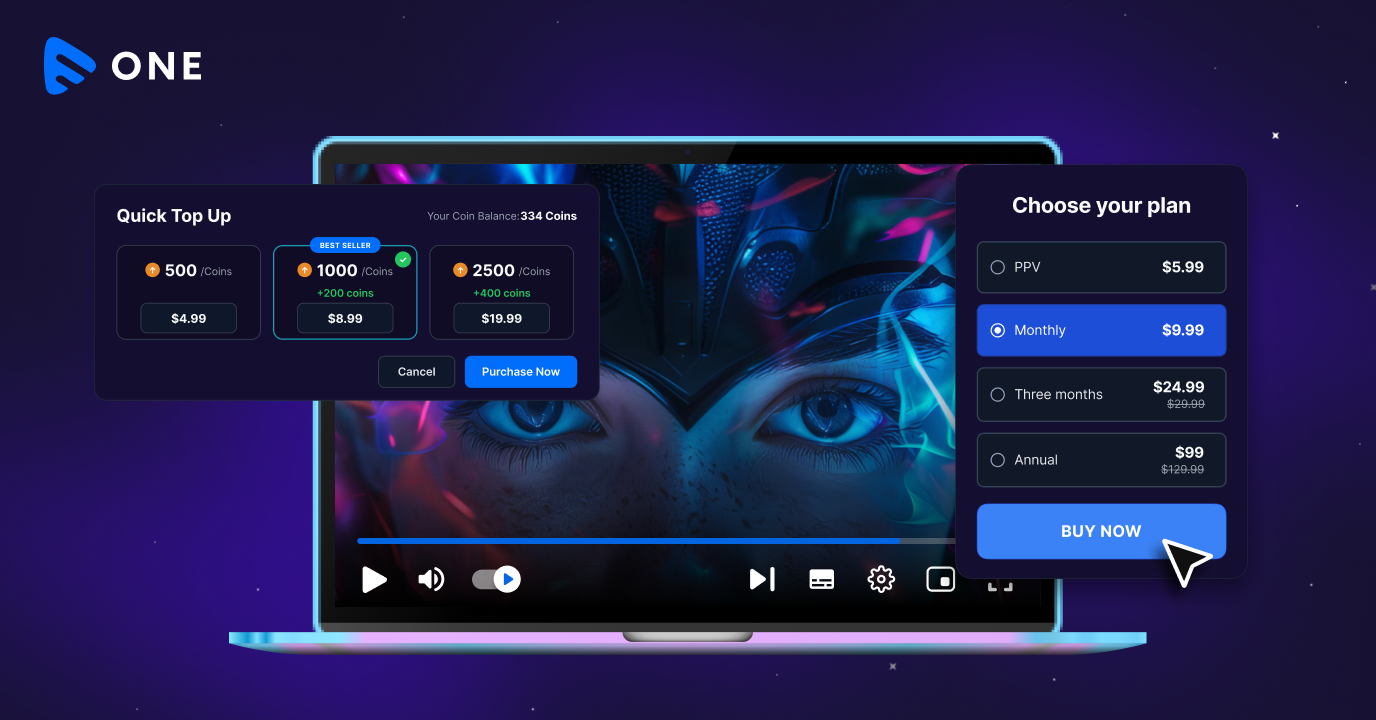
With Muvi One, you can launch and manage your streaming platform across Apple TV, Fire TV, mobile apps, and web — all from a single unified backend. From built-in monetization models like subscriptions and pay-per-view to white-label apps and global content delivery, it removes the complexity of managing multiple platforms separately.
Instead of choosing a device, you’re building a distribution strategy that grows with your audience.
Also, it offers a range of competitive advantages such as –
- Native Streaming TV App
- On-demand and Live Streaming Delivery
- Diverse Android, Kindle Fire, and iOS Devices Compatibility
- In-app Purchase and Subscription
- Easy Set up & Device Restrictions Management
- Kids Mode
- Auto-play Next Content
And many more.
Take a 14-day free trial to get started today.







Add your comment