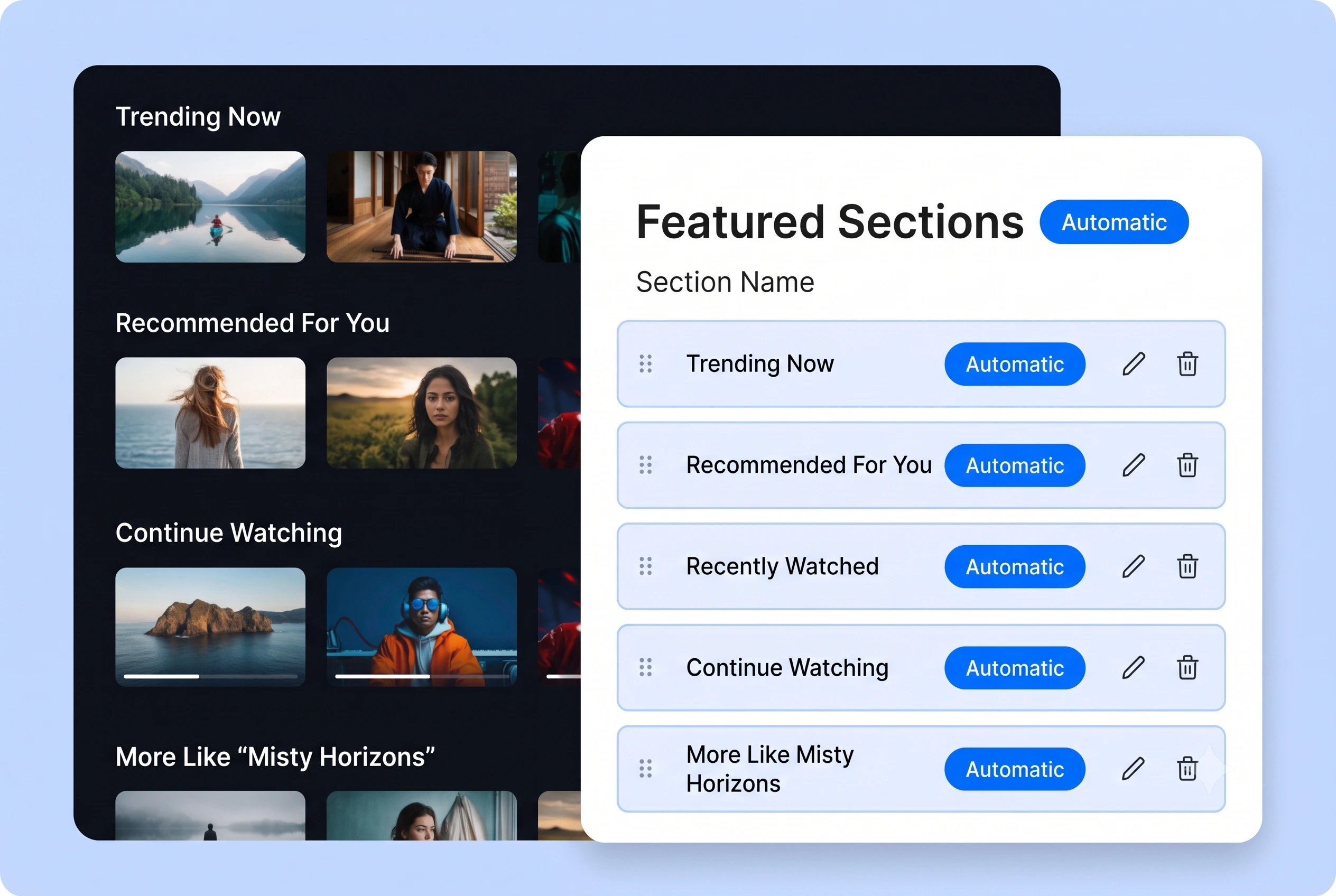
Automate Featured Sections
Use metadata and viewing logic to automatically create featured sections that keep your homepage fresh. Muvi can surface sections like Trending Now, Recommended For You, Recently Watched, Continue Watching, and More Like This, helping viewers discover relevant content faster.
Ranked Featured Sections
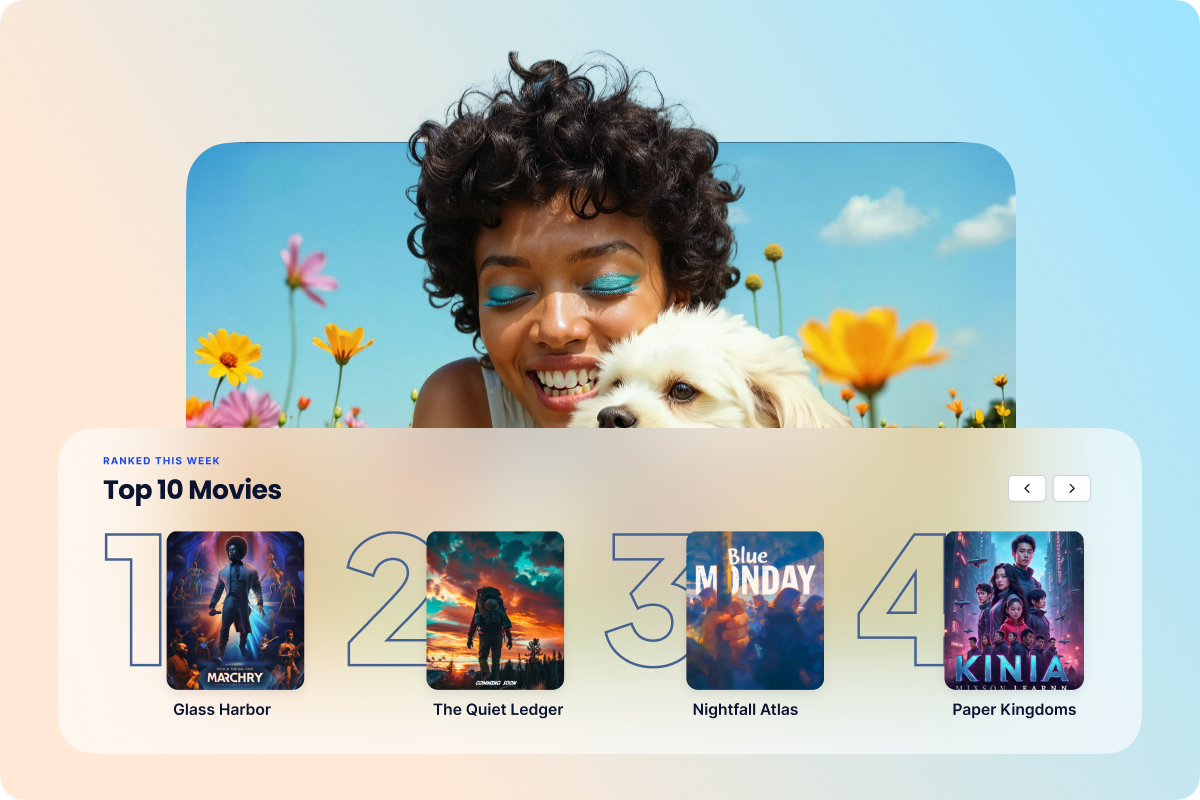
Turn your best content into a Top 10 moment. Enable rankings on any manual featured section to display titles in order from 1 to 10, perfect for "Top 10 Movies", "Top 10 Series", and more. Add your content, order it the way you want, and switch on rankings with a single toggle.
Note: Rankings are currently available for manual featured sections only.
Continue Watching, Done Right
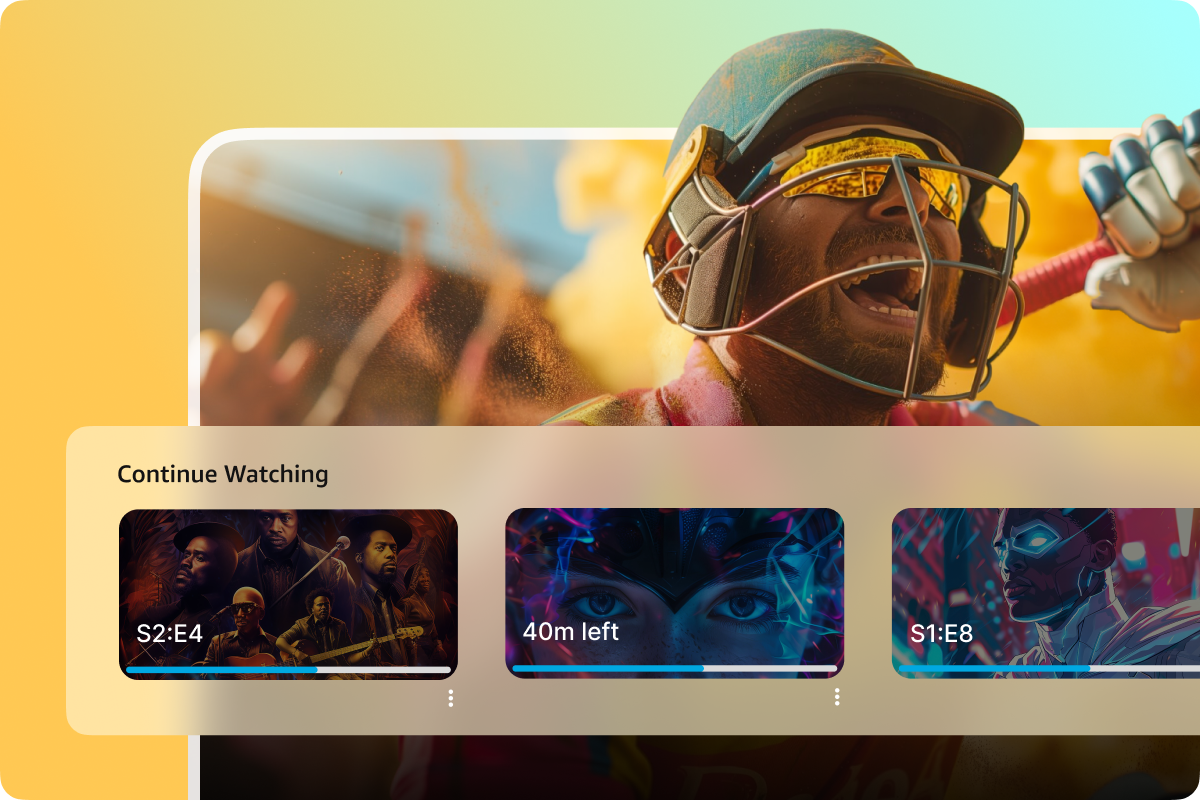
Progress bars on thumbnails show exactly how far along a viewer is. Clicking resumes playback from the last watched position, whether it's a single video, a series, or a playlist. Completed titles clear automatically so the section always shows what matters next.
Note: For series and playlists, completion is tracked to the very last episode or item.
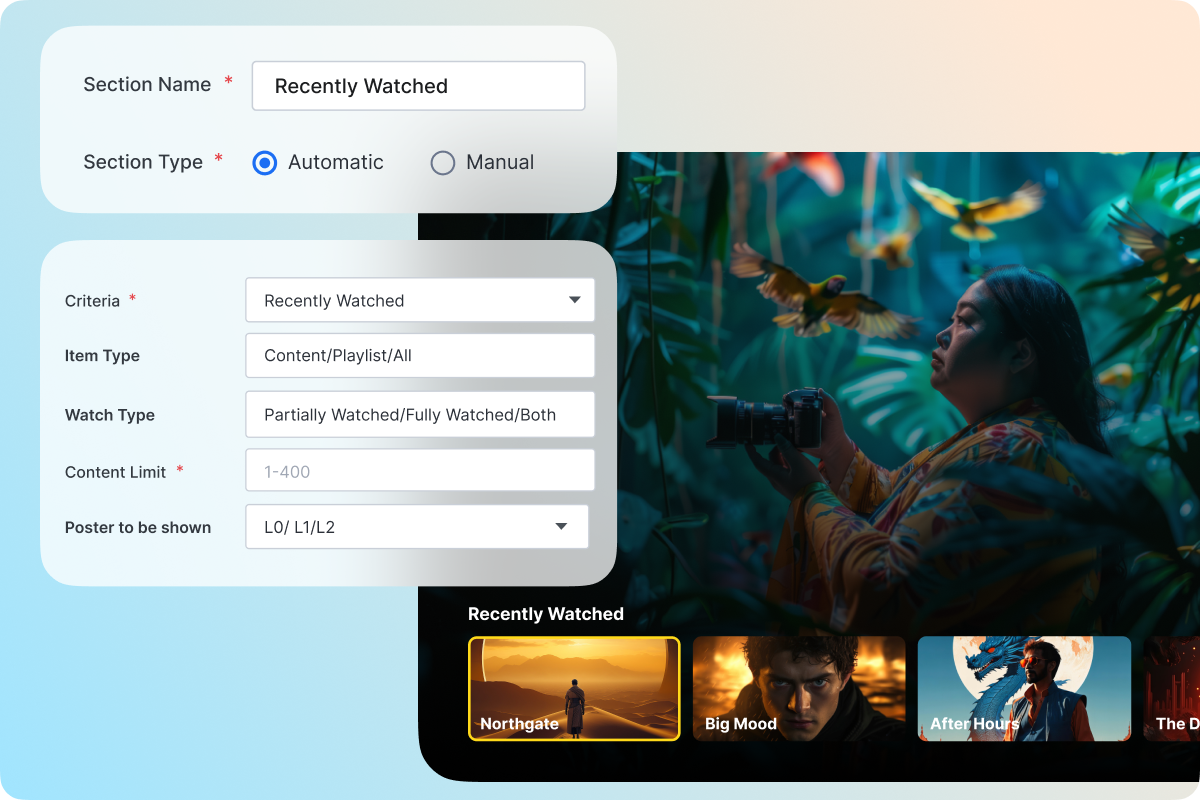
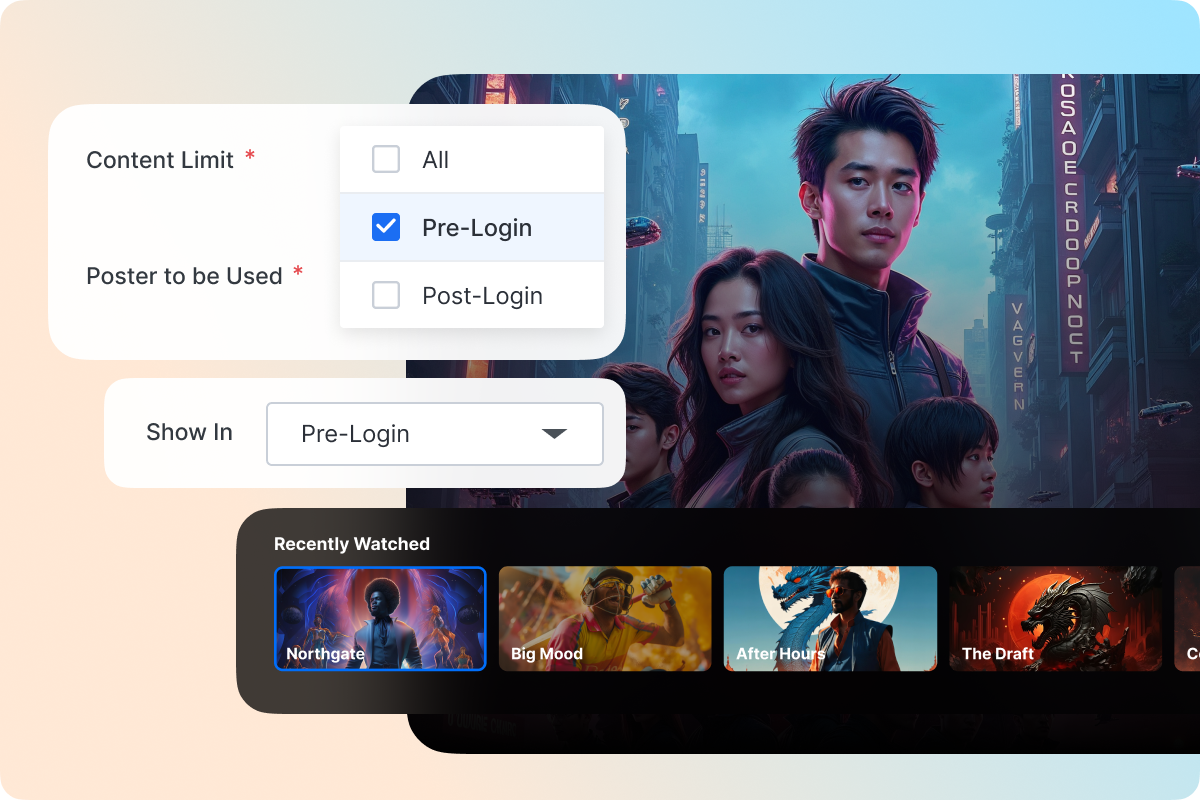
Show the Right Content to the Right Audience
Control whether a featured section appears before login, after login, or both. Use pre-login sections to showcase content and drive sign-ups, while keeping curated sections exclusive to your subscribers.
Note: Available for Recently Added, Recently Published, and Manual sections when login and registration are enabled.
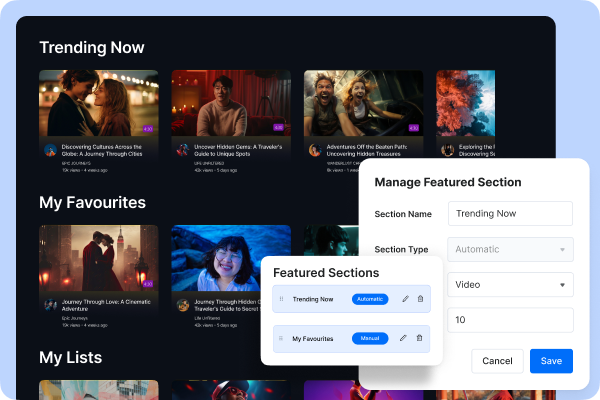
Create Unlimited Sections
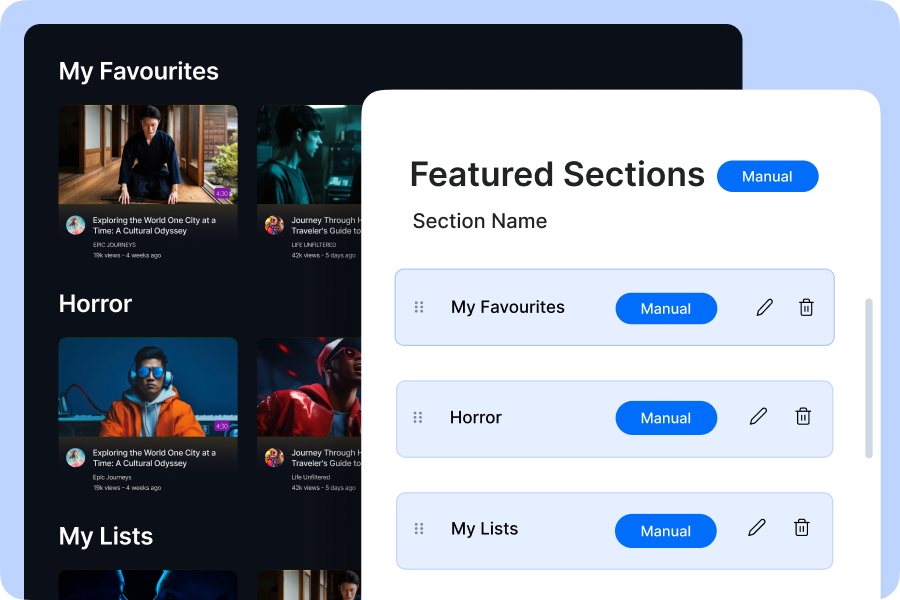
Muvi allows you to create an unlimited number of featured sections and also add an unlimited number of titles to each section, and offer as many categories of content as you intend to, on your streaming service. This way you can consolidate your library and make it easier for your users to pick and choose a title.
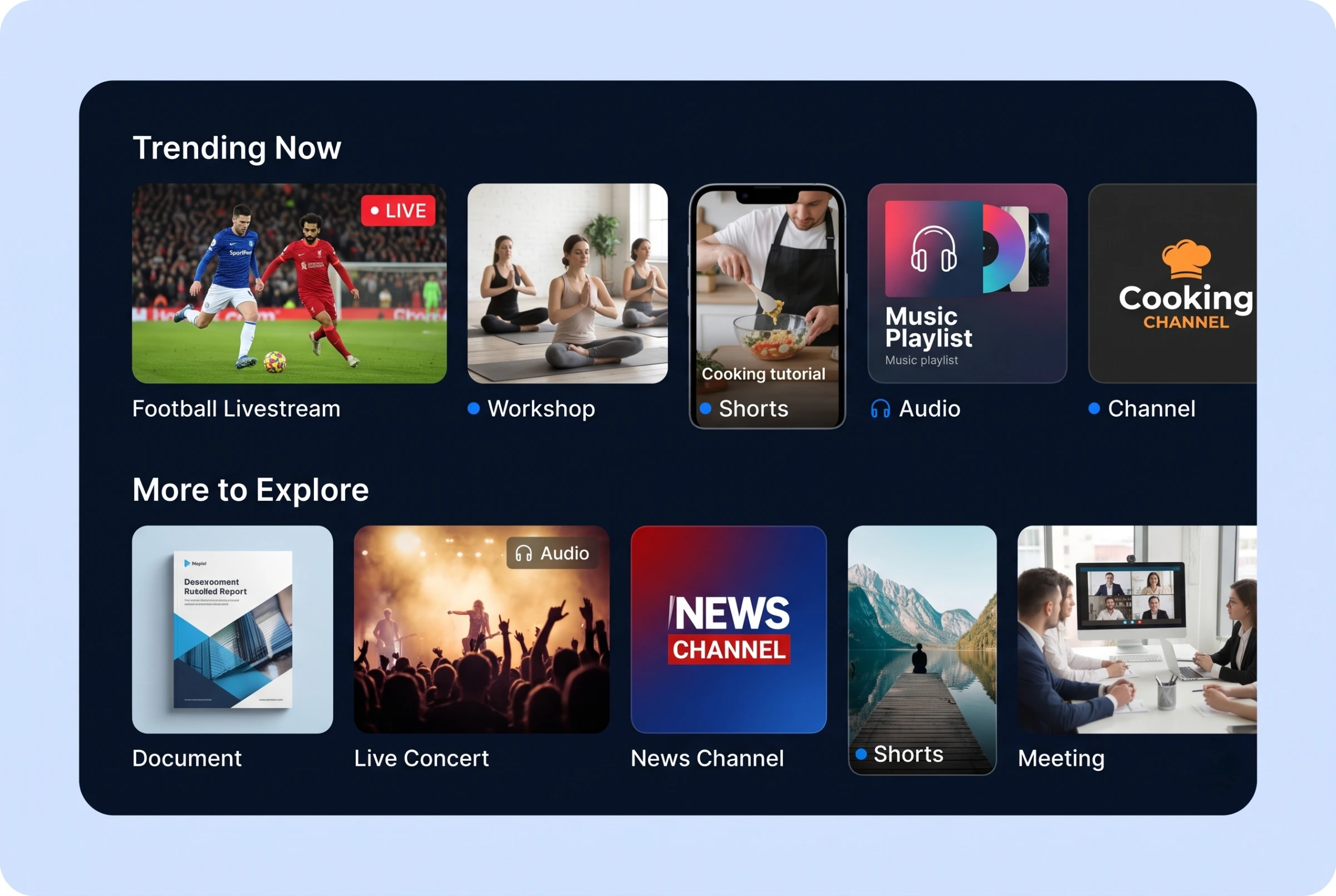
Add More Content Types to Featured Sections
Show more than videos, audio, shorts, and documents in your featured sections. Add livestreams, meetings, and channels to curated sections, so viewers can discover upcoming events, meeting sessions, and channel-based content directly from your website and apps.