If you’re Googling Uscreen pricing, you’re probably not just hunting for a number.
You’re trying to answer a bigger question:
Is Uscreen going to scale with my business… or against it?
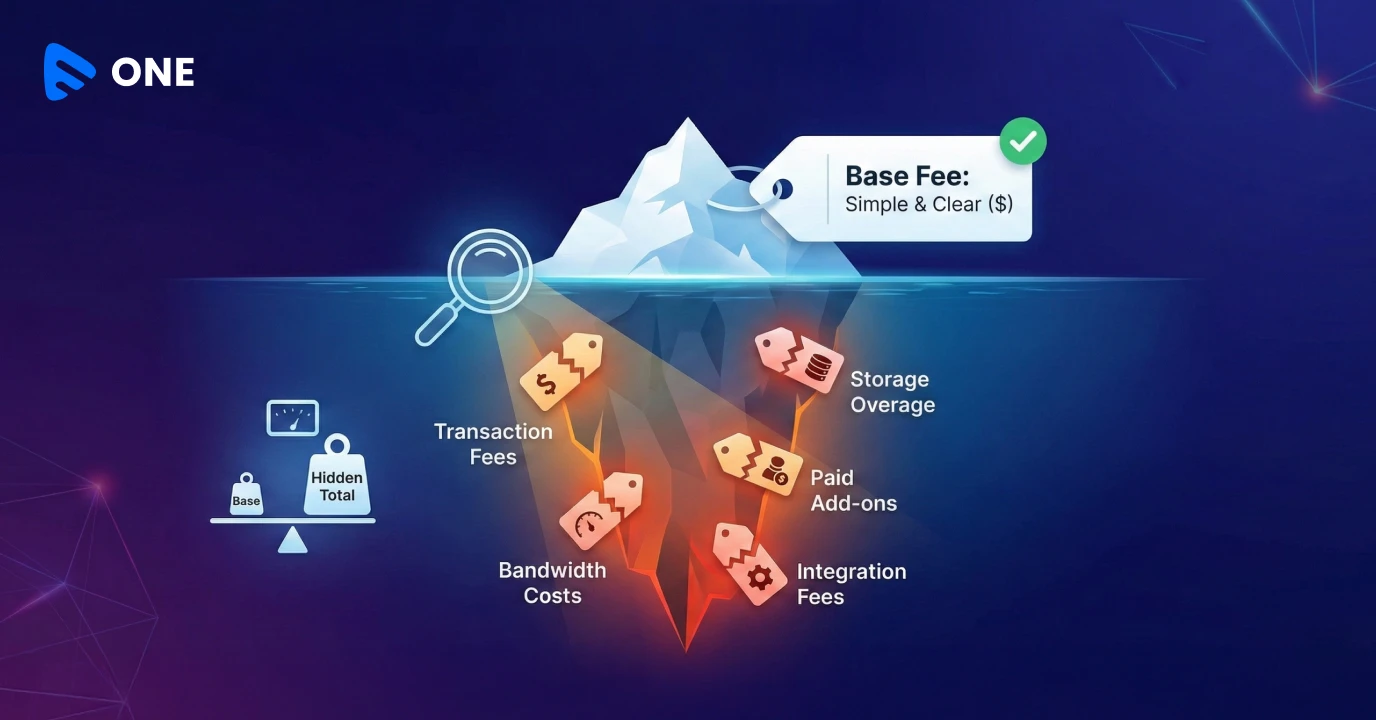
At first glance, Uscreen cost looks affordable. The base monthly price is low, and everything appears bundled. There are no visible infra line items, and no storage math to worry about.
It feels like you’re paying a simple video platform fee and nothing more.
You sign up. You launch. Things work fine.
That’s usually when teams assume they’ve made a smart, cost-controlled decision.
Then the audience grows. And suddenly, the pricing conversation changes.
Let’s unpack what Uscreen pricing 2026 really means once you move past the brochure.
Why “Uscreen Pricing” Becomes a Problem Only After You Grow
Uscreen’s pricing model is simple to understand:
- A base subscription
- Plus $2 per subscriber per month
- Storage billed in fixed slabs
On day one, this feels manageable.
But pricing models should be judged on how they behave at scale, not at launch.
That’s where many creators and businesses start asking, “How much does Uscreen cost once I scale?”
The Per-Subscriber Fee That Sneaks Up on You
Most teams don’t obsess over the $2 per subscriber per month when they’re starting out. It feels small. Almost invisible. Especially when your subscriber count is low.
But this is exactly where Uscreen per subscriber fee starts compounding.
Here’s how it plays out later:
- 1,000 subscribers ≈ $2,000/month
- 2,000 subscribers ≈ $4,000/month
And this cost grows independently of how much revenue you actually make.
Your growth becomes a liability.
By contrast, Muvi One does not charge per subscriber at all. Whether you have 100 users or 100,000, there’s no per-user tax.
That single difference changes how confidently you can invest in growth.
Storage: Paying for What You Use vs Paying for the Next Slab
Storage is another area where Uscreen pricing looks fine… until it doesn’t.
Uscreen bills storage in fixed tiers (100GB, 200GB, and so on). Even a small overage can push you into a higher slab.
Muvi One takes a different approach:
- You pay only for the storage you actually use
- No forced jumps
- No unused capacity sitting idle
If your content library grows gradually, this matters more than you think.
Monetization Limits You Don’t See Upfront
Uscreen supports:
- Subscriptions (SVOD)
- Pay-per-view (TVOD)
That’s where it stops.
There’s no ad-based monetization (AVOD).
Muvi One–the best Uscreen alternative – supports:
- AVOD
- SVOD
- TVOD
- And combinations of these models
This gives you flexibility as your business evolves. Some platforms start subscription-first and later introduce ads. Others blend models depending on region or content type.
Pricing isn’t just about what you pay. It’s also about what you’re allowed to earn.
A Simple Cost Comparison
Here’s a rough example using commonly seen numbers:
Platform | Estimated Monthly Cost |
Muvi One | ~$687 |
Uscreen | ~$2,149 |
Why the gap?
- Uscreen pricing includes per-user fees
- Muvi One does not
And Muvi’s usage fees already account for bandwidth, storage, and encoding.
This is why many teams don’t feel Uscreen is “expensive” at first… but do later.
For a detailed breakdown of features, pricing, apps, and monetization differences, see our full Uscreen vs Muvi One comparison.
Apps and Time to Market
Uscreen offers 6 apps, mostly limited to mobile and TV.
Muvi One supports 16+ native apps, including:
- Mobile
- Smart TVs
- Desktop
- Casting devices
- Gaming consoles
- Wearables
More importantly:
- Muvi generates instant app previews
- Uscreen apps typically take 30–45 days
If speed and iteration matter to your business, this difference shows up quickly.
Streaming Quality and Security Aren’t Equal Either
Muvi One supports:
- Up to 4K streaming
- HDR
- Dolby and lossless audio
- Per-title, progressive, and skip encoding
- DRM-enabled playback
Uscreen is limited to:
- Up to 2K resolution
- No HDR
- No DRM
- No advanced encoding options
This matters if you’re building anything premium, enterprise-facing, or compliance-sensitive.
Design Freedom vs Template Lock-In
Uscreen offers:
- 5 website templates
- No mobile templates
- No visual designer
- No “bring your own design” option
Muvi One offers:
- 7 website templates
- 3 app templates
- A visual designer
- Code-level customization
- BYOD support
Which means you can start fast and still grow into something unique.
Developer Friendliness: A Quiet but Critical Difference
Muvi One is built to integrate into existing systems, not replace them.
With APIs and SDKs, teams can:
- Plug Muvi One into existing workflows
- Import and export data freely
- Integrate with internal tools
- Slice analytics the way they need
Uscreen is far more restrictive here, which can become a blocker as operations mature.
Security and Compliance: Often Overlooked, Always Costly
Muvi One includes:
- Screen recording and screenshot protection
- Multi-platform DRM
- Parental controls
- Device-based access limits
- ISO 27001:2013 certification
Uscreen does not offer these capabilities.
For enterprise buyers comparing video platform pricing, compliance gaps can become hidden long-term costs.
So, Is Muvi One a Better Alternative to Uscreen?
Uscreen works well for creators who:
- Want a simple setup
- Don’t plan aggressive growth
- Are comfortable with per-subscriber fees
- Don’t need ads or deep customization
Muvi One fits teams who:
- Want to scale without penalty
- Prefer usage-based video platform pricing
- Need ads, apps, and flexibility
- Want to keep 100% of their revenue
Neither approach is “wrong”. But they are very different philosophies.
Final Thought
When people search for Uscreen pricing 2026, what they’re really asking is:
How much does Uscreen cost me when things actually work?
That’s the question worth answering before you commit.
If you want a platform that grows with you instead of billing you for growth, it’s worth taking a closer look at Uscreen alternatives built for scale.
Take 14-Day Free Trial of Muvi One for better clarity.









Add your comment