Policy Engine
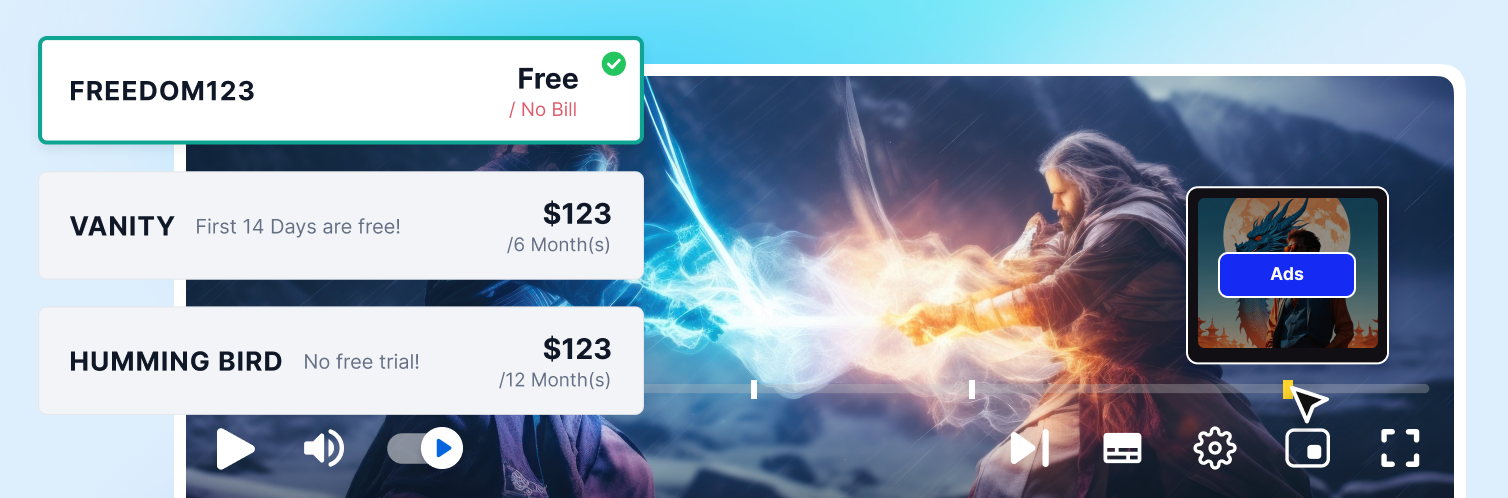
Create Free Plans with Ads
Set Screen Limits by Plan
Set Profile Limits by Subscription Plan
Link Policies to Subscription and PPV Plans
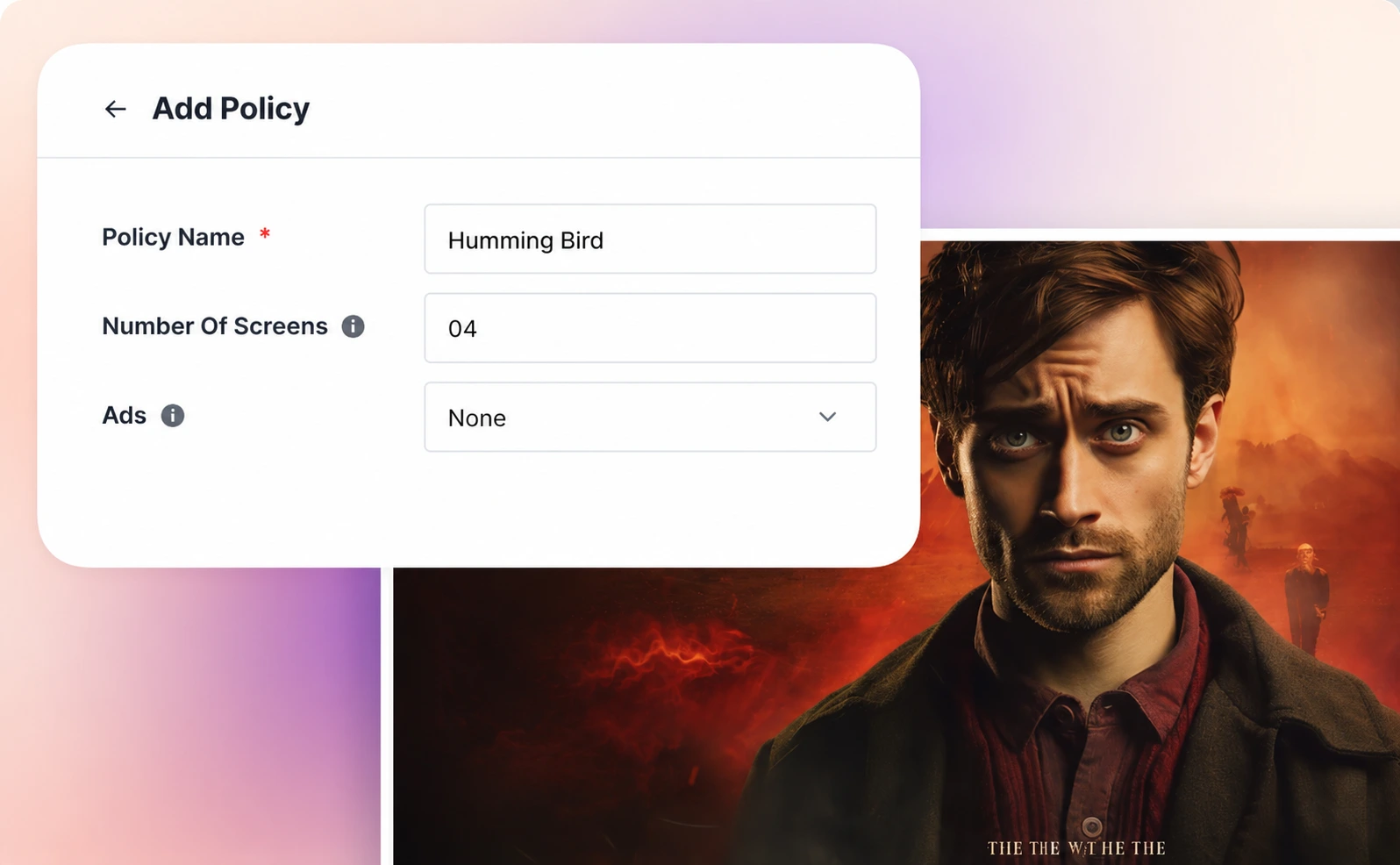
Build Plans with Different Access Rules
Policy Engine helps you create clear differences between your free, basic, family, and premium plans. You can decide what each plan allows, apply those rules to subscriptions or pay-per-view plans, and manage everything from one place.
This helps viewers understand what they get in each plan, while giving your business more ways to encourage upgrades.
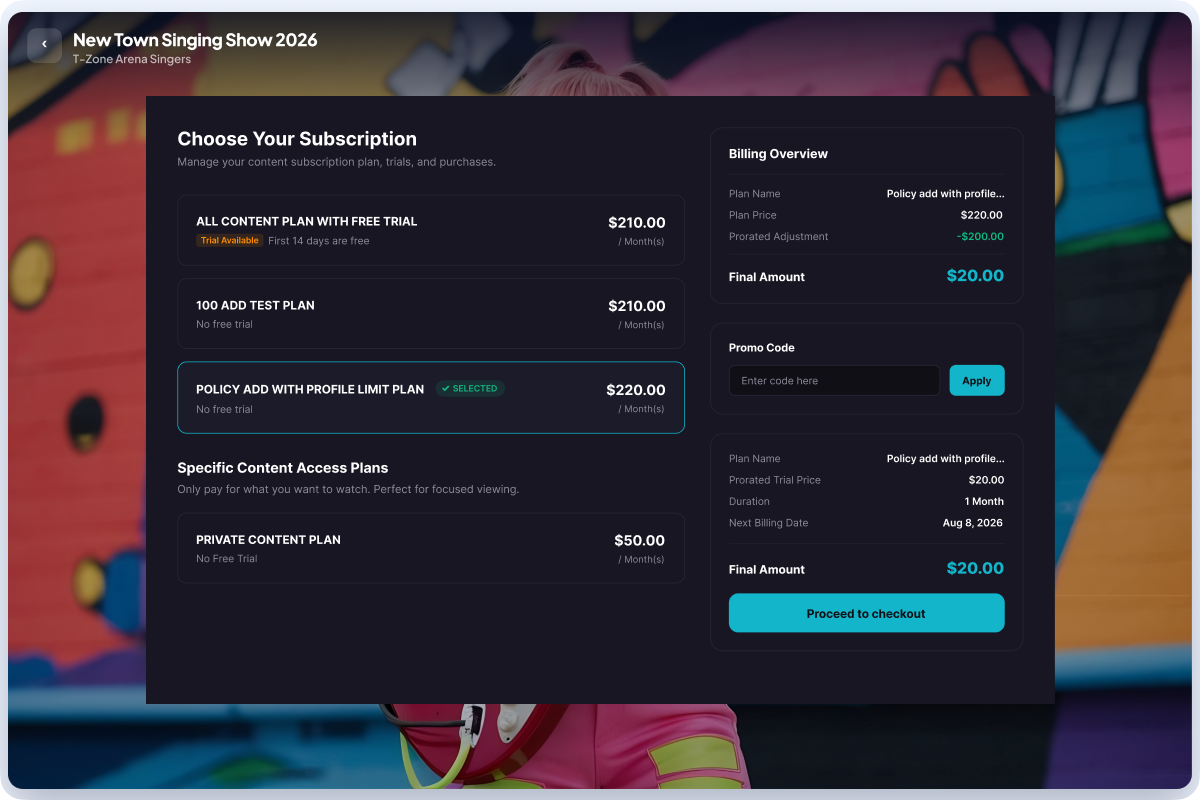
Turn Plan Flexibility Into More Subscriber Choice
Create Basic, Premium, or Family plans with different access rules, then let viewers switch between eligible plans directly from your app.
Subscribers can upgrade for more benefits or downgrade to a lower-priced plan when their needs change, helping you grow revenue and reduce cancellations without requiring them to cancel and subscribe again.
Note: Currently available for All Content subscription plans.
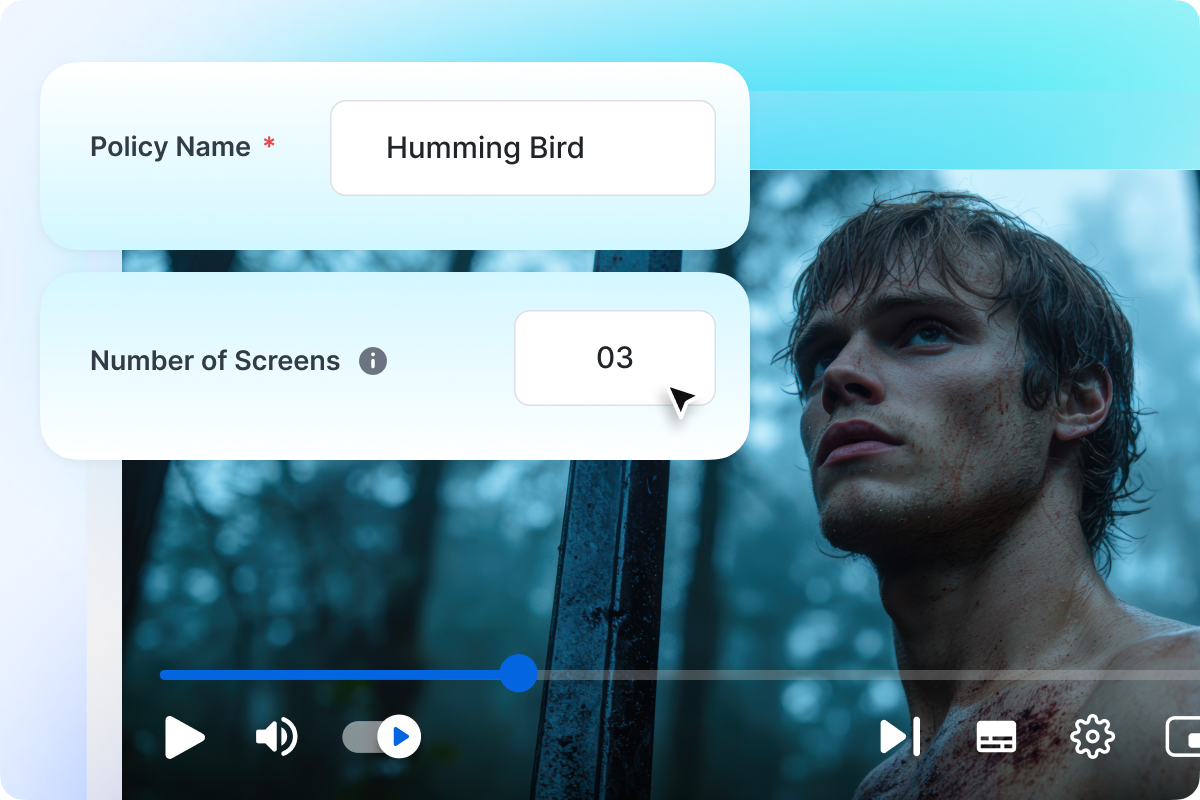
Set Screen Limits by Plan
Limit how many screens or devices can be used with each subscription plan. You can keep entry-level plans limited to fewer screens and offer more screens in higher-value plans.
This helps you prevent overuse of lower-priced plans while making premium plans more useful for families, households, or shared viewing.
Create Multiple Pricing Plans
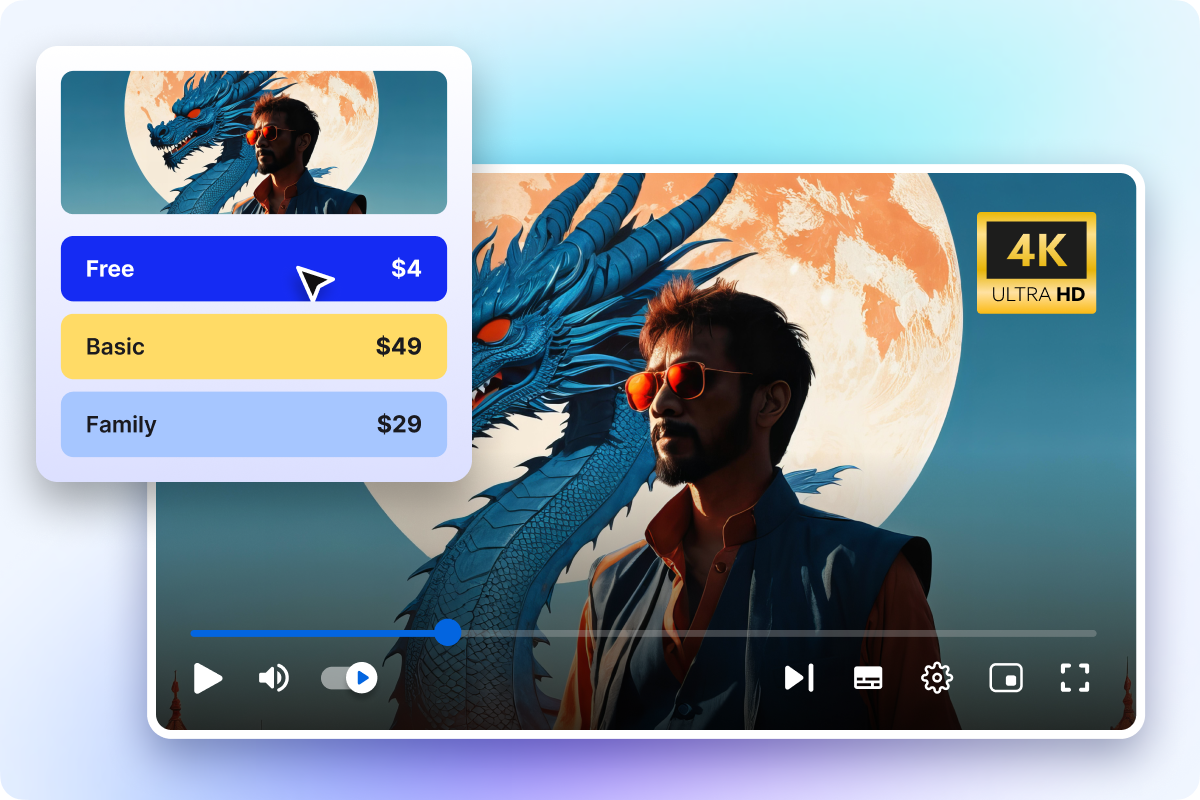
Use Policy Engine to create different plan tiers for different audience needs. You can offer a free plan for new viewers, a basic plan for individual users, a family plan for households, and a premium plan for viewers who want fewer restrictions..
Free Plan with Ads: Let viewers start watching without paying upfront while your business monetizes through ads.
Basic Plan: Offer affordable access with limited screens or limited profiles for individual users
Family Plan: Allow more profiles and more flexibility for households using one subscription.
Set Profile Limits for Each Subscription Plan
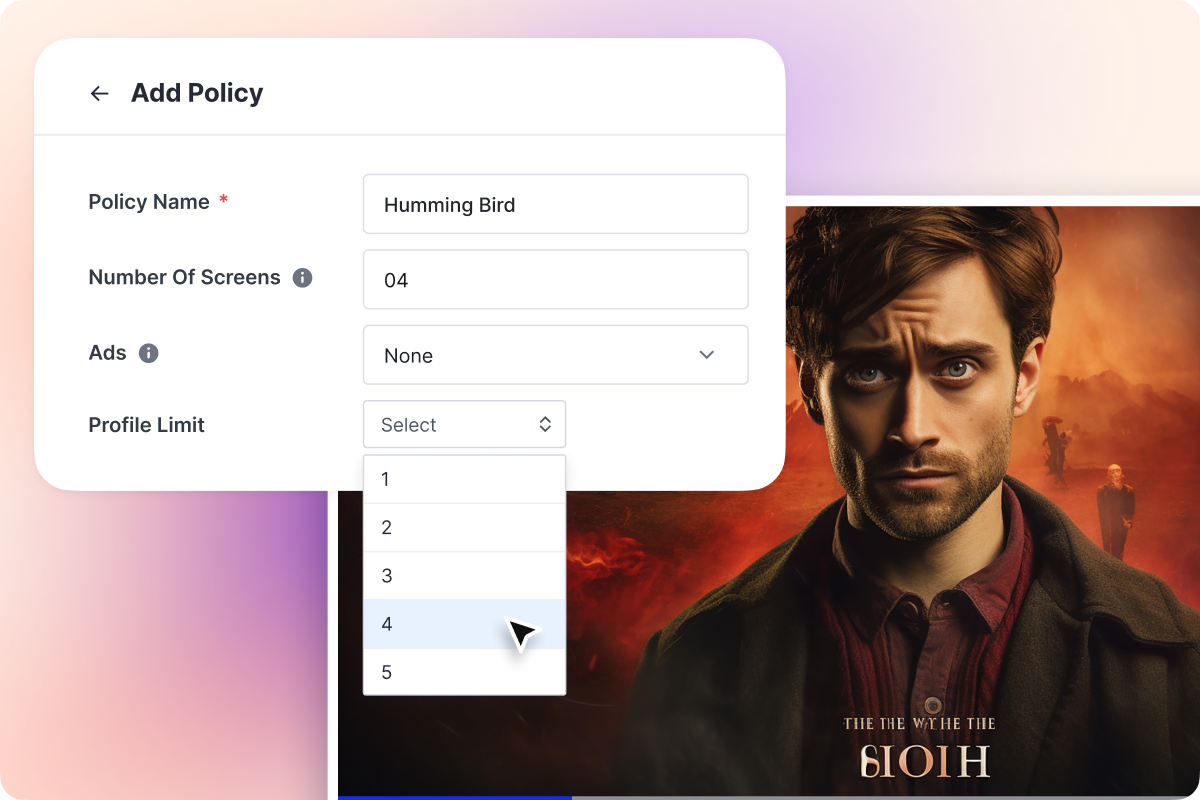
Decide how many user profiles each subscription plan can include. Offer fewer profiles in basic plans and more profiles in family or premium plans to create clear upgrade value.
Each profile can have its own watch history, watchlist, recommendations, Continue Watching, and parental control settings where supported.
Apply the Right Rules to the Right Plans
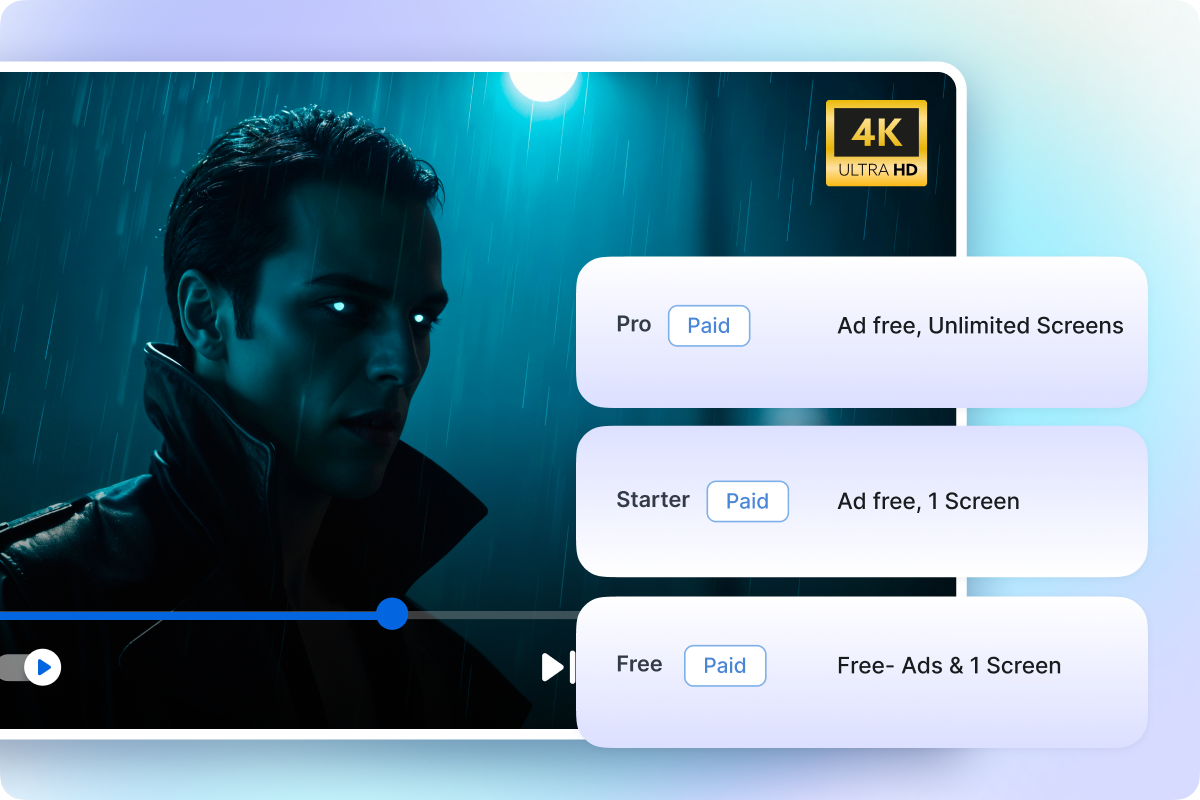
Apply policies to one or more subscription and pay-per-view plans based on how you want users to access your content. You can use one rule for a basic plan, another rule for a family plan, and a different rule for a premium plan.
This helps your team reuse policies across plans instead of setting up every access rule from scratch each time.
Why Choose Muvi One
 Built-In Policy Engine
 Create plan-based rules for ads, screen limits, profile limits, and access control directly from your CMS.
 Subscription and PPV Monetization
 Launch recurring plans, one-time purchases, rentals, and premium access models without using separate tools.
 Multi-Gateway Payment Support
 Connect supported payment gateways based on your target market and let viewers pay through trusted options.
 Multi-Screen Streaming Apps
 Offer subscriptions and premium content across web, mobile, and TV apps.
 No Revenue Sharing Model
 Keep 100 percent of your streaming revenue with Muvi One’s transparent platform pricing.
 Centralized Plan Management
 Manage plans, policies, pricing, billing cycles, coupons, and monetization settings from one CMS dashboard.