


HLS (HTTP Live Streaming) is a protocol developed by Apple that breaks a live stream into small segments — typically .ts files — referenced by an .m3u8 manifest file and delivered over standard HTTP. It is the most widely supported live streaming protocol across web browsers, iOS, Android, and Smart TV platforms, enabling adaptive bitrate playback that adjusts video quality based on each viewer's network speed. Because HLS operates over HTTP, it integrates natively with CDN infrastructure and scales to millions of concurrent viewers without requiring specialised network protocols.
An HLS URL is the output link for a live stream delivered using HLS protocol. It ends in .m3u8 and can be loaded into any HLS-compatible player on your website, mobile app, or Smart TV application. In Muvi Live, the HLS URL is generated automatically in your CMS the moment your stream is activated. You can embed it in Muvi Live's native player or pass it directly to any third-party player that accepts HLS input.
Delivering streams via HLS with Muvi makes it easy to reach audiences across browsers, mobile apps, and Smart TVs using a single workflow. HLS supports adaptive bitrate streaming, which reduces buffering and adjusts video quality based on viewer network conditions. With Muvi Live, the same HLS output works across your website, apps, and TV applications — and streams can be embedded easily using a single HLS URL.
RTMP is used for stream ingest — sending your video signal from an encoder to the streaming server. HLS is used for delivery — distributing the stream from the server to viewers. RTMP has low latency at the ingest stage but is largely unsupported in modern browsers. HLS runs over standard HTTP, works natively across all major devices, and integrates seamlessly with CDNs for scaled delivery. In a typical Muvi Live workflow, your encoder sends via RTMP ingest, and Muvi Live transcodes and delivers via HLS to your audience.
HLS is better suited for large-scale, multi-device streaming because it runs over standard HTTP, works seamlessly with CDNs, and supports adaptive bitrate playback. Unlike RTMP, HLS is widely supported across web, mobile, and TV platforms. While WebRTC is ideal for ultra-low-latency contribution workflows, HLS remains the preferred protocol for reliable, scalable distribution of live streams.
Yes. The HLS output URL from Muvi Live is compatible with any HLS-supporting player. You are not required to use Muvi Live's default embedded player — the same .m3u8 URL can be passed to any custom or third-party player across web, mobile, and TV platforms.
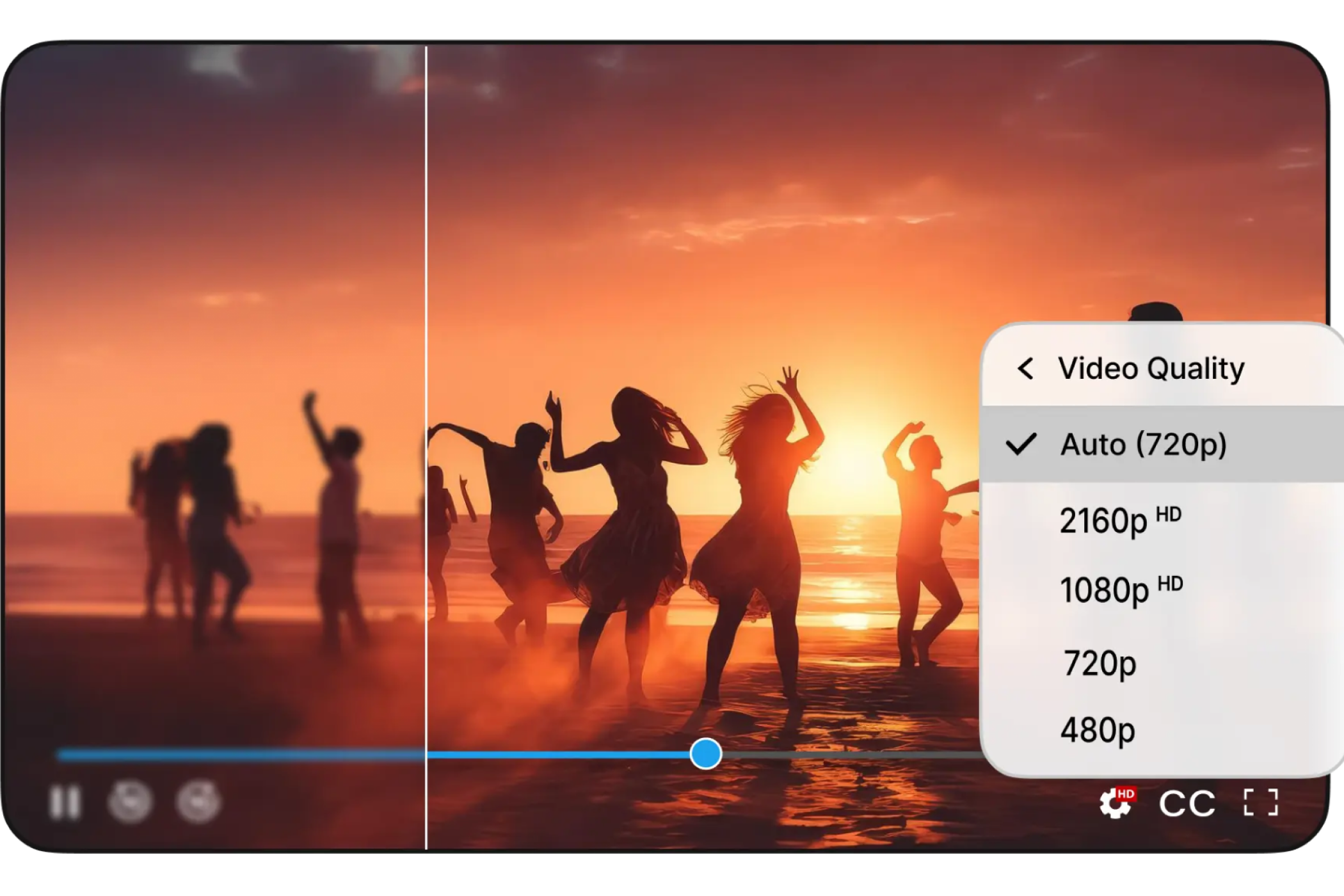
Muvi Live automatically encodes and transcodes live streams into multiple ABR profiles, ranging from 144p up to 4K. The platform builds the full quality ladder from your incoming stream and packages it in the HLS manifest. During playback, the viewer's player selects the appropriate quality tier based on their available bandwidth, switching in real time as conditions change.
HLS has native support on all Apple devices (Safari, iOS, tvOS), Android via Media Source Extensions, and most Smart TV operating systems including Roku, Fire TV, Samsung Tizen, and LG WebOS. On desktop Chrome and Firefox, HLS playback requires an HLS.js-based player. Muvi Live's embedded player handles cross-browser HLS compatibility automatically.
Adaptive bitrate streaming is a technique where the video is encoded at multiple quality levels simultaneously. During playback, the player automatically selects the highest quality the viewer's current network speed can sustain, switching tiers in real time without pausing the stream. ABR eliminates the choice between quality and reliability — the stream degrades gracefully as bandwidth drops, rather than buffering or stalling.
Yes. HLS is specifically designed for large-scale delivery because it operates over standard HTTP infrastructure and integrates natively with CDNs. CDNs cache and distribute HLS segments from edge servers close to viewers, reducing origin server load. The adaptive bitrate ladder ensures that scale doesn't degrade quality — viewers on varying connection speeds each receive the highest quality their bandwidth supports.
Standard HLS typically introduces 10–30 seconds of end-to-end latency due to segment buffering. Low-Latency HLS (LL-HLS) reduces this significantly by using partial segments and push-based delivery, enabling more responsive playback for interactive use cases. Muvi Live supports LL-HLS where viewer responsiveness matters.
Once your live stream is active in Muvi Live's CMS and an HLS URL is generated, you can embed it using Muvi Live's native embed code — which handles cross-browser HLS playback automatically — or integrate the .m3u8 URL directly into your own HTML5 player.
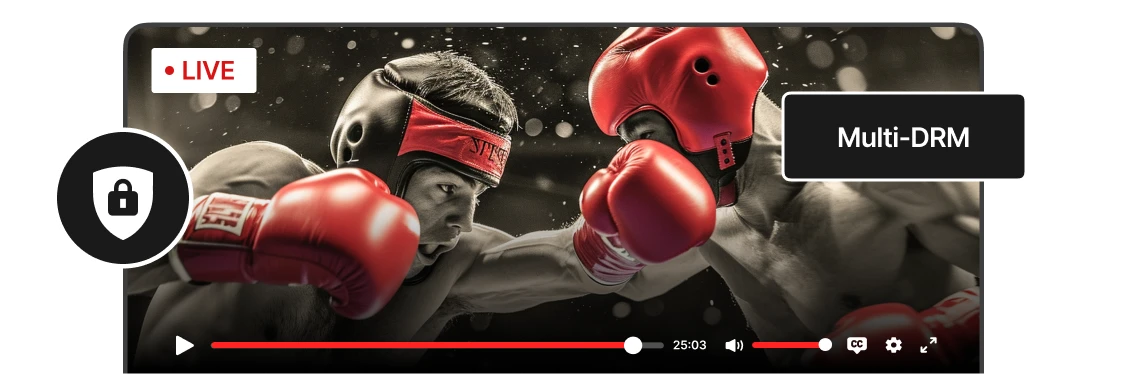
HLS streams on Muvi Live can be protected through DRM using Widevine, FairPlay, or PlayReady for premium content protection, and geo-IP restrictions to limit stream access by region. These protections can be applied independently or in combination depending on your content security requirements.
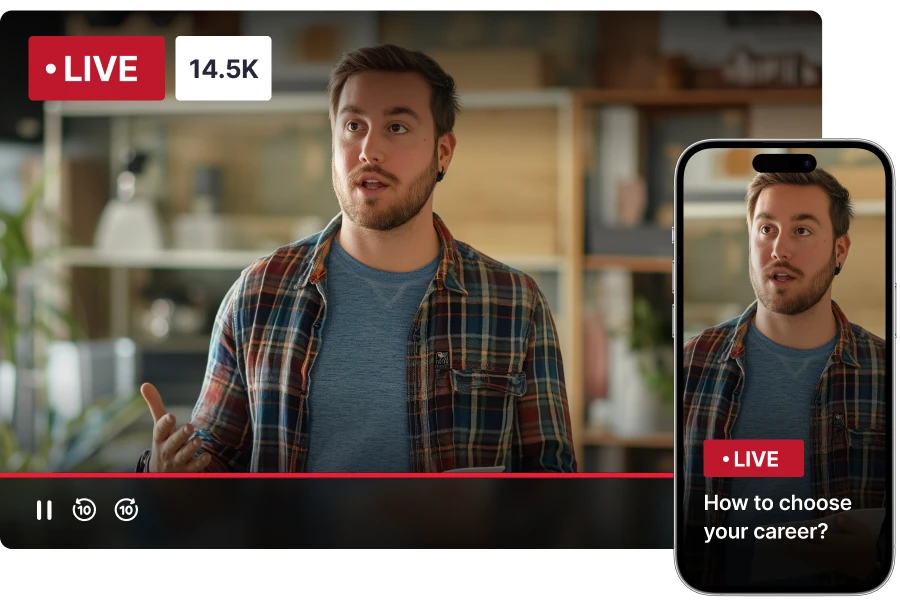
No. A single HLS output URL from Muvi Live works across all platforms simultaneously — your website player, iOS app, Android app, and Smart TV applications all consume the same .m3u8 URL. The ABR ladder within the stream serves each device's appropriate quality level automatically.