


















To stream live feeds via third-party services or apps, follow these steps:
1.Sign up for a live streaming platform like Muvi Live.Set up a channel or event where you will stream your live feeds
2.Configure live encoding settings, selecting appropriate video/audio bitrates and resolutions
3.Set up encoding software — Muvi Live supports popular 3rd party streaming sites such as OBS, vMix, XSplit, and more
4.Schedule or start your live stream immediately once configured and tested
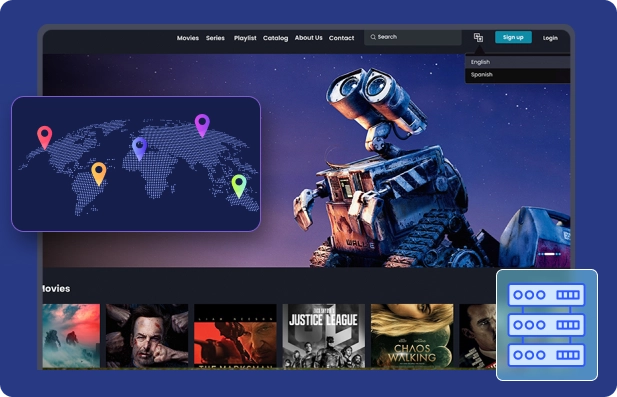
Yes, Muvi Live enhances your third-party feed with an in-built CDN, enabling seamless global live streaming on websites and apps—even if these platforms lack CDN or have IP restrictions.
Absolutely. Muvi Live’s social media integration lets you broadcast live content to your followers across platforms like YouTube and Facebook via social publishing from the Muvi Live CMS.
Yes, Muvi Live provides completely white-labeled live streaming services for websites and apps. Your live streaming apps are published under your own developer account, with no Muvi branding visible, giving you 100% credit.
Yes, Muvi Live supports multiple third-party live streaming encoder software, including OBS, vMix, XSplit, WireCast, Cambria Live, Liveshell, AWS Elemental Live, Haivision, LiveU, Matrox, NewTek, and Teradek.
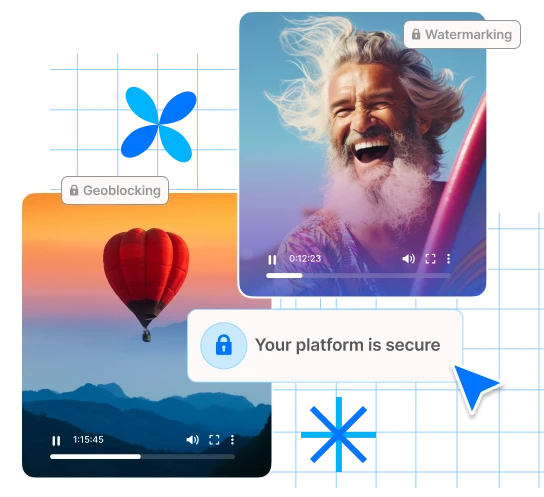
Muvi Live uses advanced security measures such as end-to-end encryption, secure video delivery, and digital rights management to protect your live streaming content.
Muvi Live supports popular third-party streaming apps and encoder software that allow you to stream live TV or other content smoothly, ensuring compatibility and high-quality delivery.
Yes, Muvi Live integrates with third party streaming services & live TV apps, enabling broadcasters to extend their live streaming reach across various platforms and devices.