








User Generated Content

User-Generated Content Platform Features

Allow Users to Upload Content

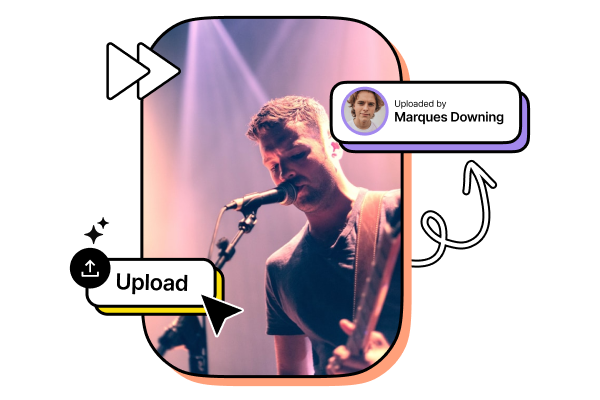
As a platform administrator, you can allow your users to upload content from the website. All you need to do is enable user-generated content from the content settings. You can also enable fan reports for your users who upload their content, which will show a fan report.

Review and Approve Content

You can review the content uploaded by your users and decide whether you need to display it on your platform or not. Once you approve or decline, a notification will be sent to the users. You can also choose to allow users to upload content without approval.

Categorize User-generated Content

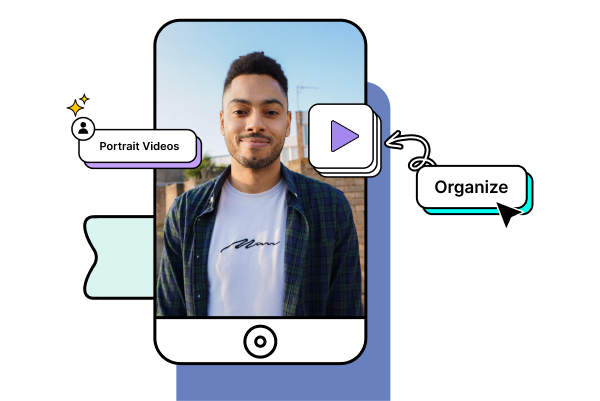
Add tags and categorize content uploaded by your users like you do for your own content. When your user upload content, they will be prompted to choose categories, so, all your user-generated content stays organized and easily discoverable.

Tree

Start your 14 day free trial today

  • Allow your users to upload content
  • Add tags and categorize content
  • Upload and keep track of the uploaded content
Start Free Trial

Upgrade / Cancel Anytime. No Commitments.

Automatically Share Revenue with Creators_Contributors

Automatically Share Revenue with Creators/Contributors

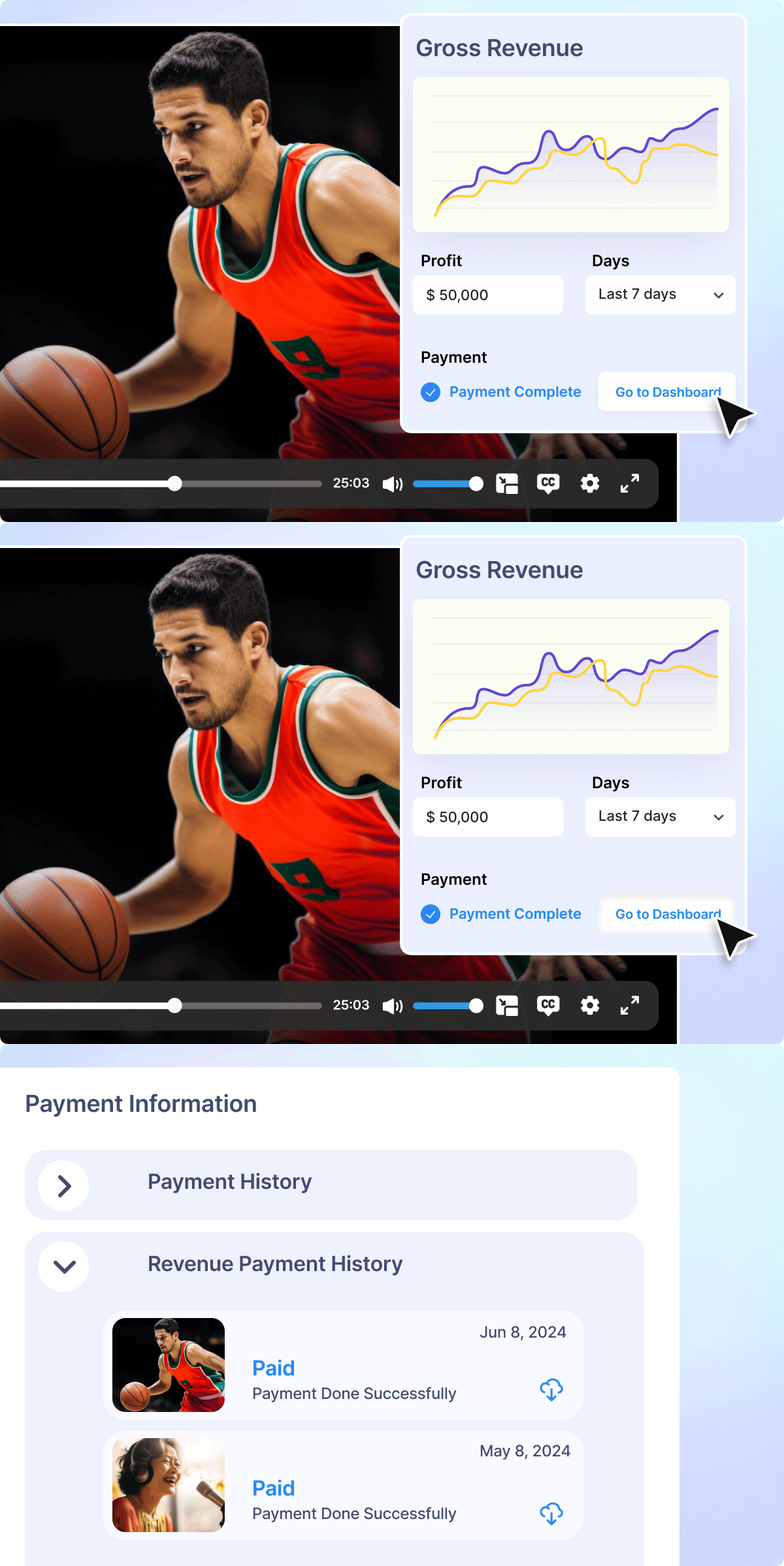
Distribute revenue from selling content (audio, video, documents) through Pay-Per-View (PPV) or subscriptions. Implement an automated system to ensure that creators and contributors receive their earnings directly into their accounts periodically.

Separate Section for User Uploads

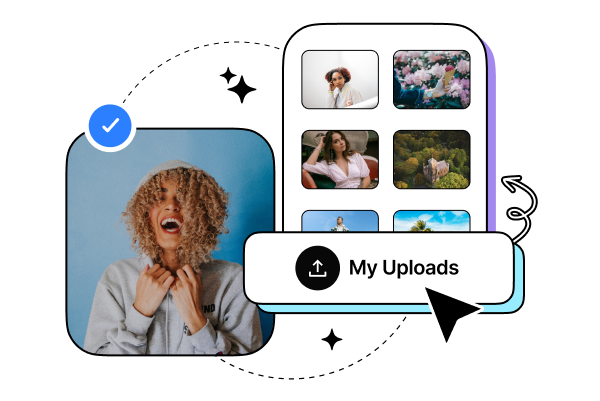
Enable the My Uploads section for users to upload and keep track of their uploaded content from one place. Users can also share and promote their content with their set of audience. Your users can track and monitor revenue generated for their content from their portal as well.

Frequently Asked Questions

You can enable user-generated content from the platform’s CMS by navigating to Content Management → Content Settings → Advanced and turning on the User Generated Content option. Once enabled, registered users can upload video content directly from the website or app front end, based on the permissions you configure.

Yes. You can choose to review user-uploaded content before it is published by enabling the Review content before publish option in the CMS. Uploaded content will remain in a pending state until approved. You may also disable this option to allow content to be published automatically without manual approval.

User-generated content follows the monetization rules configured by the platform administrator. Subscription or pay-per-view settings already applied to the platform are automatically applied to approved user uploads. End-users cannot set their own monetization models; all pricing and access controls are managed by the admin.

Yes. The entire user upload flow, content playback experience, and creator-facing sections such as My Uploads are fully white-labeled. All interactions appear under your platform’s branding, without any third-party visibility.

Creators can manage their content through a dedicated My Uploads section on the front end. From there, they can view uploaded videos, track approval status, and monitor revenue generated based on the platform’s monetization configuration.

No. User-uploaded videos are processed, stored, encoded, and delivered using the same platform infrastructure. There is no requirement for separate hosting or external video storage for user-generated content.


Already using a platform?

Muvi will help with Data Migration, Customizations, and Integrations. Switch to Muvi today!

Migrate to Muvi
Launch Your Creator Platform Today
  • Build a community-driven platform with user uploads
  • Enable creator monetization through subscriptions or PPV
  • Moderate, manage, and scale content from one dashboard
Get Started Upgrade / Cancel Anytime. No Commitments.