Online live streaming has revolutionized the way we connect, entertain, and share our stories with the world. As the demand for real-time content continues to soar, content creators, businesses, and individuals are comparing live streaming platforms to find the right fit for their audience, monetization goals, and technical requirements.
Whether you’re a seasoned streamer or just starting your live streaming journey, this comprehensive comparison will help you evaluate the most widely used platforms side by side — from free consumer apps to enterprise-grade infrastructure — so you can make a confident, informed decision.
From established giants that have withstood the test of time to enterprise solutions built for scale, we’ve handpicked the finest options across a range of use cases, budgets, and audience sizes.
Not sure which section applies to you?
📋 Comparing your options? You’re in the right place — scroll down for our full platform breakdown.
🚀 Ready to build your own branded streaming platform? Explore Muvi Live →
The Rise of Live Streaming in 2026
In 2026, live streaming has solidified its position as one of the most dominant and influential forms of digital content consumption. Gone are the days when we were limited to static, pre-recorded content — today, live streaming offers a real-time connection with content creators, celebrities, influencers, and even friends and family through low latency streaming.
From product launches and virtual events to customer support and behind-the-scenes glimpses, brands are leveraging live streaming to connect with consumers on a personal level, humanizing their image and building trust.
What Is a Live Streaming Platform — and How Do You Choose the Right One?
A live streaming platform is an online service that enables users to broadcast and watch real-time video content over the internet. It serves as a virtual stage where individuals, content creators, businesses, and organizations can share live video feeds with a global audience, allowing viewers to watch events as they happen. Businesses that want full control over this experience — including branding, monetization, and audience data — can explore Muvi Live for a fully white-labelled, monetization-ready setup.
Live streaming platforms cater to a wide range of content, including:
- Entertainment: Live concerts, gaming sessions, talk shows, stand-up comedy, and virtual events.
- Education: An educational streaming service built on Muvi Live can deliver live webinars, tutorials, and interactive online classes with DRM security, multi-device access, and pay-per-session or subscription monetisation.
- Social Media: Platforms that allow users to go live and share moments with followers in real-time.
- Business and Marketing: Product launches, demonstrations, live auctions, and Q&A sessions.
- Personal Vlogging: Individuals sharing their daily lives and experiences with an audience.
- News and Journalism: News organizations providing live coverage of events as they unfold.
Why Viewers Choose Live Streaming
- Real-time Interaction: Features like live chat and Q&A sessions allow for immediate feedback and engagement, creating a more immersive experience.
- Immediacy: Viewers watch events unfold live, with a sense of excitement that recorded videos cannot match.
- Exclusivity: Many live streams offer content not available through other means — live events, sports, and special broadcasts.
- Community: Live streaming fosters connection among viewers who interact with each other and the creator in real-time.
Key Features to Evaluate When Choosing a Platform
Geo-blocking
Geo-blocking lets you restrict access to your content by country or region instantly, and change that setting at will. Any country outside your whitelist cannot access content from your platform or mobile live stream app.
Device Management
Device Management empowers you to configure platform access through mobile and TV devices — covering device subscriptions, login settings, login duration, and security against malicious login attempts.
Built-in CDN
A built-in CDN provides low-latency video and audio content delivery to users worldwide. With Muvi Live, you can also integrate a CDN of your preference alongside industry-leading options.
Multilingual Support
Multilingual video and audio streaming allows you to translate your website and apps into multiple languages, giving visitors the option to choose their preferred language.
Live Chat
When evaluating event live streaming services, prioritize live chat for real-time audience interaction. Muvi Live’s chat feature offers 1-click login via Google or Facebook, plus moderation tools to block users or remove problematic messages during live events.
Multiple Monetization Options
Muvi Live supports multiple monetization models — subscription, pay-per-view, and advertising — so you can choose the revenue strategy that suits your audience and business model.
Skippable & Non-Skippable Ads
With Muvi Ads, you can enable skippable or non-skippable options for any ad on any video or audio content directly from the CMS.
DVR-Enabled Livestream
With DVR-enabled Livestream, your users can rewind and replay the live broadcast for up to 30 minutes, giving them flexibility across devices — including your live streaming mobile app for Android and iOS.
Skip Intro
A skip intro button allows smoother transitions between videos and delivers a seamless binge-watching experience on your live video streaming service.
SSO (Single Sign-On)
SSO authorizes customers to use one set of login credentials across multiple applications — improving both user experience and backend security.
Built-in Multi-DRM Security
Multi-DRM protects your video and audio content on your OTT platform against illegal usage and downloads. Muvi Live’s built-in multi-DRM for live streaming secures subscription, rental, purchase, and download content, as well as device-level security.
Analytics & Reports
Analytics and reports let you track the performance of all your video and audio content at the minute level, with detailed breakdowns available directly in your dashboard.
Local Channels
Local channels broadcast content specific to a particular geographic area — local news, sports, weather, and regional programming. Many live TV streaming services include local channels in their packages, which is particularly valuable for keeping audiences connected to their communities.
Live Sports Coverage
Live sports coverage is a cornerstone feature of many streaming services. Sports streaming platforms offer exclusive content like NFL Sunday Ticket or MLB.TV — and Muvi Live lets you build your own branded sports platform with the same live and on-demand capabilities, so you can stream live sports under your own brand.
11 Best Live Streaming Platforms [Free & Paid]
Muvi Live
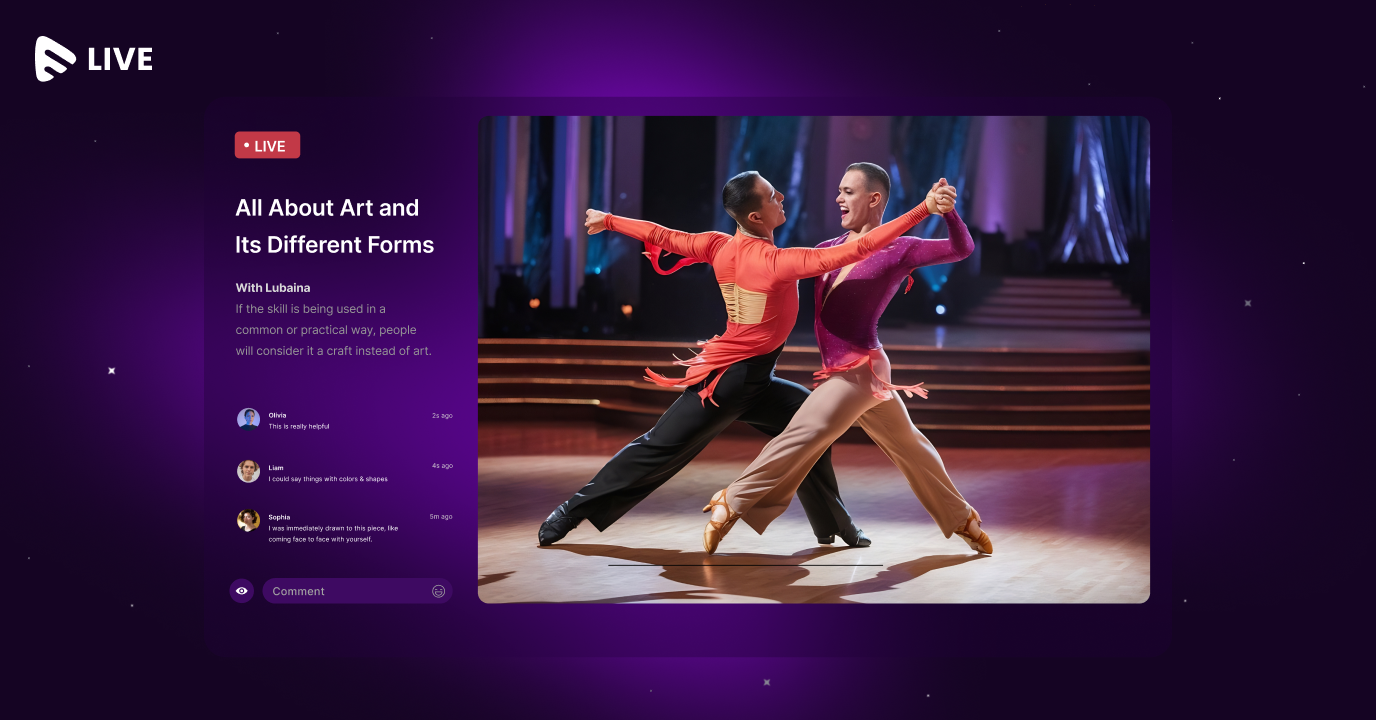
Muvi Live is among the best platforms for enterprise live streaming, offering enterprise-grade features to broadcast live events with a professional touch. It is an all-in-one, DRM-enabled solution that provides a secure environment for your live streams and supports live TV channels enabling users to stream exclusive originals and live TV.
With Muvi Live as your sports streaming platform, stream live tournaments, match highlights, interactive fan sessions, and post-match analysis — all with DRM security and multi-device delivery.
Getting started is straightforward: create an account, add a live stream, retrieve your automatically generated server URL and Stream Key, configure them in your streaming encoder, and get your HLS or embed link.
Features
- Pay As You Go
- Geo-blocking
- Device Management
- Built-in CDN
- Multilingual
- Live chat
- Multiple monetization options
- Skippable & Non-Skippable Ads
- DVR-enabled Livestream
- Skip Intro
- SSO (Single Sign-On)
- Built-in Multi-DRM Security
- Analytics & Reports
Pros
- User-friendly interface — easy for beginners and experienced users alike
- Extensive customization and branding options
- Seamless streaming across mobile, tablet, desktop, and smart TV
- Multiple monetization models: pay-per-view, subscription, and advertising-supported
Pricing
Muvi Live is free to start — it uses a Pay As You Go model with no base fee and no limitations on feature access.
YouTube Live
YouTube Live is one of the leading tools in the live streaming software category on the internet. It allows content creators, businesses, and individuals to broadcast live video to audiences in real-time, leveraging YouTube’s massive existing user base.
Features
- Global Reach
- Interaction and Engagement
- Monetization Opportunities
- DVR and Playback
- Analytics and Insights
Pros
- Massive audience reach
- Real-time interaction
- Monetization opportunities
- Integration with YouTube ecosystem
Cons
- Content restrictions
- Technical issues
- Limited features for new creators
- Dependence on algorithms
Pricing
YouTube Live is free — upload and manage content at no cost.
TikTok Live
TikTok Live is a live-streaming feature within the popular social media app TikTok — owned by ByteDance and launched in 2016. TikTok Live allows users to broadcast real-time video content directly to their followers, enabling more direct and immediate interaction. Read our guide on how to make money on TikTok Live.
Features
- Live Interaction
- Virtual Gifts
- Monetization
- Discoverability
- Moderation and Safety
Pros
- Real-time interaction
- Instant feedback
- Boosted engagement
- Discoverability
- Algorithmic boost
Cons
- Privacy concerns
- Technical glitches
- Viewer inactivity
- Content control limitations
Pricing
TikTok Live is free — upload and manage content at no cost.
Facebook Live

Introduced by Facebook in 2016, Facebook Live allows users to broadcast live video content directly to their friends, followers, or the public in real-time. It supports a wide range of content — personal vlogs, Q&A sessions, behind-the-scenes glimpses, product launches, live event coverage, tutorials, and more.
Features
- Live streaming directly from the Facebook app or desktop
- Real-time broadcasting to friends, followers, or the public
- Simple “Live” button in the status update box
- Option to add titles and descriptions for context
- Instant viewer interaction through emojis, comments, and shares
Pros
- Instant real-time engagement
- Large user base
- Ease of use
- Strong interactivity
Cons
- Privacy concerns
- Technical issues
- Limited monetization options
- Time sensitivity of content
Pricing
Facebook Live is free — upload and manage content at no cost.
IBM Video Streaming
IBM Video Streaming (formerly Ustream) is a powerful solution catering to businesses, enterprises, and content creators. Backed by IBM’s expertise, it offers a host of features for live video broadcasting, including high-quality delivery, adaptive streaming, and monetization.
Features
- High-Quality Video Delivery
- Adaptive Streaming Technology
- Scalability for Any Size of Events
- Monetization Options (Pay-per-View, Subscriptions, Advertising)
- Comprehensive Analytics and Viewer Insights
- Robust Security Measures
Pros
- High-quality streaming
- Scalability
- Analytics and insights
- Customization options
Cons
- Relatively expensive
- Steeper learning curve for advanced features
- High-quality streaming can consume significant bandwidth
Pricing
- Silver — $129.00/month — Great for small businesses
- Gold — $649.00/month — Great for medium-sized businesses
- Platinum — $1,299.00/month — Great for frequent streamers
- Custom — Speak with customer support
Vimeo
Vimeo is a well-known video sharing platform that also offers live streaming capabilities, with a focus on creative professionals, businesses, and organizations. Vimeo’s adaptive streaming technology ensures high-quality playback across various devices and internet connections.
Features
- High-Quality Video Playback
- Adaptive Streaming Technology
- Real-Time Audience Interaction (Live Chat, Q&A)
- Customizable Player for Branding
Pros
- Strong live streaming quality
- Audience interaction tools
- Customizable player
- Analytics and insights
Cons
- Higher cost than many alternatives
- Limited free plan
- Monetization restrictions
- Limited live streaming feature set
Pricing
- Starter — $1/subscriber/month OR 10% of one-time purchase/rental
- Enterprise — Speak with experts
Streamlabs
Streamlabs is a paid streaming tool that allows content creators and businesses to broadcast real-time video to online audiences. It integrates with popular platforms such as Twitch, YouTube, and Facebook Live, and adds customizable overlays and alerts on top.
Features
- Integration with Twitch, YouTube, Facebook Live, and others
- Customizable alerts and overlays for live streams
- Built-in chatbot for viewer management
Pros
- Seamless integration with major platforms
- User-friendly interface
- Customizable alerts and overlays
- Chatbot and chat interaction tools
Cons
- Resource intensive
- Learning curve
- Potential overcrowding of alerts
- Limited unique customization
Pricing
- Streamlabs Starter — Free — Access to free overlays and themes
- Streamlabs Ultra — $19/month or $149/year — All overlays and themes (1,000+)
Restream
Restream is a popular tool that lets content creators and businesses broadcast their content to multiple streaming platforms simultaneously — reaching a broader audience by going live across social media and video platforms at the same time.
Features
- Simultaneous multistreaming to multiple platforms
- Advanced stream scheduling for pre-planned broadcasts
- Restream Studio — web-based live studio requiring no additional software
Pros
- Multilingual support for global audiences
- Privacy settings and moderation tools
- Customer support for technical issues
Cons
- Latency issues
- Complexity in setup
- Dependency on Restream’s service
- Higher bandwidth consumption
Pricing
- Basic — $0/forever
- Standard — $16/month
- Professional — $41/month
Twitch
Twitch, originally launched in June 2011, has become the go-to destination for gamers, content creators, and viewers alike. It offers a diverse range of live-streamed content spanning gaming, music, art, and more, with a uniquely interactive community culture.
Features
- Chat Interaction
- Emotes
- Raids and Hosts
- Twitch Prime
Pros
- Strong interactivity
- Emotes and extensions
- Esports and gaming events
- VODs and clips
Cons
- Platform changes and evolving policies
- Inconsistent user experience
Pricing
For detailed pricing, see Twitch’s subscription pricing page.
Brightcove
Brightcove is a reputable online video platform offering a comprehensive suite of video solutions, including live streaming for content creators, businesses, and organizations needing reliable, high-quality live delivery.
Features
- Reliable infrastructure for live streaming events, webinars, and conferences
- Adaptive Bitrate Streaming
- Monetization and Analytics
- Security and Content Protection
Pros
- Comprehensive video solutions
- Reliable live streaming infrastructure
- Adaptive bitrate streaming
- Robust security
Cons
- Higher price point
- Complexity and learning curve
- Customization limitations
Pricing
For Brightcove’s pricing, contact their sales team.
Dacast
Dacast — available as a Dacast alternative comparison — allows users to broadcast and deliver high-quality video over the internet, with tools covering live events, webinars, corporate communications, and e-learning.
Features
- Live Streaming and Video Hosting
- White Label and Branding
- Security and Access Control
- Monetization Options
Pros
- High-quality streaming
- Customizable branding
- Robust security
- Strong content management
Cons
- Bandwidth limitations on lower plans
- Learning curve
- Limited free trial
Pricing
- Starter — $39/month — Affordable for small audiences
- Event — $63/month — One-time or occasional events
- Scale — $165/month — Business and organizational video
- Custom — Speak with sales — High-volume plans of any size
Best Platforms for Individual Creators
For individual creators looking to build their audience and monetize their content, several options stand out for their accessibility, reach, and creator-specific tools:
- YouTube Live: A popular choice offering live chat, monetization options, and detailed analytics. Its integration with the broader YouTube ecosystem makes it powerful for audience reach.
- Twitch: Primarily known for video game streaming, Twitch also hosts music, art, and creative content — with subscriptions, donations, and live chat making it versatile for different creator types.
- Facebook Live: Enables easy live broadcasts with live chat, monetization options, and analytics — a comprehensive tool for creators with existing Facebook communities.
- Instagram Live: Ideal for creators with a strong Instagram presence, allowing real-time broadcasts with interactive live chat to enhance engagement.
The best fit for a particular creator depends on their specific goals, but each of these options offers solid live streaming capabilities out of the box.
Conclusion
It’s essential to choose among these live streaming platforms based on what aligns with your specific goals, target audience, and budget. If you’re a creator or viewer looking for a consumer platform, the options above each have their own strengths. But if you’re a business ready to own your streaming experience with full monetization, audience data, and branding control, the right move is to launch your own branded live streaming infrastructure rather than streaming on a platform that owns your audience.
Prioritize the features that matter most to your use case — video quality, monetization models, customer support, device reach, and analytics — and keep an eye on emerging platforms as the space continues to evolve.
Muvi Live offers a comprehensive suite of enterprise-grade features for monetization, content management, analytics, and full platform customization — including branded apps and websites. Start for free now.


Add your comment