






Launch Streaming Apps Without Migration

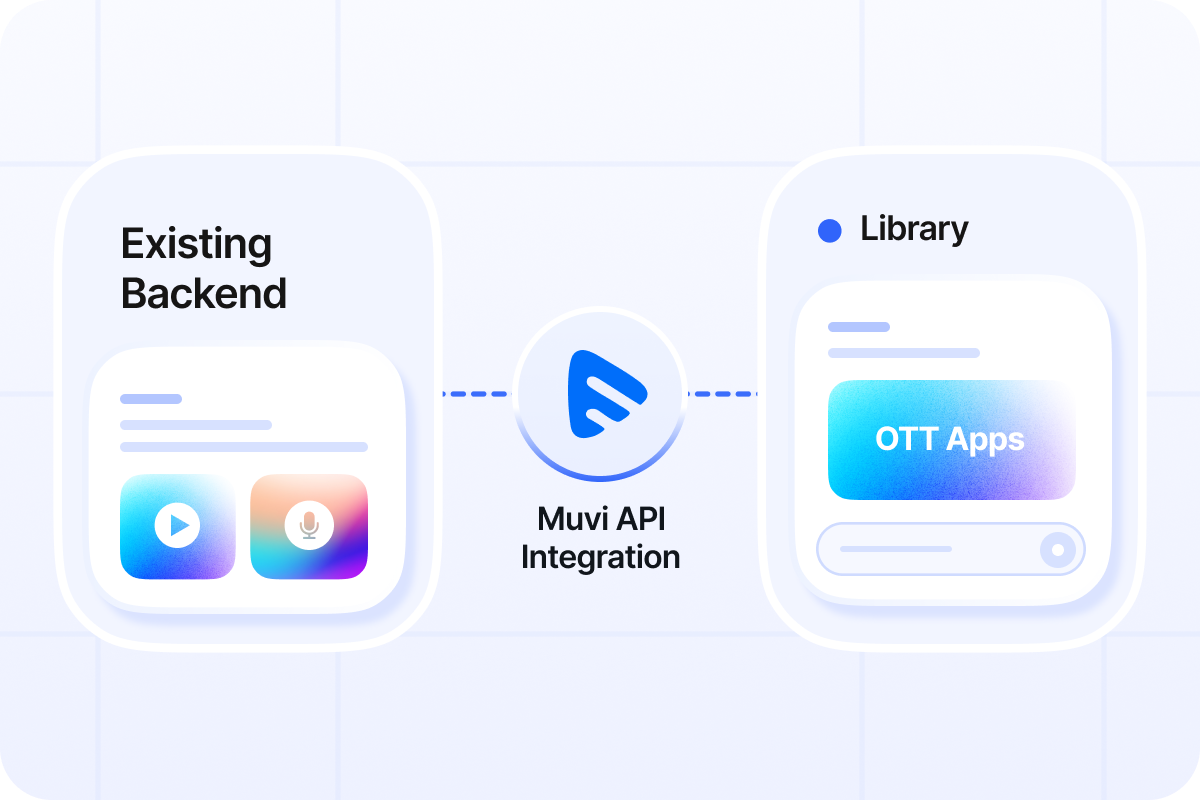
Launch streaming apps with your existing CMS, DAM, MAM, website backend, partner portal, or custom content system. Muvi enables CMS streaming app integration to power app experiences across web, mobile, and TV without content migration.

Dots
Dots

TRUSTED BY GLOBAL LEADERS

Comviva
Sacramento Kings
Cambridge Sleep Science
Uni Cards
Philips
Intel
Expo Dubai
MGM
Simply South
Sony

Your System Stays in Control, Muvi Powers the App Layer

Your existing content system stays as the source of truth. Muvi connects through APIs and powers selected OTT app experiences across web, mobile, and TV while your own frontend, backend, or portal can continue running the way it already does.

Keep Your Existing Frontend and Backend

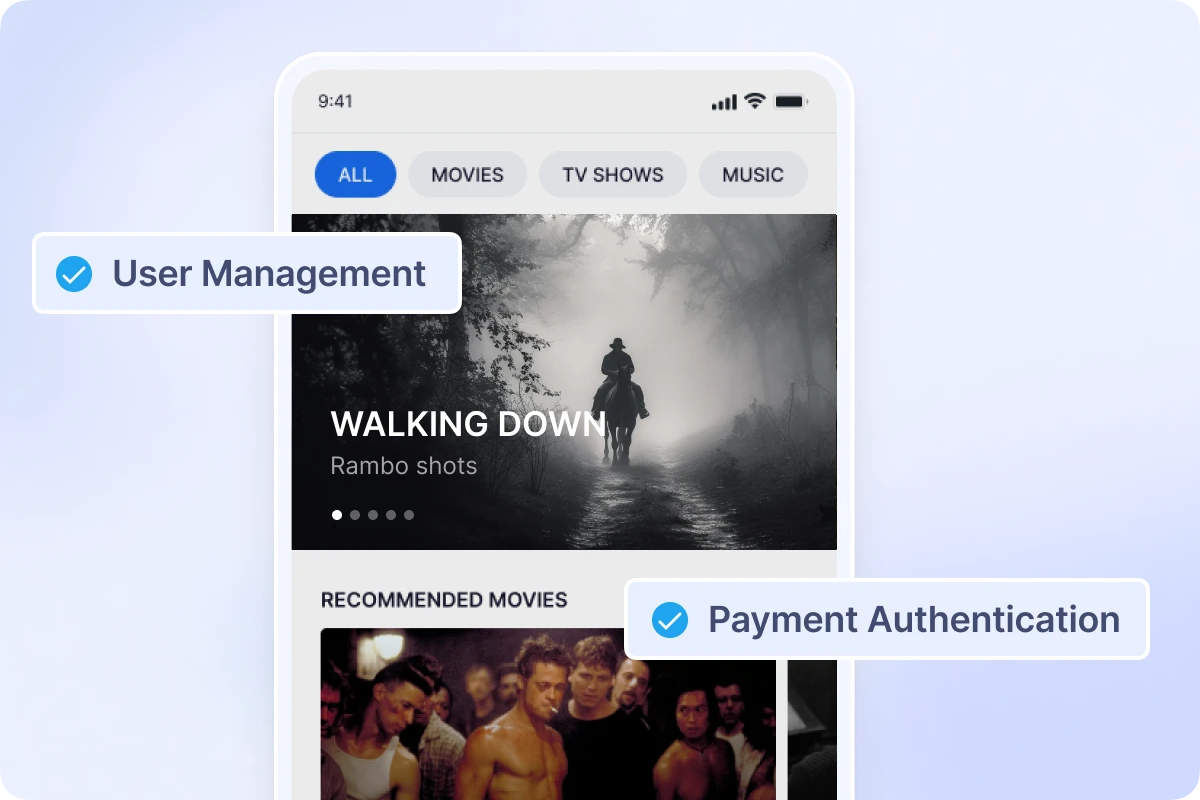
Continue using your own website, frontend, CMS, partner portal, or internal backend to manage content, metadata, users, entitlements, and playback URLs.

Share Only What Each App Needs

Send Muvi the required content, user ID, access, entitlement, and playback details through APIs so selected apps can display content and control viewing access. .

Power Selected App Experiences with Muvi

Use Muvi to power the app experiences you need across TV, mobile, and web while your existing frontend and backend remain in control.

CMS Sync Integration with Muvi

Your CMS stays the system of record. Muvi syncs the required data and powers selected streaming apps.

1

Customer Ecosystem

System of Record

You own and manage everything here.

Existing CMS / Backend Manage content, users, metadata, entitlements, monetization, and publishing.
👥
User & Access Management Registrations, profiles, roles, and entitlements.
Monetization & Billing Plans, subscriptions, payments, and transactions.
Assets & Media Management Upload, organize, and manage your media content.
Cloud Storage & CDN Video assets remain with customer infrastructure.
2

Sync & Integration Layer

Data flows from your system to Muvi

Integration Methods
APIs
MRSS
SSO
Synced Data Examples
  • Content metadata
  • Series, seasons, episodes
  • Users & authentication mapping
  • Entitlements / access rights
  • Publish / unpublish updates
  • Playback URLs HLS / DASH
Scheduled or near real-time sync
3

Muvi Runtime Layer

Secondary CMS / frontend layer

Muvi uses synced data to power selected apps.

Map Content Structure Organize content, series, seasons, and episodes.
🔒
Apply Access Rules Enforce entitlements and user permissions.
Use Playback URLs Play content through your CDN using HLS / DASH URLs.
Power Applications Deliver streaming experiences on selected apps.
Muvi does not host or store your video assets.
4

Streaming Experiences

Powered by Muvi

Muvi-Powered Apps
iOS iOS
Roku Roku
Fire TV Fire TV
Apple TV Apple TV
Android TV Android TV
Samsung TV Samsung TV
LG TV LG TV
Vidaa Vidaa
and more
Selected apps play customer CDN HLS / DASH URLs.

What You Unlock With Muvi Connected to Your Stack

Push Content Updates From Your System to Multiple platforms and apps

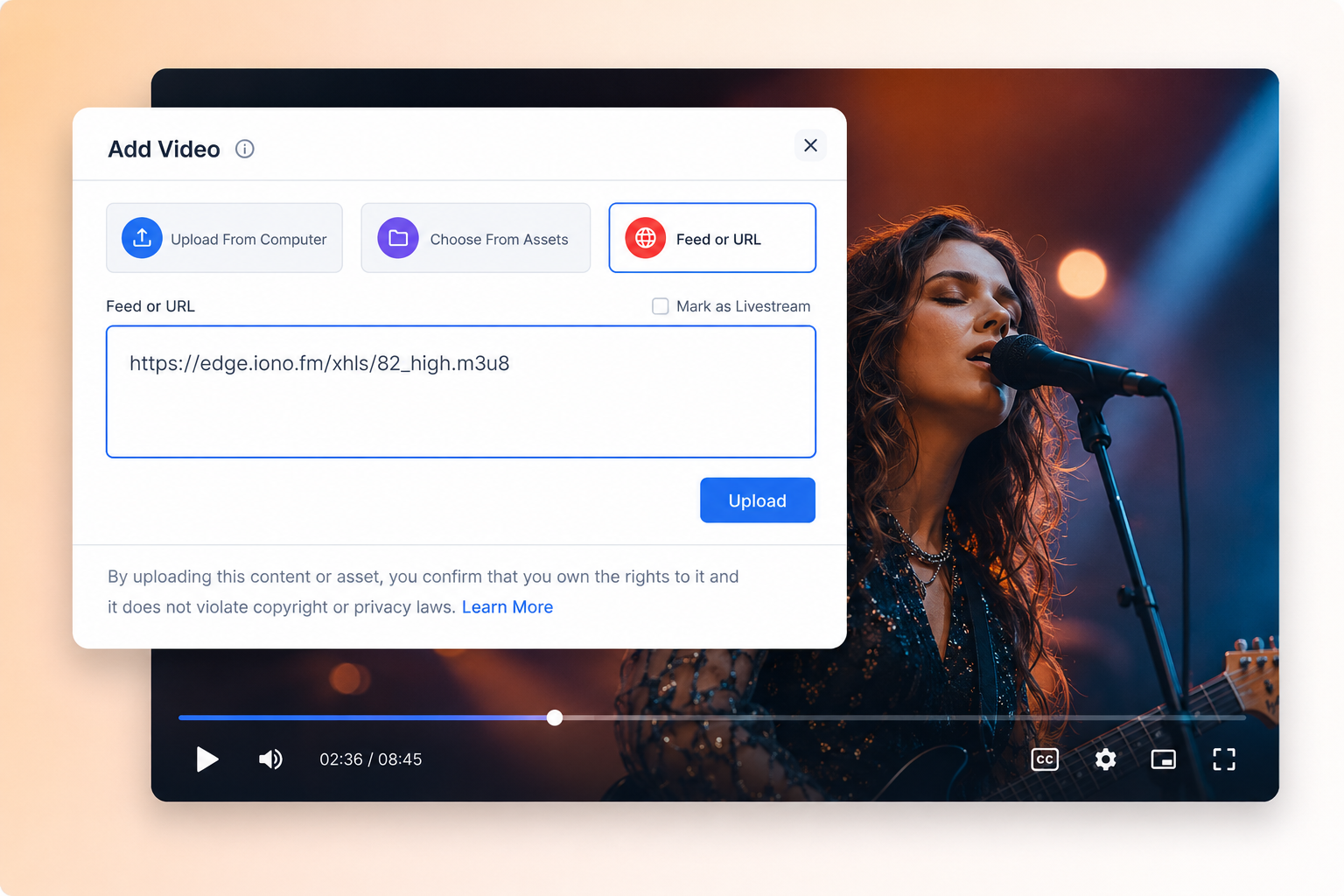
Automatically syndicate content metadata, hierarchy, availability, and playback URLs from your existing CMS, DAM, MAM, or partner portal into Muvi using MRSS feeds or supported content sync workflows, so updates can reach your OTT apps without repeated manual uploads. 

Launch a Branded OTT App Ecosystem Without Rebuilding Your Backend

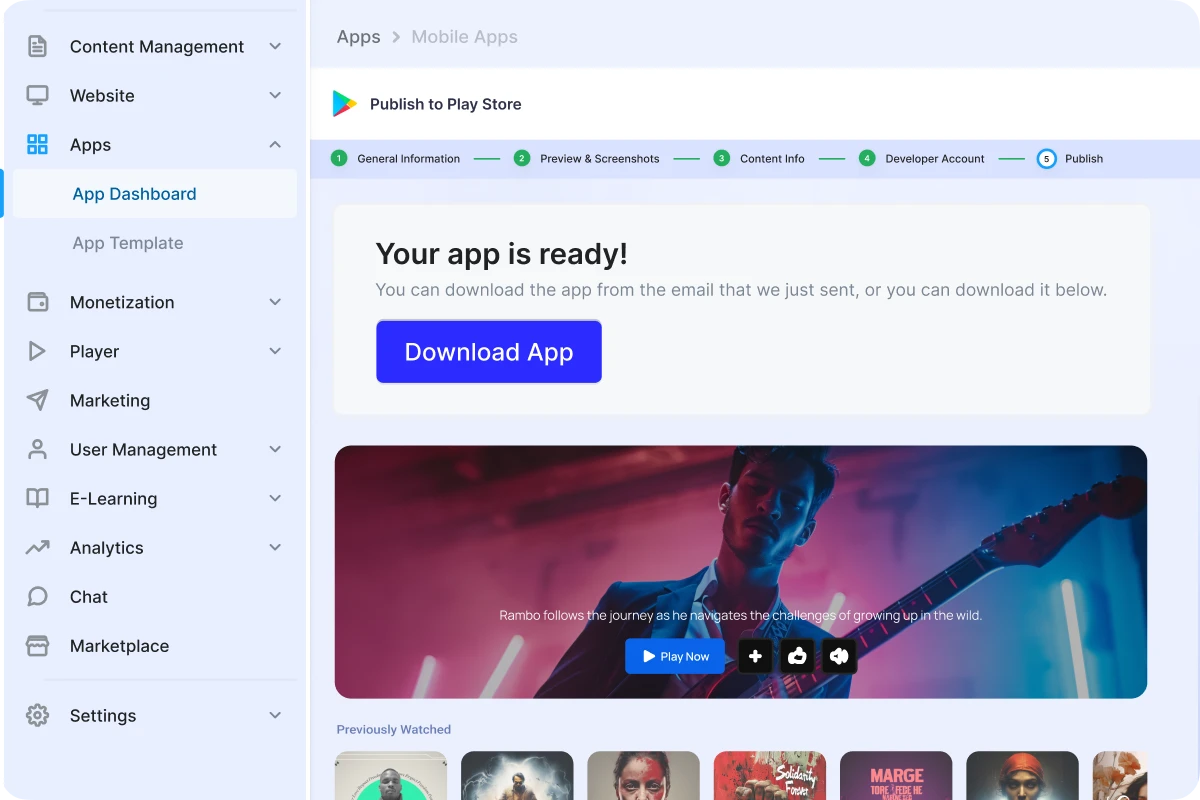
Bring your existing content system to viewers through white-labeled streaming apps across mobile, TV, and web. Muvi helps you deliver a consistent branded experience across devices while your backend continues to manage the core content workflow.

Give Viewers the OTT Features They Expect

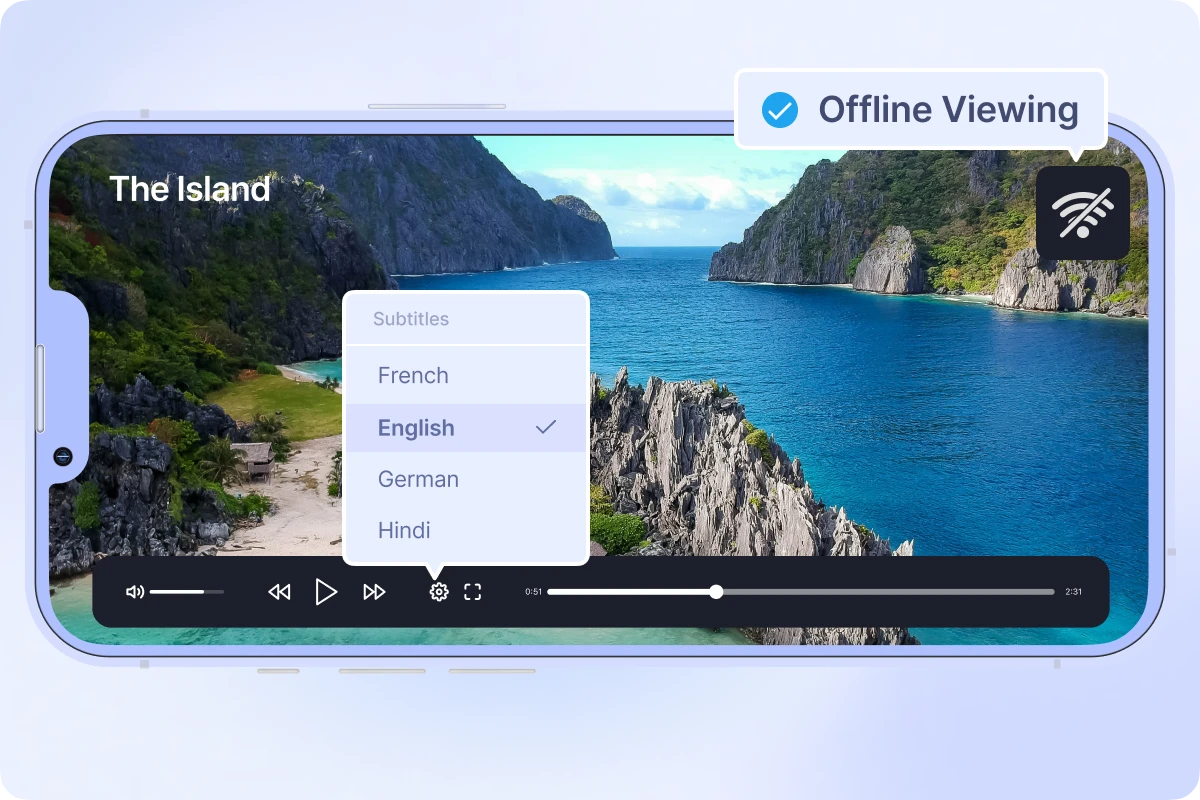
Muvi helps turn content from your existing backend into a polished streaming experience with smooth playback, offline downloads, multilingual support, and viewer-friendly navigation across mobile, web, and TV apps.

Keep Payments and Billing in Your Existing System

Muvi connects with your existing billing workflow to sync subscription status, payment access, and viewer entitlements, so Muvi-powered apps can allow the right users to watch the right content without changing how payments are processed.

Monetize Content Your Way

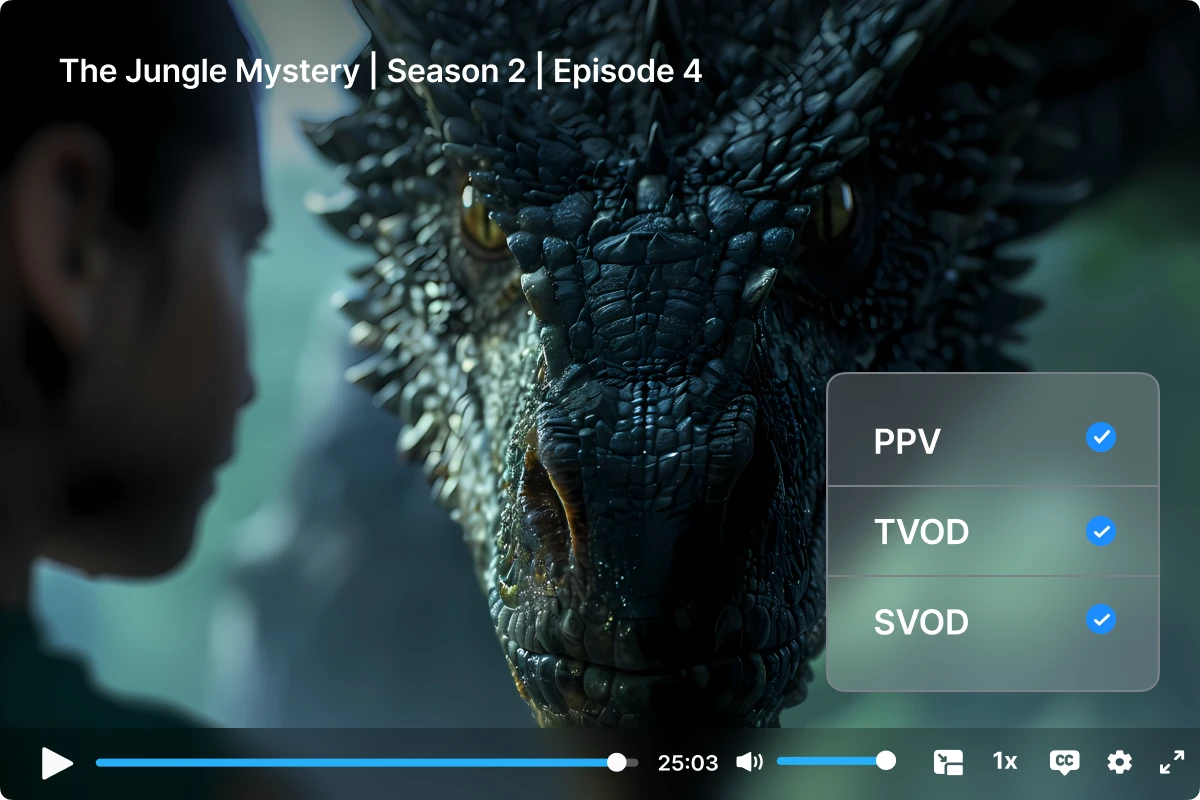
Muvi helps you bring different monetization models into your streaming app experience, from subscriptions and pay-per-view to gated premium access, so you can package and sell content the way your business already works.

Protect Content Across Every Connected App

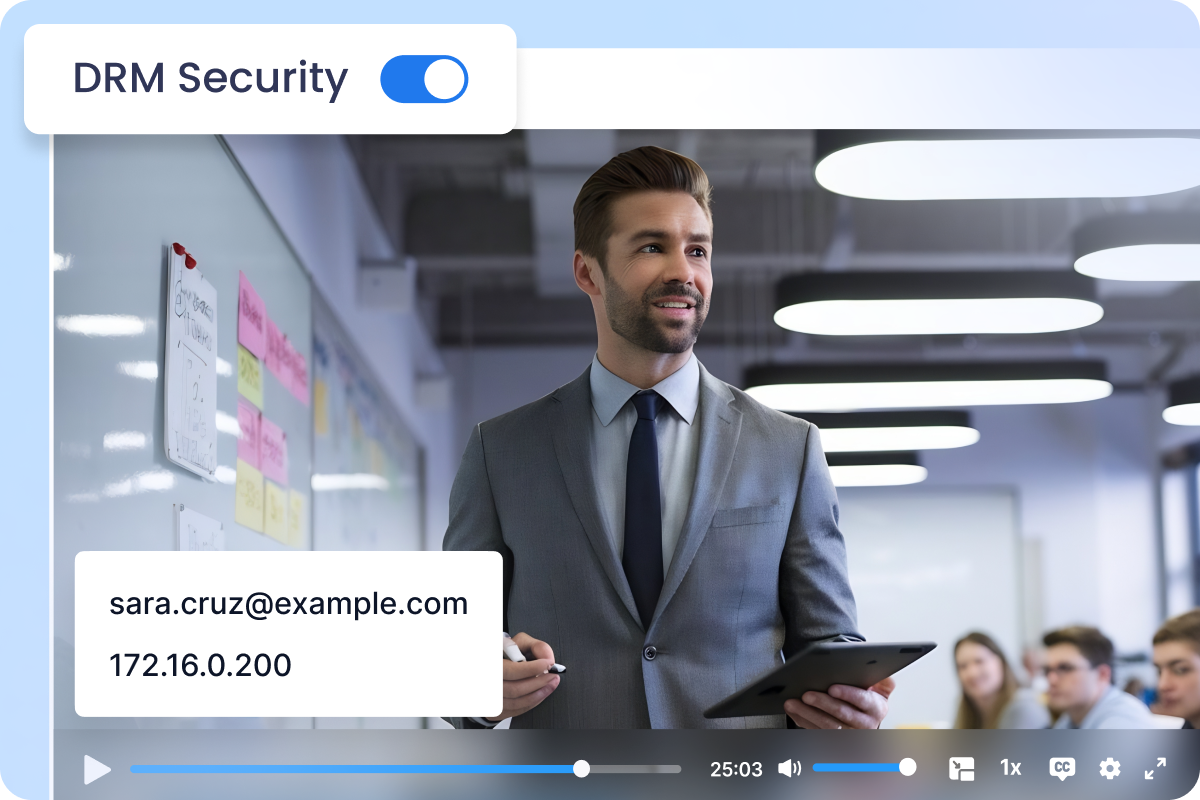
Support secure playback, DRM-ready workflows, watermarking, user access rules, and entitlement-based viewing so the right audience can access the right content.

Your Integration Path Starts With Your Existing Setup

Before implementation, Muvi reviews your current systems, APIs, playback setup, authentication model, billing flow, sync frequency, and app requirements to define the right integration approach.

System and API Review

Evaluate your CMS, DAM, MAM, partner portal, backend, API documentation, content structure, and metadata fields.

Playback and CDN Validation

Confirm how videos are hosted, whether streams are HLS or DASH, and how playback URLs will be used inside Muvi-powered apps.

Access and Monetization Logic

Define how users, authentication, entitlements, billing status, or third-party access validation should work across apps.

Sync Scope and Rollout Plan

Decide what needs to sync, how often updates should happen, and whether a POC is needed before full implementation.

Have a Different Hybrid Setup

Have a Backend Need a Frontend

You already have your own CMS, DAM, MAM, partner portal, or custom backend, but need a viewer-facing OTT experience on top of it. Muvi can help turn your existing content and access workflows into app-ready web, mobile, or TV experiences.

Ask SalesRight Arrow

Have a Frontend Need Backend Workflows

You already have a custom frontend, but need backend workflows for content management, playback, users, access control, monetization, or AI-powered content readiness. Muvi APIs can support the backend layer based on your integration scope.

Ask SalesRight Arrow

Frequently Asked Questions

Yes. With our Media Sync, your existing CMS, DAM, MAM, website backend, or custom media system can remain the primary source of truth. Muvi syncs the required metadata, user access data, entitlements, and playback URLs to power selected streaming apps without moving your video files.

No. Your video assets can continue to stay in your existing cloud storage and CDN. Muvi-powered apps can use your third-party HLS or DASH playback URLs directly, so you do not need to upload or re-host videos on Muvi.

Muvi can sync user identity, authentication mapping, and entitlement data from your existing system. Based on this synced access information, Muvi-powered apps can validate which users are allowed to watch specific content.

Yes. Your current payment and billing workflow can remain unchanged. Muvi can sync billing status, subscription access, and viewer entitlements from your existing billing system, so the apps can enforce premium access without changing how payments are processed.

It is an ongoing integration between your existing system and Muvi. The final setup depends on your APIs, sync frequency, content structure, user workflow, billing model, and app requirements. Muvi usually reviews these details during technical discovery before confirming the final scope and timeline.

Get Your Streaming Apps Today!

Our experts will understand your use case and provide a detailed walkthrough of the apps and process.