See Muvi MCP in Action
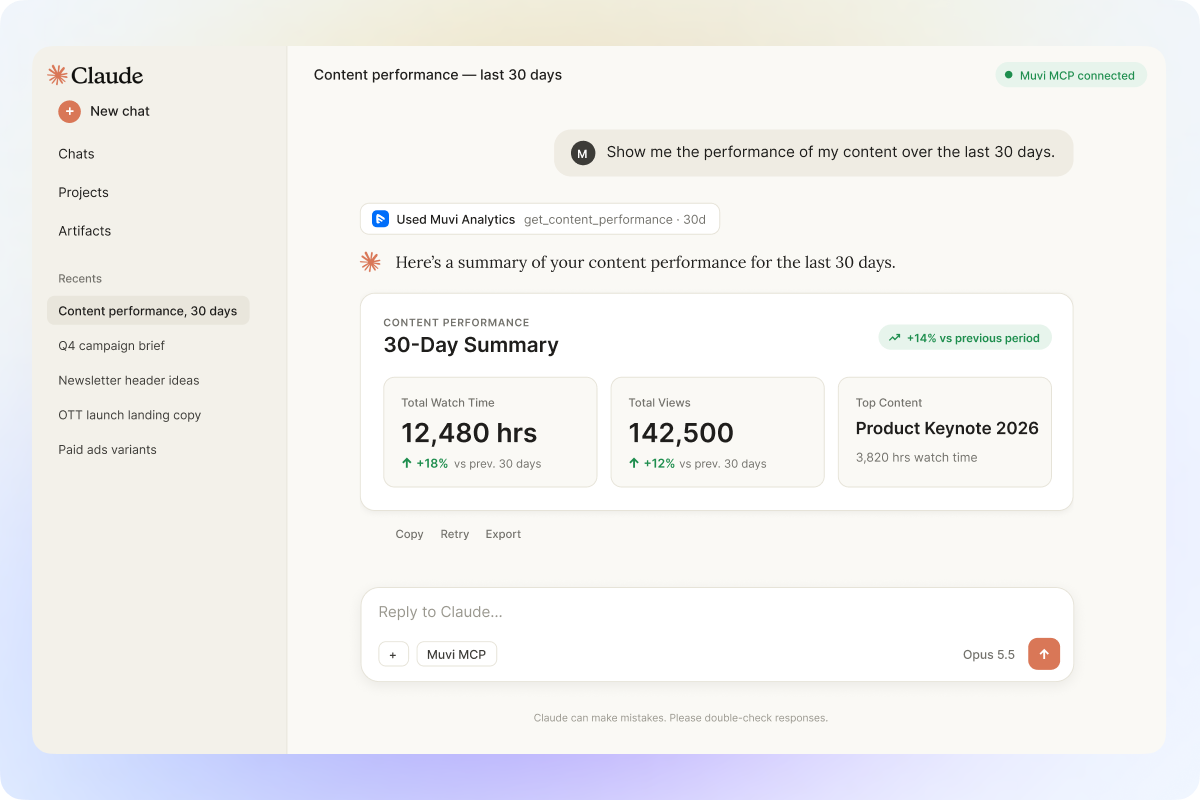
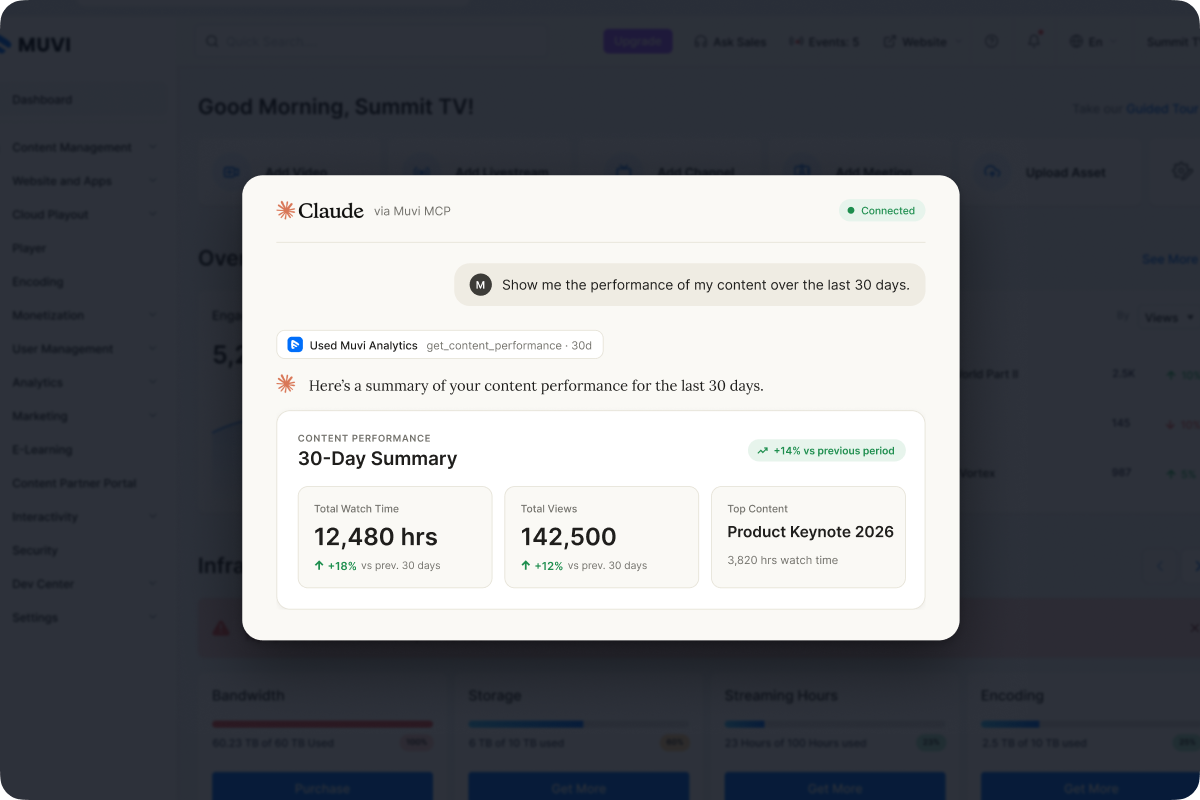
Ask Your Analytics in Plain Language
Get a clearer view of content performance, watch time, views, and other supported analytics directly from your AI tool, so you can find the insights you need without moving through multiple reports or analytics screens.
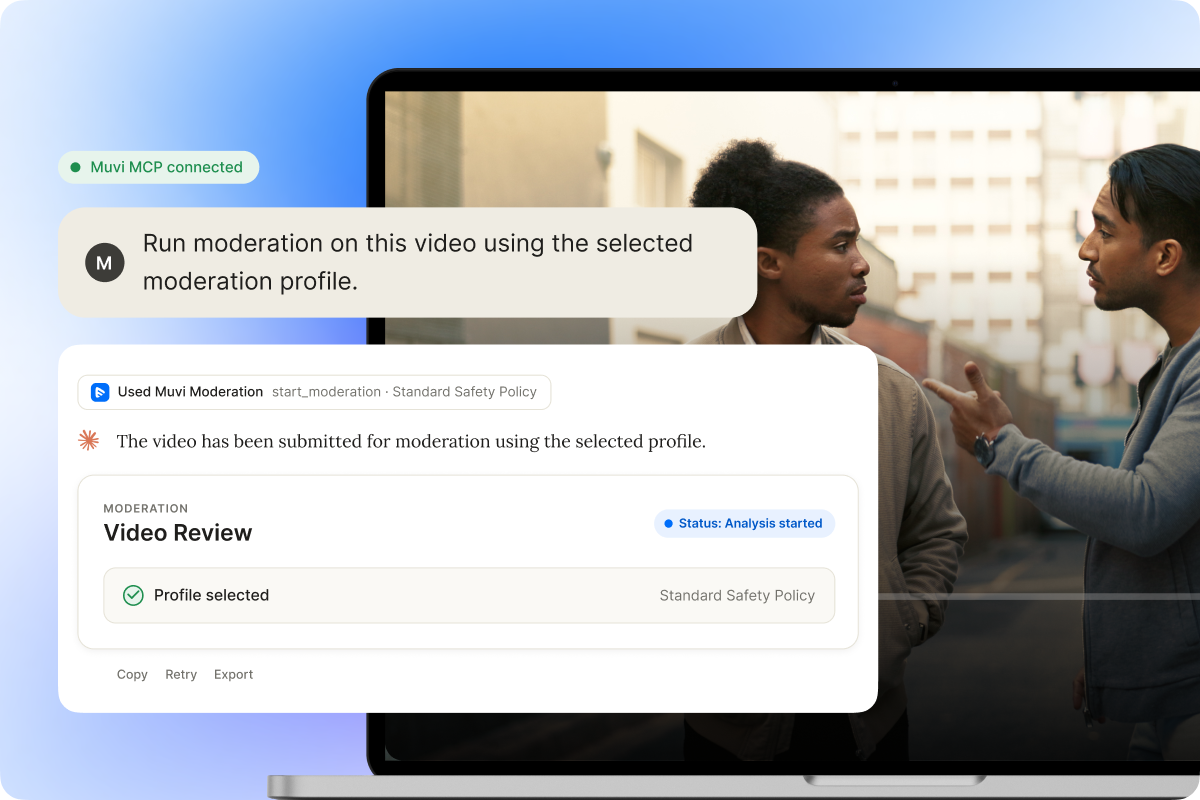
Review Content with AI Moderation
Use your selected moderation profile to check supported video content, start the review from your AI tool, and follow the moderation status without having to return to the CMS each time.
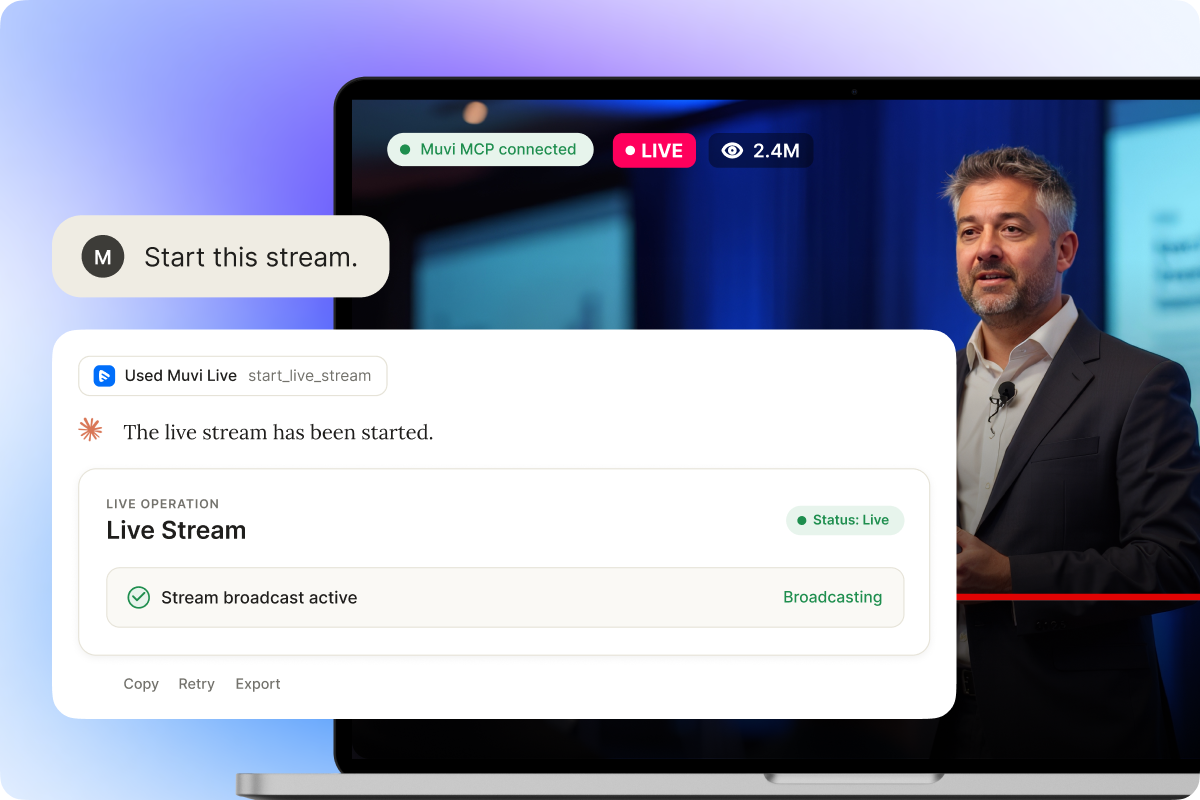
Start Live Streams with a Simple Request
Launch supported live-streaming actions from your AI tool and keep the process moving without jumping between multiple screens or controls.
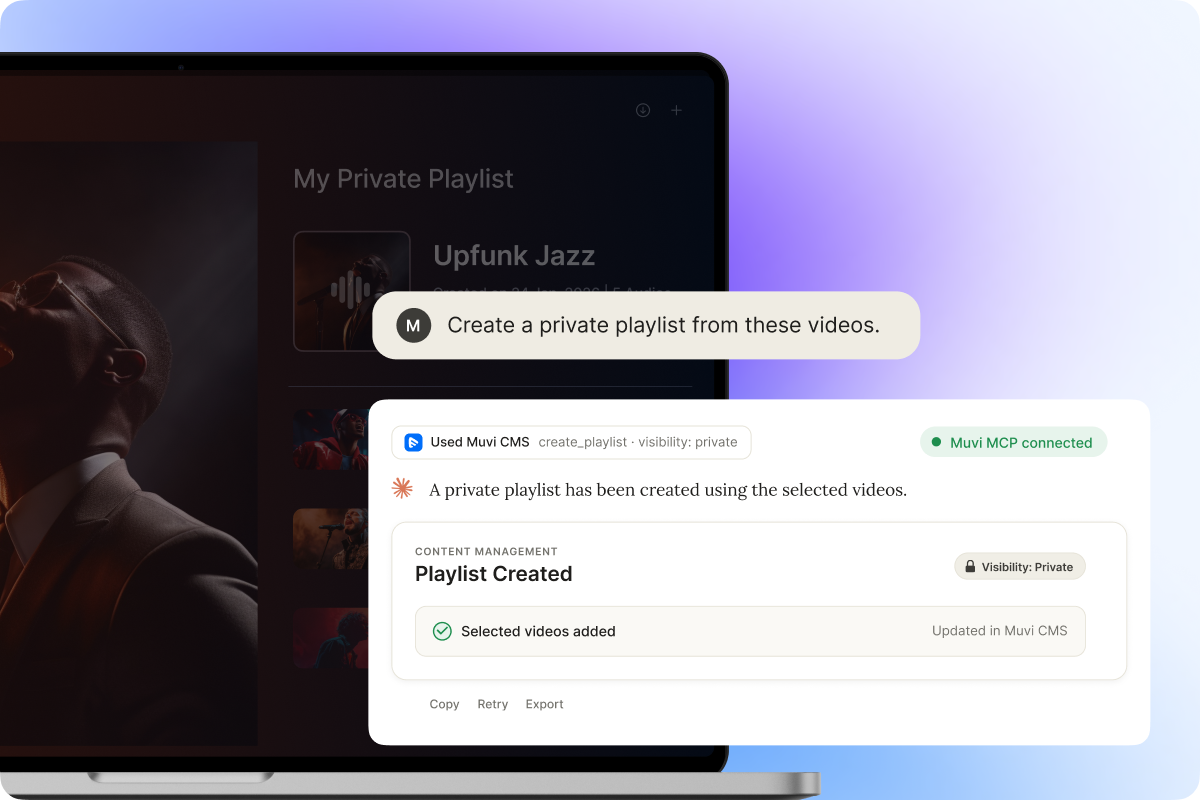
Manage Content Through Natural-Language Requests
Handle supported content tasks such as creating playlists, updating information, or organizing media directly from your AI tool, without working through multiple CMS screens.
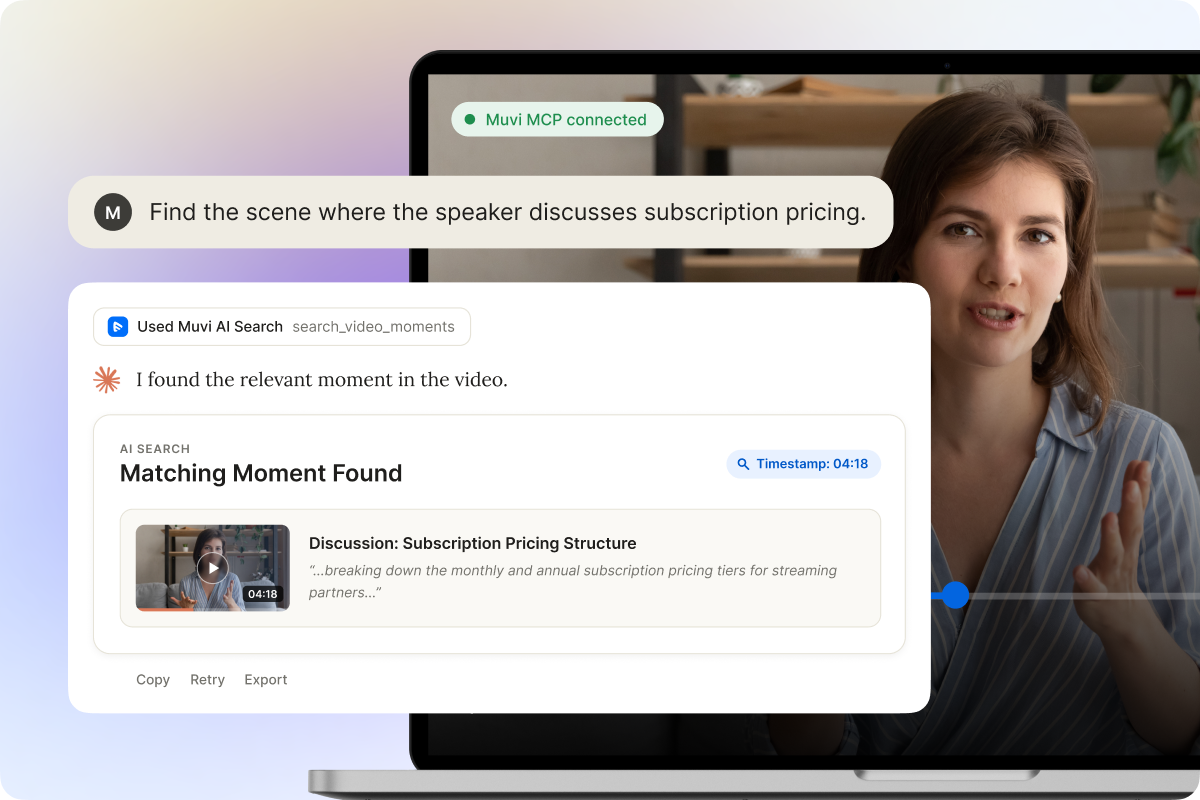
Find the Exact Moment You Need
Search supported video content by topic, scene, or spoken context and jump straight to the relevant moment without manually scrubbing through the full video.
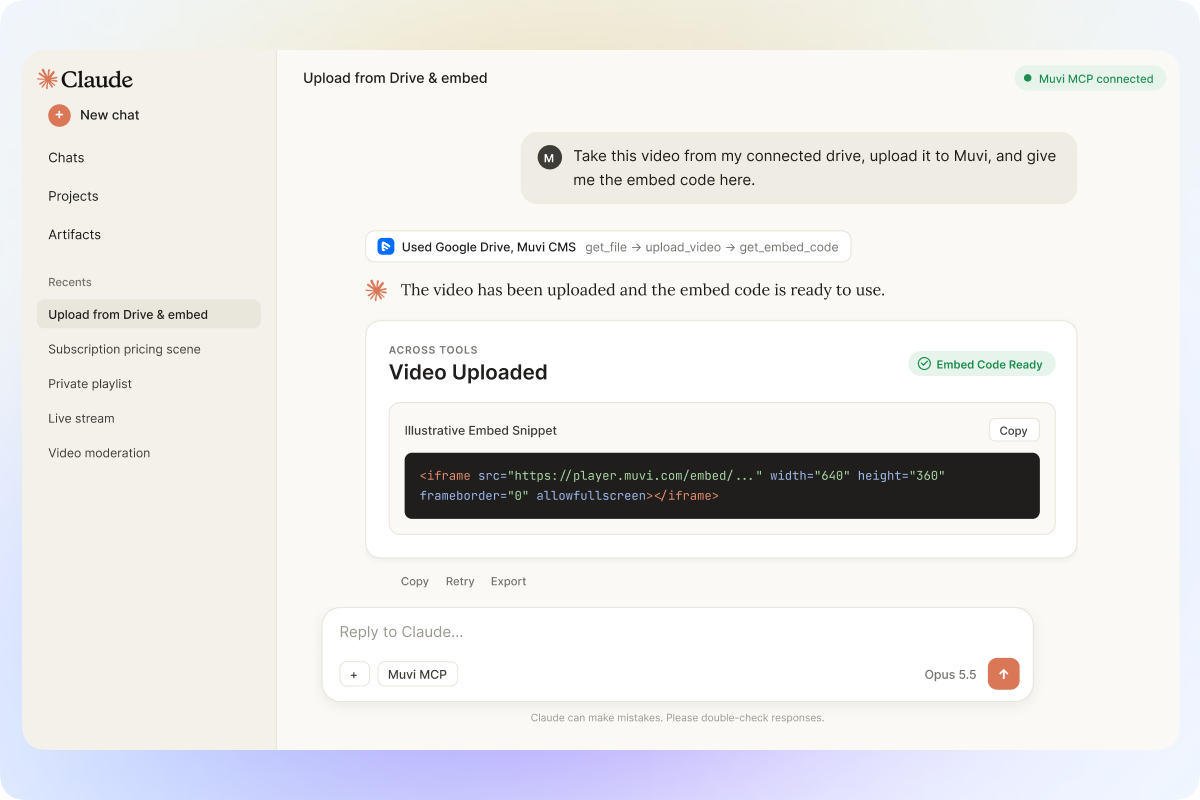
Work Across the Tools You Already Use
Bring files or information available in your AI environment into supported Muvi actions, so you can keep working without constantly switching between separate tools.

ChatGPT
Pre-built connector available
Use the pre-built Muvi MCP connector in ChatGPT to access supported Muvi capabilities directly from chat.
Try Now
Claude
Pre-built connector available
Use the pre-built Muvi MCP connector in Claude to access information and request supported Muvi actions directly from chat.
Coming Soon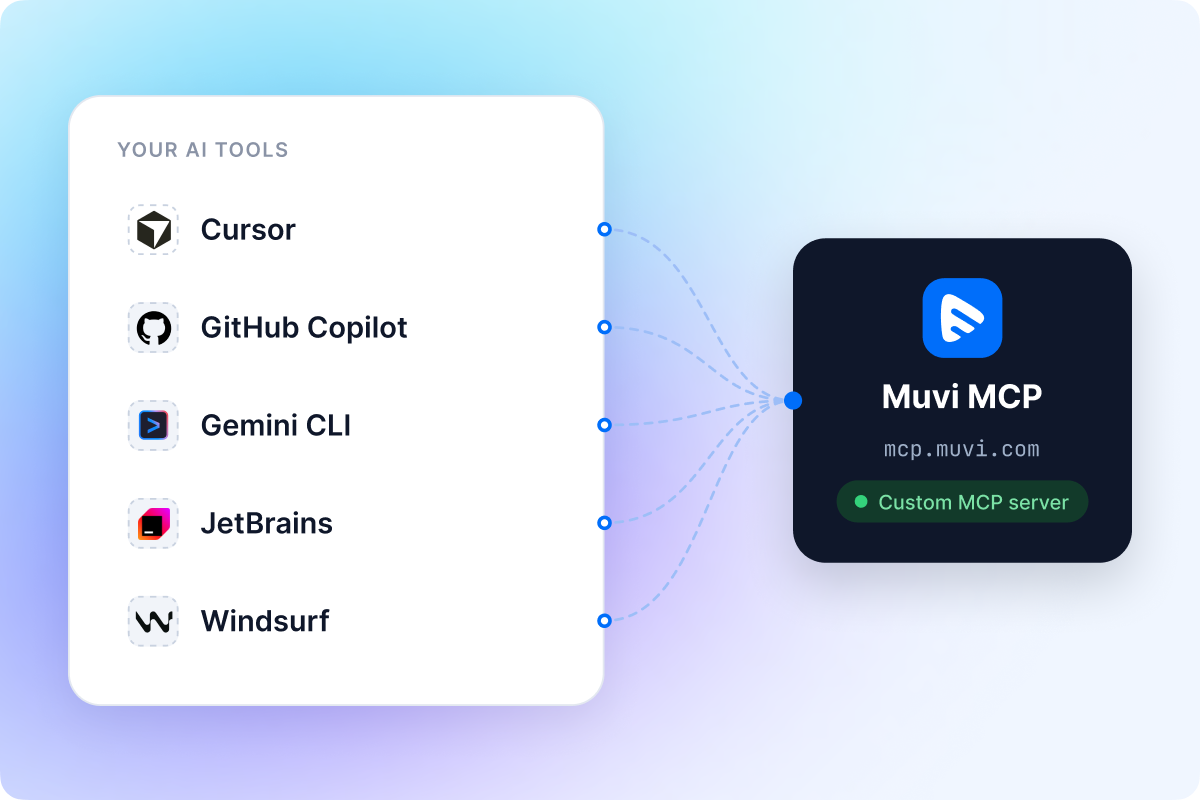
Use Muvi MCP in Other MCP-Compatible Tools
For AI tools outside the ChatGPT and Claude plugin experience, add Muvi MCP as a custom MCP server and access supported Muvi capabilities from the environment you already use.
How It Works
How It Works


Access Muvi Capabilities Without Opening the Dashboard
Access supported Muvi capabilities from AI assistants, applications, and connected systems through MCP, APIs, and Webhooks.
Ask Through AI
Get analytics, content information, and other supported insights directly from compatible AI assistants.
Access Content & Media
Request supported content, media, and moderation actions without returning to the CMS.
Connect Your Applications
Use APIs and Webhooks alongside MCP to connect Muvi capabilities with your applications and systems.
Work More Naturally Without Losing Control
 Ask in Natural Language
Request information, analysis, or supported actions without navigating through multiple screens.
 Stay in the Tools You Already Use
Work with supported Muvi capabilities from the AI assistants and coding tools you already use.
 Work Across Connected Tools
Use Muvi capabilities alongside files, services, and other tools connected to the same AI environment.
 Existing Access Still Applies
Your product access, account role, and permissions continue to determine what you can access through Muvi MCP.
 Actions Stay Controlled
Supported create, update, or remove actions can ask for confirmation before they are completed.
 Analytics Stays Read-Only
Access watch and revenue analytics for insights without changing the underlying analytics data.