
Webcam Live Streaming with Screen Sharing

Encoderless Webcam & Screensharing

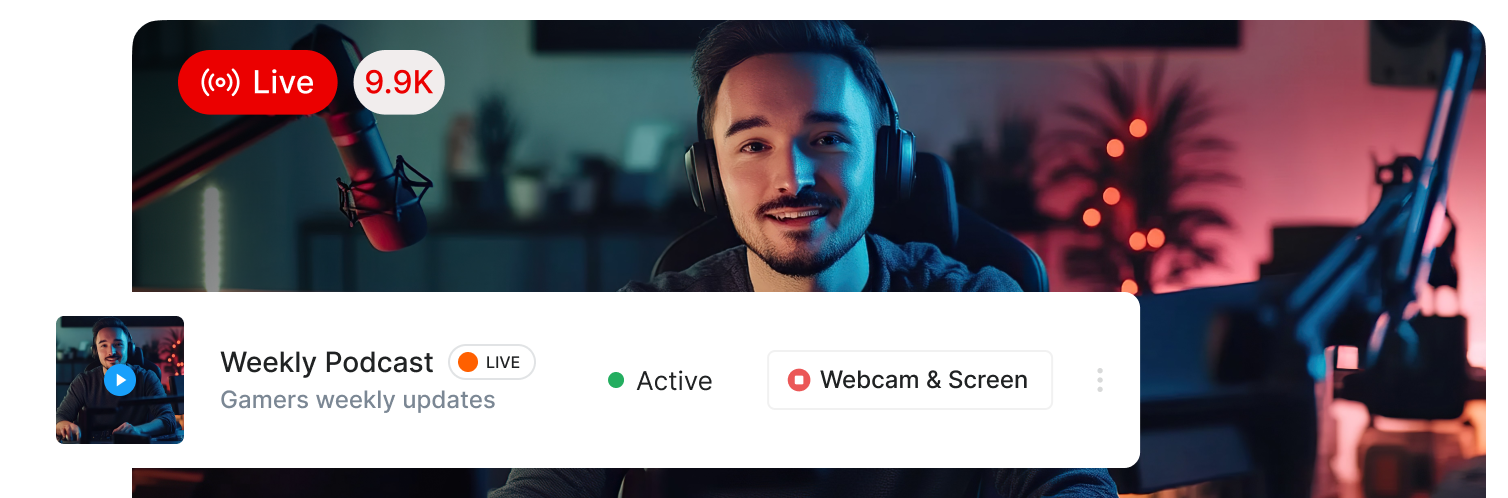
Webcam Live Streaming Made Simple

Ultra Minimal Setup!

Ultra Minimal Setup!

✅ Say Goodbye to Encoding Software and External Encoders
✅ Quick and Easy to Set Up and Start Streaming
✅ Launch Your Webcam Live Stream Directly from Your Browser
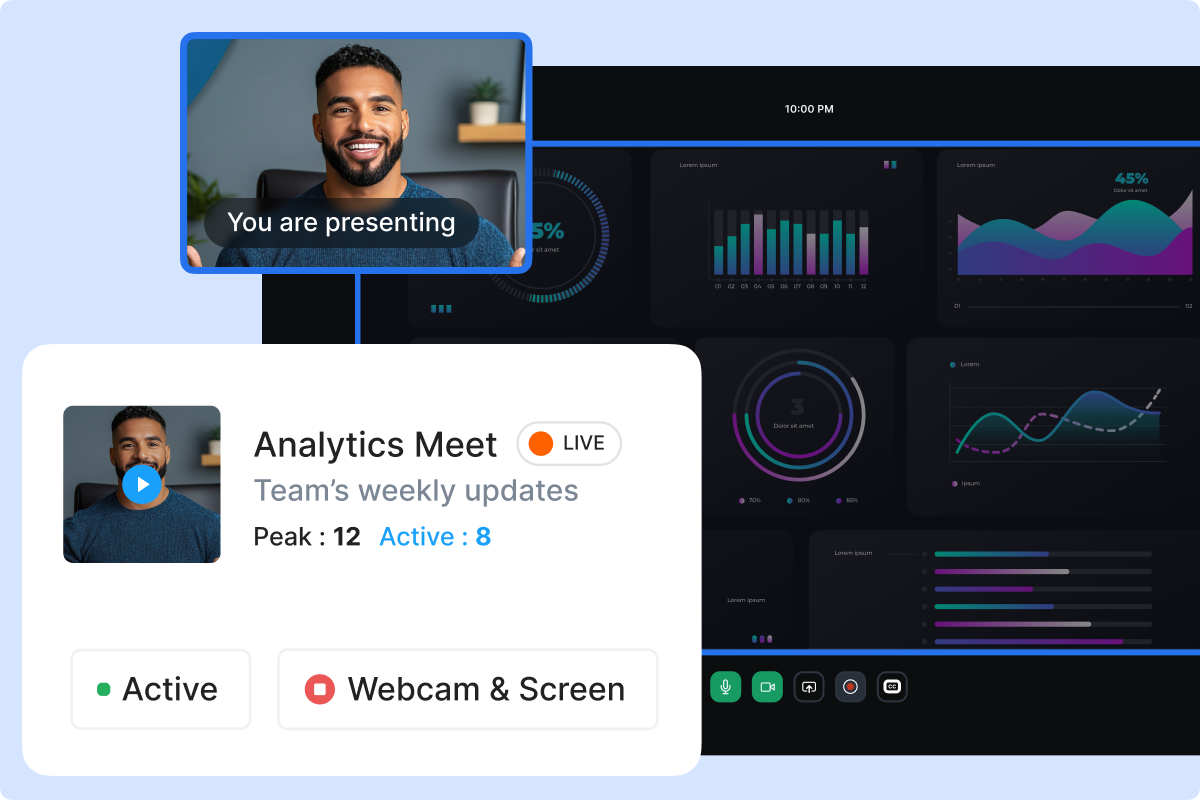
✅ Livestream Screen Sharing
✅ Superior Quality Streams With Minimal Effort

Completely Browser Based

Completely Browser Based

No need to download any software. Go live from browser using your webcam or screen sharing, across devices and locations. This browser-based live streaming setup lets you start streaming instantly without additional configuration or external tools.

Go Live Instantly!

Go Live Instantly!

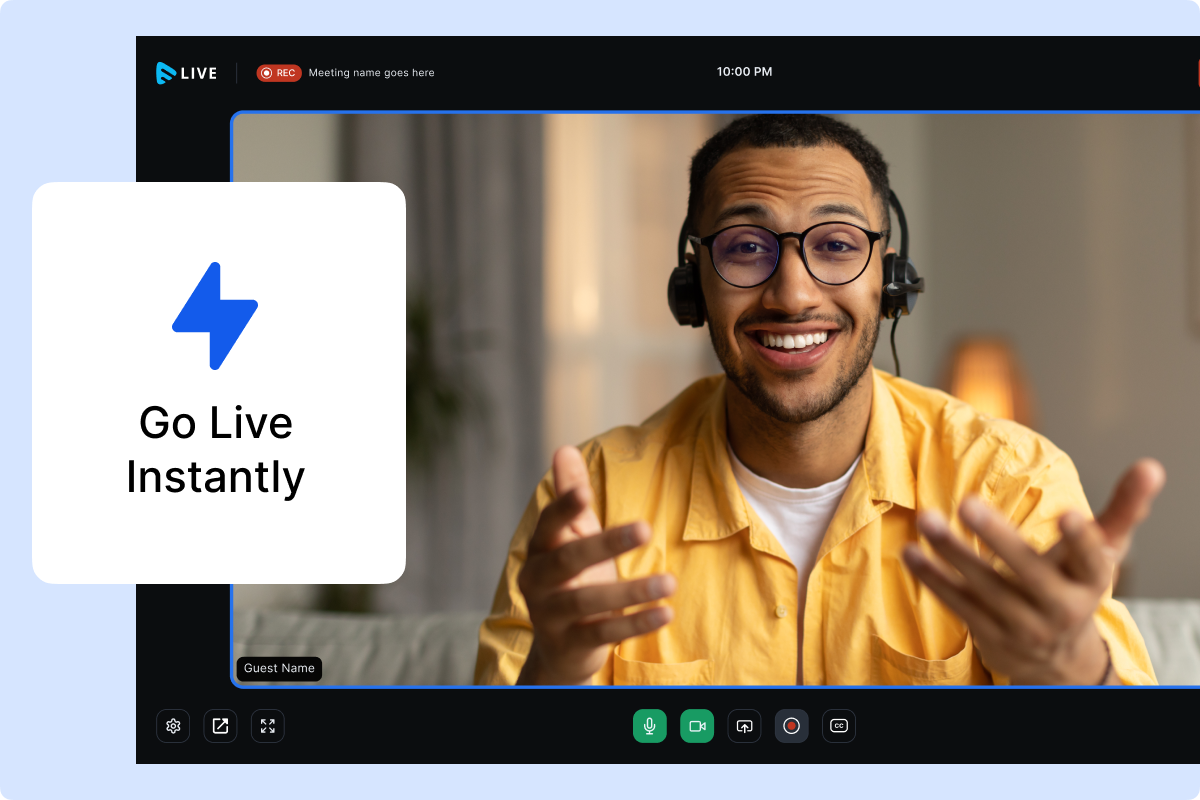
Start your webcam live streaming instantly and go live directly from your browser. This browser-based streaming experience ensures the fastest possible setup, so you can start broadcasting from anywhere without delay.

Tree

Start your 14 day free trial today

  • Live stream from any device, using any browser!
  • Secure live streams with DRM and Watermarking.
  • Monetize using Paywall, Ads.
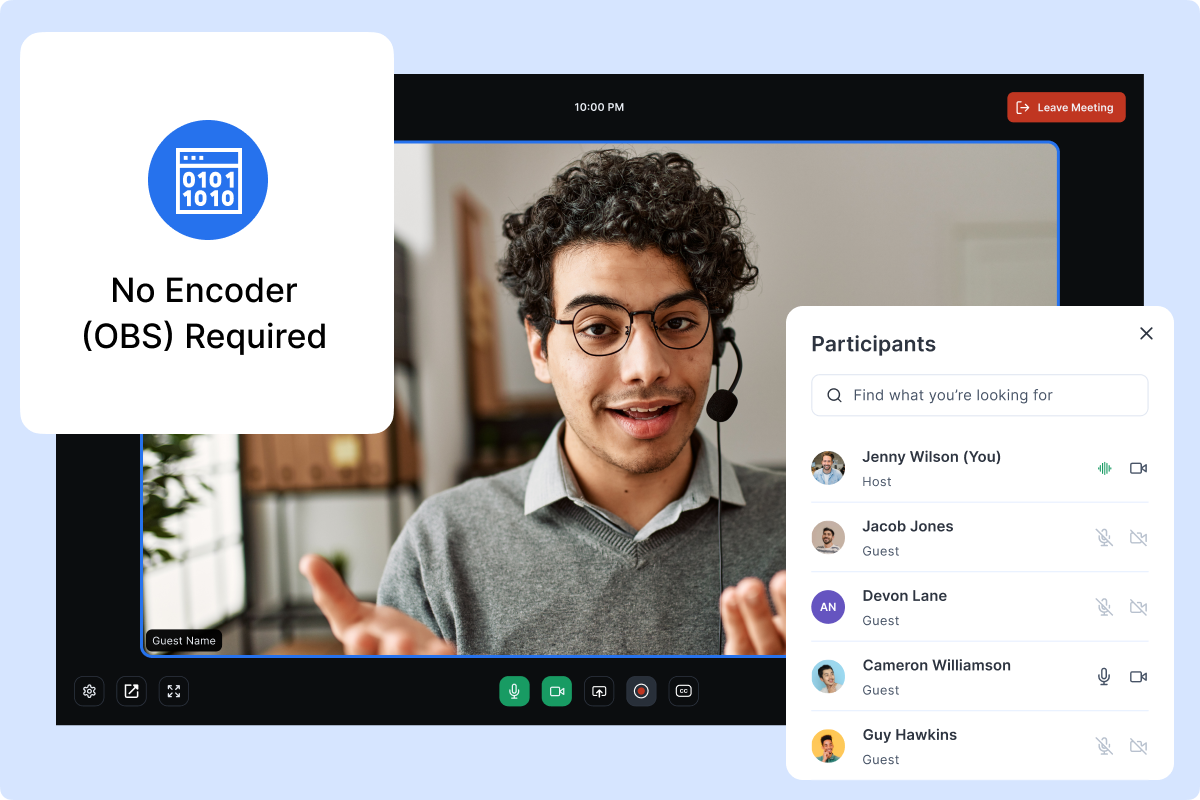
No Encoder (OBS) Required

No Encoder (OBS) Required

Muvi Live is an encoderless live streaming platform with in-built encoding, allowing you to live stream without an encoder or external tools like OBS. This encoderless live streaming setup simplifies the workflow, reduces setup time, and removes the need for third-party encoding software. With an easy-to-use interface and an enhanced live streaming CMS, managing webcam and screen-sharing live streams becomes effortless.

Low Latency Streaming

Low Latency Streaming

WebRTC live streaming enables low-latency video delivery directly from the browser, ensuring real-time interaction for webcam and screen-sharing live streams. By leveraging WebRTC, Muvi Live delivers responsive, near-instant playback without external encoders, making browser-based live streaming feel immediate and highly reliable.

Use
Cases

Live Online Classes & Skill Training

Stream your live events like Live Concerts, Media Interactions, Press Conferences & Sports.

Webinars & Thought Leadership Sessions

Host professional webinars without OBS by combining webcam video with screen-shared presentations.

Product Demos & SaaS Walkthroughs

Teams can demonstrate live products by sharing their screen alongside a webcam feed. This is especially useful for SaaS demos, feature launches, and onboarding sessions.

Internal Team Meetings & Remote Updates

Run internal meetings, leadership updates, or training sessions directly from the browser. Screen sharing enables walkthroughs of dashboards, reports, and roadmaps.

Church Services & Faith Gatherings

Stream sermons, prayer meetings, or study sessions using a webcam, while screen-sharing scripture slides or announcements. Low-latency streaming helps maintain a sense of real-time participation for remote congregations.

Frequently Asked Questions

Yes. Muvi Live supports encoderless live streaming, meaning you can start webcam and screen-sharing live streams directly from your browser using Muvi’s in-built encoding. No external software, hardware encoders, or OBS installation is required.

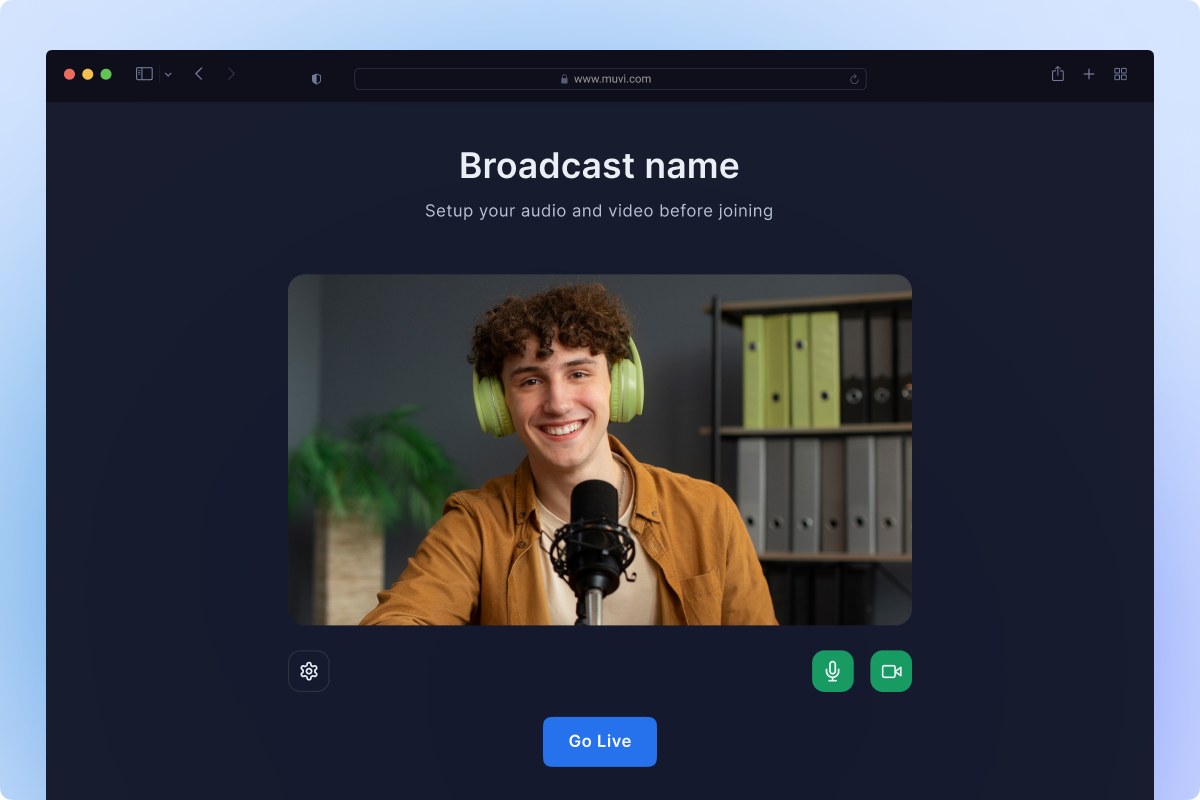
You can start webcam live streaming by logging into Muvi Live, enabling webcam access in your browser, allowing camera and microphone permissions, and clicking Go Live. The stream is captured, encoded, and delivered directly through the browser.

Yes. Muvi Live is a browser-based live streaming platform that allows you to go live from modern browsers without downloading any software. This makes it easy to start streams from any device and location.

Yes. Muvi Live supports screen sharing livestreams, allowing you to broadcast your full screen, specific applications, browser tabs, or presentations alongside or instead of your webcam feed.

Muvi Live uses WebRTC technology to enable real-time webcam and screen-sharing live streams with minimal latency, making it suitable for interactive use cases like meetings, training sessions, and webinars.

Yes. Browser-based webcam live streaming is widely used for online classes, internal meetings, webinars, product demos, and virtual events where quick setup, reliability, and low latency are more important than complex broadcast hardware.

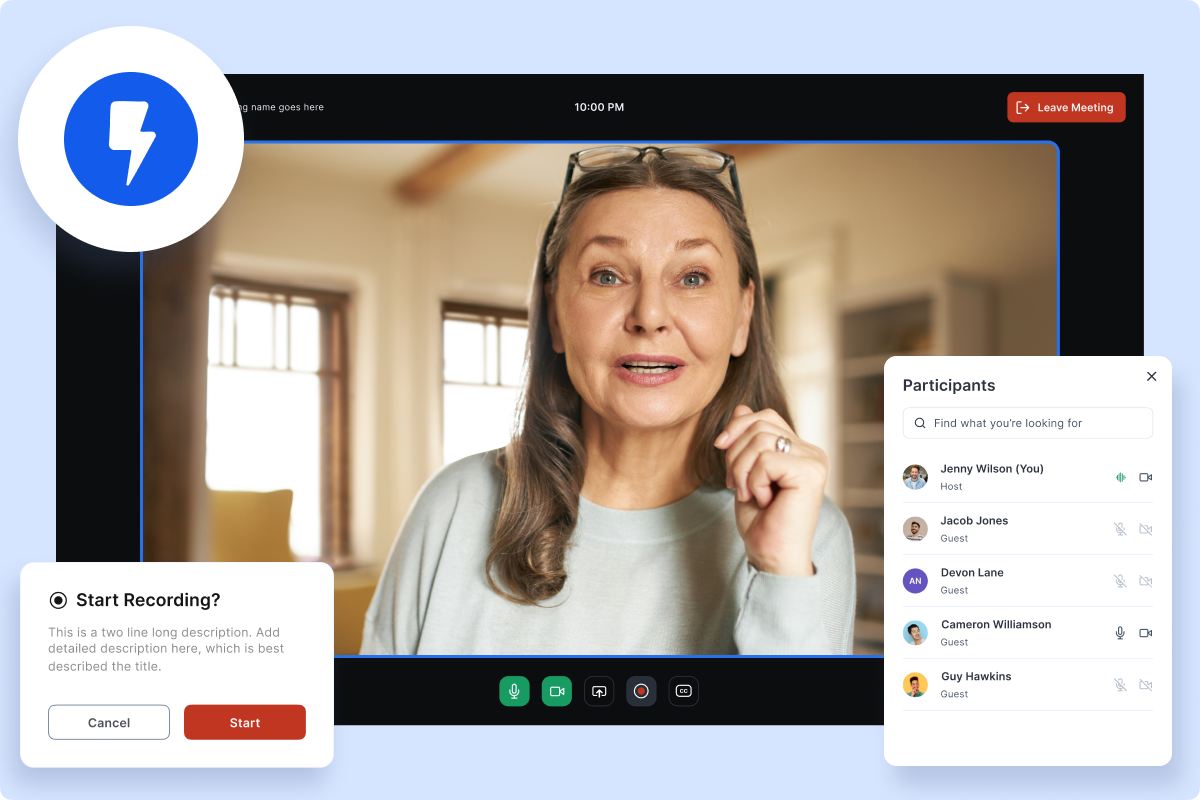
Yes. Muvi Live supports recording live streams, allowing you to save webcam and screen-sharing sessions and repurpose them later as on-demand video content.

Muvi Live supports security features such as DRM, watermarking, and access controls, helping protect live streams from unauthorized viewing or redistribution.

Yes. Muvi Live uses HTML5 and WebRTC, enabling compatibility across modern browsers and devices, including desktops and laptops, without requiring plugins or software downloads.

For simple, browser-based live streams such as webcam sessions, screen-sharing demos, and online classes, Muvi Live can serve as a practical alternative to OBS by removing setup complexity and software dependency.

Use Cases