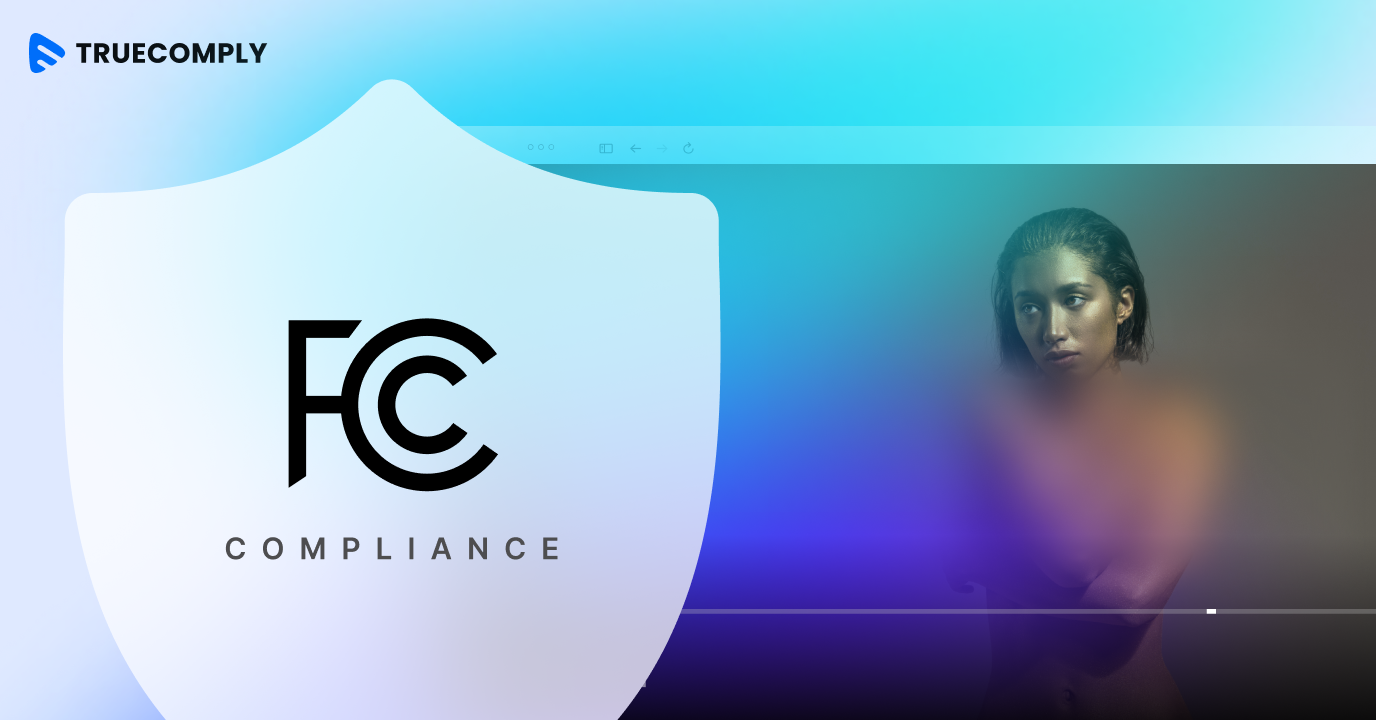
FCC compliance is now a core operational requirement for every broadcaster and online video platform serving US audiences. The challenge is scale. A broadcaster managing thousands of hours of content cannot rely on manual review teams to catch every instance of profanity, nudity, or time-restricted material before it reaches audiences.
This guide explains what FCC compliance actually requires for online video, where the operational pressure points are, and how AI-powered tools like TrueComply make it possible to stay compliant across content libraries of any size.
What Is FCC Compliance for Video Content?
The FCC (Federal Communications Commission) regulates interstate and international communications by radio, television, wire, satellite, and cable across all 50 US states, the District of Columbia, and US territories. For broadcasters, FCC compliance means adhering to a specific set of content rules that govern what can be aired, when, and with what restrictions.
The FCC categorizes online video services into two groups: multichannel video programming distributors (MVPDs) and online video distributors (OVDs). Both are subject to regulatory oversight, and as OTT platforms increasingly distribute content that was previously exclusive to licensed broadcast channels, the compliance requirements are expanding accordingly.
At the content level, FCC compliance covers several categories that broadcasters must actively manage:
- Obscenity — explicitly prohibited at all times across all broadcast contexts
- Indecent content — restricted to the safe-harbor window between 10 PM and 6 AM
- Profane language — subject to the same safe-harbor restrictions as indecent content
- Violence and graphic imagery — evaluated based on context, time of broadcast, and likely audience
- Substance use — cigarettes, alcohol, and drug-related visuals carry promotional risk during daytime hours
- Child-inappropriate content — adult themes broadcast during hours when minors are likely to be watching
Why Manual Review No Longer Works at Scale
Manual content review was the industry standard when broadcast libraries were small and tightly curated. Today, that model has broken down completely. Manual review cannot keep pace with modern content volume. It is slow, expensive, and inconsistent — and the same reviewer may apply different judgements to similar content depending on fatigue, context, or familiarity with the regulations.
There are three specific failure points where manual FCC compliance breaks down at scale:
- Volume vs. Capacity
Large content libraries simply exceed what human review teams can process in any reasonable timeframe. Content queues build up, publishing schedules are delayed, and compliance gaps appear in the backlog — often in footage that has already been distributed.
- Context-Dependent Rules
FCC compliance is contextual. A scene that is acceptable after 10 PM may violate regulations if broadcast during school hours. Manual reviewers must evaluate each case individually — and with large volumes, errors multiply.
- Regulatory Changes Trigger Library-Wide Re-Review
When FCC rules are updated or enforcement guidance changes, the entire content library may need re-evaluation. For broadcasters with years of archived footage, a regulatory change can create an enormous operational burden — one that is impractical to manage with human reviewers alone.
How TrueComply Automates FCC Compliance for Online Video
TrueComply is Muvi’s AI-powered video compliance platform, built specifically for broadcasters and streaming platforms that need to manage FCC compliance at scale. It automates the detection, review, and remediation of compliance violations across video libraries — reducing the need for manual review while delivering consistent, audit-ready results.
Importantly, TrueComply does not come with a fixed set of pre-built FCC rules. Instead, platform administrators define their own compliance rules — specifying exactly which content categories to flag, the severity thresholds that trigger action, and the remediation responses to apply. This admin-configured approach gives broadcasters full control over how compliance is enforced, ensuring the platform adapts to their specific regulatory obligations, content policies, and audience standards rather than applying a one-size-fits-all ruleset.
TrueComply operates across the full compliance workflow:
How TrueComply Works:
- Automatic scan at upload — every frame analyzed for visual and audio compliance signals
- AI-powered detection — identifies nudity, profanity, violence, substance use, and sensitive scenarios
- One-click remediation — blur segments, mute dialogue, add labels, or apply custom actions
- Admin-defined rule configuration — you set your compliance standards once, specifying exactly what to detect and how to respond; TrueComply enforces them across your entire library
- Continuous enforcement — new uploads are automatically reviewed against your active compliance rules
Read More:
How OTT Giants Handle Global Video Compliance
AI Powered Compliance: Transforming the Future of OTT and Broadcast
What TrueComply Detects and Fixes for FCC Compliance
TrueComply maps directly to the content categories broadcasters need to manage under FCC broadcast rules. Administrators configure which categories are active, the severity levels that trigger action, and whether violations are auto-remediated or held for editorial review. For each category, the platform identifies the specific trigger, applies the configured action, and flags the result accordingly.
- Nudity and sexual content
TrueComply detects nudity and child-related suggestiveness. Admins configure the severity threshold and the corresponding action — segment blur or clip removal — applied automatically based on the rules they define.
- Language and profanity
The platform identifies profanity, offensive language, hate speech, and obscene gestures across dialogue, audio tracks, and subtitles. Broadcasters configure whether violations trigger automatic beeping, muting, or an editorial hold.
- Violence and graphic imagery
TrueComply classifies violence across a severity spectrum — mild, moderate, and strong — alongside gore, weapons, accidents, and disaster footage. Admins set which severity levels require action, and detection includes timestamp-level flags for editorial verification.
- Substance use
Cigarettes, tobacco, alcohol, and drug imagery are detected and labelled according to admin-configured rules, with options for daytime-specific enforcement aligned to FCC daytime restrictions.
- Sensitive scenarios
Self-harm, suicide, and animal cruelty are flagged separately, with blur actions available. Admins configure these categories independently to reflect their platform’s specific content-appropriateness standards.
★ Platform fact: TrueComply scans video, audio, and subtitle tracks simultaneously — ensuring full-spectrum compliance detection across every element of your content, not just the visual layer.
FCC Compliance Is the Starting Point — TrueComply Covers the Full Regulatory Map
FCC compliance is a US-specific requirement, but broadcasters distributing content internationally face a parallel set of obligations. A platform that is FCC-compliant may still have content that violates OFCOM standards in the UK, the Digital Services Act (DSA) in the EU, COPPA requirements for children’s content, or ACMA rules in Australia.
TrueComply supports multiple moderation profiles across jurisdictions. Administrators configure compliance rules independently for each region and apply them in a single workflow. FCC rules run in parallel with COPPA, DSA, ACMA, and OFCOM profiles — so platforms expanding internationally build compliance into their publishing process from the start, rather than retrofitting it later.
What Broadcasters Gain from Automated FCC Compliance
For compliance and editorial teams, the practical impact of TrueComply is straightforward:
- Reduced manual review burden — AI handles the initial scan across every piece of content, so reviewers focus on edge cases and approval decisions rather than frame-by-frame screening
- Faster content publishing — compliance checks run at upload rather than in a separate pre-publication queue, eliminating the bottleneck that manual review creates in high-volume workflows
- Consistent enforcement — the same admin-defined compliance rules apply to every piece of content, every time, without variation based on reviewer fatigue or interpretation drift
- Audit-ready documentation — TrueComply generates detailed compliance reports at the timestamp level, giving broadcasters documented proof of their compliance process for FCC inspections or investigations
- Scalability without headcount — compliance capacity grows with your content library, not with your review team size
FCC Compliance for User-Generated Content
User-generated content (UGC) represents a specific FCC compliance challenge. Platforms that accept uploads from creators or members of the public cannot pre-screen every submission before publication — and the volume of UGC on live sports platforms, community video portals, and creator-driven streaming services is far beyond the reach of manual moderation.
TrueComply addresses this by scanning every upload automatically within your CMS, applying whatever compliance rules the platform administrator has configured. If a UGC upload triggers a violation, TrueComply flags it instantly and applies the configured action — whether that is auto-rejection, a hold for editorial review, or a one-click remediation option for the content team.
Getting Started with TrueComply for FCC Compliance
Setting up FCC compliance through TrueComply begins with rule configuration. There are no pre-built FCC rules waiting to be switched on — instead, platform administrators define their own compliance rules, specifying which content categories to detect, the severity thresholds that matter for their platform, and the remediation actions to apply when violations are found. This configuration step is intentional: it ensures your compliance setup reflects your actual regulatory obligations and editorial standards, not a generic default.
Once rules are configured, they apply across the content library in one click. New uploads are automatically scanned against the active compliance profile, with flags appearing in the TrueComply dashboard at the timestamp level. Remediation options — blur, mute, label, remove — are available for one-click application without leaving the interface.
TrueComply integrates seamlessly within Muvi’s CMS, meaning broadcasters already operating on Muvi’s infrastructure can activate compliance automation without switching platforms or adding a separate tool to their workflow.
Take a 14 Day Free trial now!









Add your comment