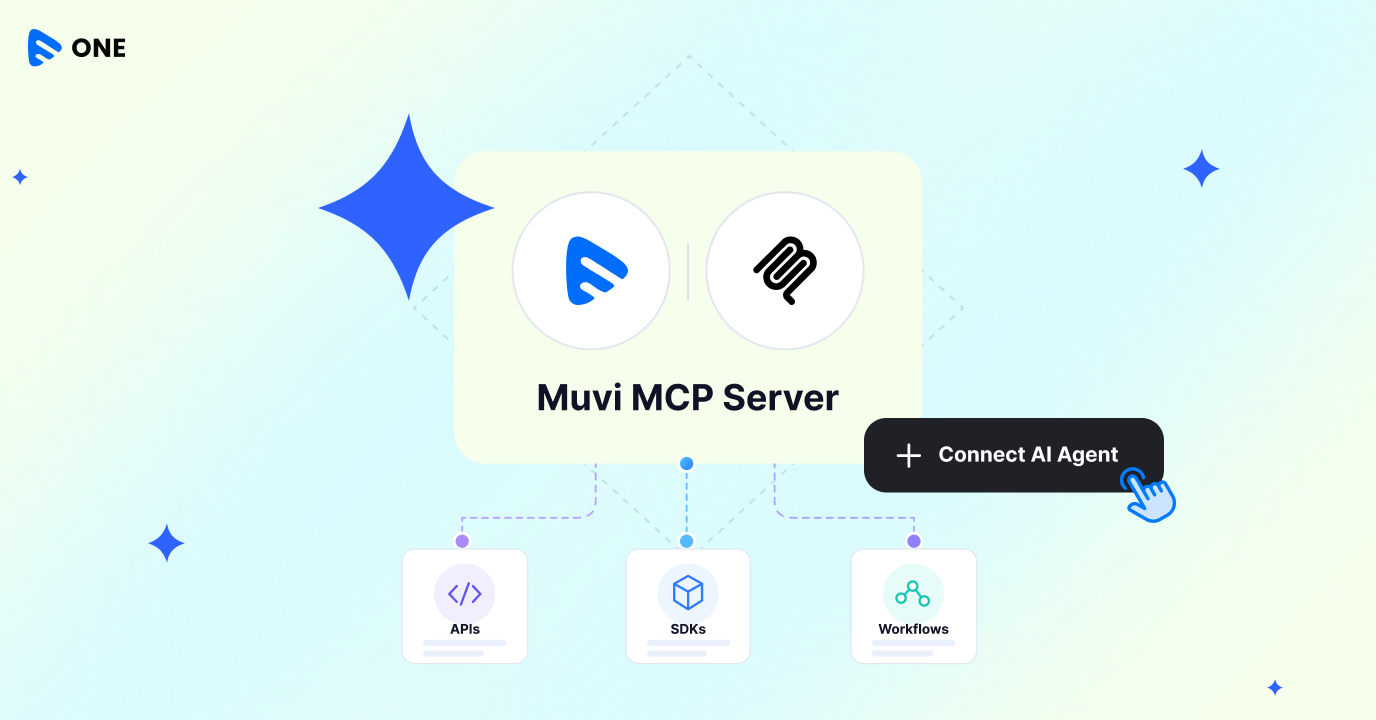
Muvi MCP gives AI agents a structured way to work with Muvi’s APIs, SDKs, and workflows. It allows developers to use compatible AI tools to build, configure, and manage streaming experiences without having to manually stitch together every API call.
In this post, we’ll look at what Muvi MCP is, how it works, and what it means for developers building streaming products.
First, what is MCP?
The Model Context Protocol (MCP) is an open standard that allows AI applications to connect with external tools and systems.
In simple terms, MCP gives an AI agent a standard way to understand what a connected platform can do and use those capabilities when needed.
Without something like MCP, an AI agent may be able to generate code for an API, but the developer still has to provide the documentation, figure out the right endpoints, write the integration, and deal with the responses.
With MCP, the platform can expose its capabilities in a way that an AI agent can understand and work with.
For developers, that means the interaction can move from:
“Show me how to call this API.”
to:
“Do this for me using the platform.”
That distinction becomes particularly useful when you’re working with a streaming platform that has dozens of APIs and workflows.
What is Muvi MCP?
Muvi MCP is a remote MCP server that brings Muvi’s APIs and SDKs into AI-assisted development and operations.
The server is available at mcp.muvi.com, so there is no separate server infrastructure that developers need to set up and maintain.
Muvi MCP has three main components:
1. A remote MCP server
The Muvi MCP server provides the connection between compatible AI clients and Muvi’s platform capabilities.
Developers can connect supported clients to mcp.muvi.com and authenticate their Muvi account. Once connected, the AI agent can work with the Muvi capabilities available to that account.
The idea is simple: you connect once, and the agent has a structured way to work with Muvi.
2. Tools built for AI agents
APIs are designed to give developers granular control. That can sometimes mean completing a simple task requires several API calls.
For example, uploading and preparing content may involve multiple steps across different endpoints. Muvi MCP groups related operations into higher-level, task-oriented tools.
Instead of asking an AI agent to figure out every individual API call, it can work with a tool designed around the actual task—for example, upload_content.
3. Skills that provide workflow knowledge
Tools tell an agent what it can do. Skills help it understand how to do it properly.
Muvi MCP includes Skills—Markdown-based instructions that describe how an agent should complete specific Muvi workflows.
We’re starting with common streaming workflows such as:
- Uploading content
- Going live with a livestream
- Managing content metadata
- Adding a player
- Enabling monetization
- Reviewing analytics
- Managing users
The Skills follow conventions such as agents.md and skills.sh, making them compatible with the coding-agent workflows developers are already using.
What can developers do with Muvi MCP?
The biggest difference is that developers can interact with Muvi through an AI agent using natural-language instructions instead of manually working through every step.
For example, you could ask your coding agent:
“Add live streaming, moderation, and recommendation capabilities to my application using Muvi.”
Or:
“Create an agent that performs quality checks on new content uploaded to my Muvi-powered application.”
The agent can use the available Muvi tools and Skills to understand the workflow and work through the required steps.
It doesn’t have to guess its way through Muvi’s API surface. The tools and Skills provide structured information about what is available and how those capabilities should be used.
From building to managing your streaming platform
Muvi MCP isn’t limited to the development environment. Because the same MCP connection can be used through compatible chat-based AI clients, it can also make certain operational tasks easier.
For example, you could ask:
“Generate subtitles and review them for all the videos in my Muvi account.”
Or:
“Show me engagement analytics for the past week and summarize the key insights.”
Instead of switching between different dashboards, looking up documentation, and manually executing individual operations, the AI agent can act as an interface to the underlying Muvi capabilities.
Why task-level tools matter
One of the challenges with connecting AI agents to APIs is giving the agent enough functionality without overwhelming it with hundreds of individual operations.
Imagine asking an AI agent to upload a video when it has to independently figure out:
- Which API to call
- Which parameters are required
- Which metadata needs to be created
- Which content structure to use
- Which call needs to happen first
- How to interpret each response
That’s a lot of orchestration for a relatively simple task. Muvi MCP approaches this differently by combining related API operations into higher-level tools and providing Skills that describe the workflow.
Making API responses easier for AI agents to work with
There’s another important difference between traditional API usage and AI-assisted workflows.
An API might return a status code such as 200 or 400, along with a technical response.That’s useful for a developer, but an AI agent needs enough context to understand what happened and decide what to do next.
Muvi MCP provides responses in a form that an agent can interpret as part of the workflow.
For example, instead of simply seeing that an operation failed, the agent can understand that content failed to upload because of a particular issue and determine whether it should retry, correct an input, or ask the developer for more information.
This makes the interaction more suitable for agent-driven workflows.
Security and control
Giving an AI agent access to your streaming platform also means giving careful thought to permissions and control. Muvi MCP is designed with those considerations in mind.
OAuth 2.0 authentication
For supported web and chat clients, Muvi MCP uses OAuth 2.0 for authentication. CLI-based workflows can also use API token authentication where supported.
Confirmation for sensitive actions
Operations that can have significant or destructive consequences—such as deleting content or an account—require explicit confirmation before they are executed. This creates an additional layer of control when using AI agents to operate platform functionality.
Your existing Muvi access still applies
Connecting through MCP doesn’t bypass your existing Muvi account permissions or product entitlements.
Your access to Muvi capabilities continues to depend on the products and subscription associated with your account. Relevant platform limits, including API rate limits and infrastructure usage limits, continue to apply.
In other words, MCP provides a new interface for working with Muvi; it doesn’t remove the controls already in place.
What does Muvi MCP mean for streaming developers?
Today, a developer might go through this process:
Documentation → API → Code → Test → Debug → Repeat
With AI agents and MCP, that workflow can increasingly become:
Describe the outcome → Agent understands the available capabilities → Agent executes the workflow → Developer reviews the result
That doesn’t mean developers disappear from the process. Developers still define the architecture, decide what should be automated, set permissions, review implementation, and handle the parts of a product that require engineering judgment.
But MCP can remove some of the repetitive work between the idea and the implementation.
For streaming businesses, this could eventually mean faster experimentation, easier platform operations, and more accessible development workflows.
Getting started with Muvi MCP
Getting started involves three basic steps.
1. Connect your AI client
Connect a compatible AI client to:
mcp.muvi.com
Authenticate using the supported authentication method for your client.
2. Add the relevant Muvi Skills
Add the Skills required for the workflows you want your coding agent to perform.
These give the agent the additional context it needs to work with Muvi’s APIs and SDKs correctly.
3. Start with a simple task
You don’t need to start by automating your entire streaming operation.
Try something small, such as:
“Upload this video to my Muvi platform.”
Or:
“Show me last week’s content engagement.”
Once you’ve seen how the workflow works, you can move on to more complex tasks and build AI-assisted workflows around your streaming application.
The next interface for streaming development?
Streaming platforms have traditionally been built around dashboards, APIs, and SDKs. MCP adds another possibility: AI agents as an interface to those same capabilities.
For developers, that could mean spending less time figuring out how to connect individual pieces and more time deciding what they want their streaming product to do.
Muvi MCP is a step in that direction—bringing Muvi’s streaming capabilities into the AI-assisted development workflows that developers are increasingly adopting.
If you’re exploring ways to automate your video streaming workflows, connect with the Muvi team to understand how the Muvi MCP Server can support your requirements and which use cases are available today.




Add your comment