Most businesses and professionals treat video meetings as a cost — bandwidth, software subscriptions, time. Muvi Meet flips that model. It lets you charge directly for access to any session you host, run it under your own brand, and collect payment before a single participant walks through the virtual door.
Whether you run one-on-one advisory calls, group coaching sessions, paid workshops, or live training webinars, the infrastructure to turn those sessions into a revenue channel already exists. This post covers how Muvi Meet works, what makes it different from generic conferencing tools, and how businesses across industries are using it to build paid consultation models that scale.
What It Means to Sell Video Consultations
To sell video consultations mean getting access to a live video session behind a payment. A participant registers, pays, receives a secure link, and joins the session once payment clears.
This model works across dozens of verticals.
General-purpose conferencing tools like Zoom or Google Meet handle the video part well, but they offer no native way to charge for access. Operators end up stitching together a separate payment processor, a booking tool, an email sequence, and a Zoom link — which introduces friction, and off-brand experiences at every step.
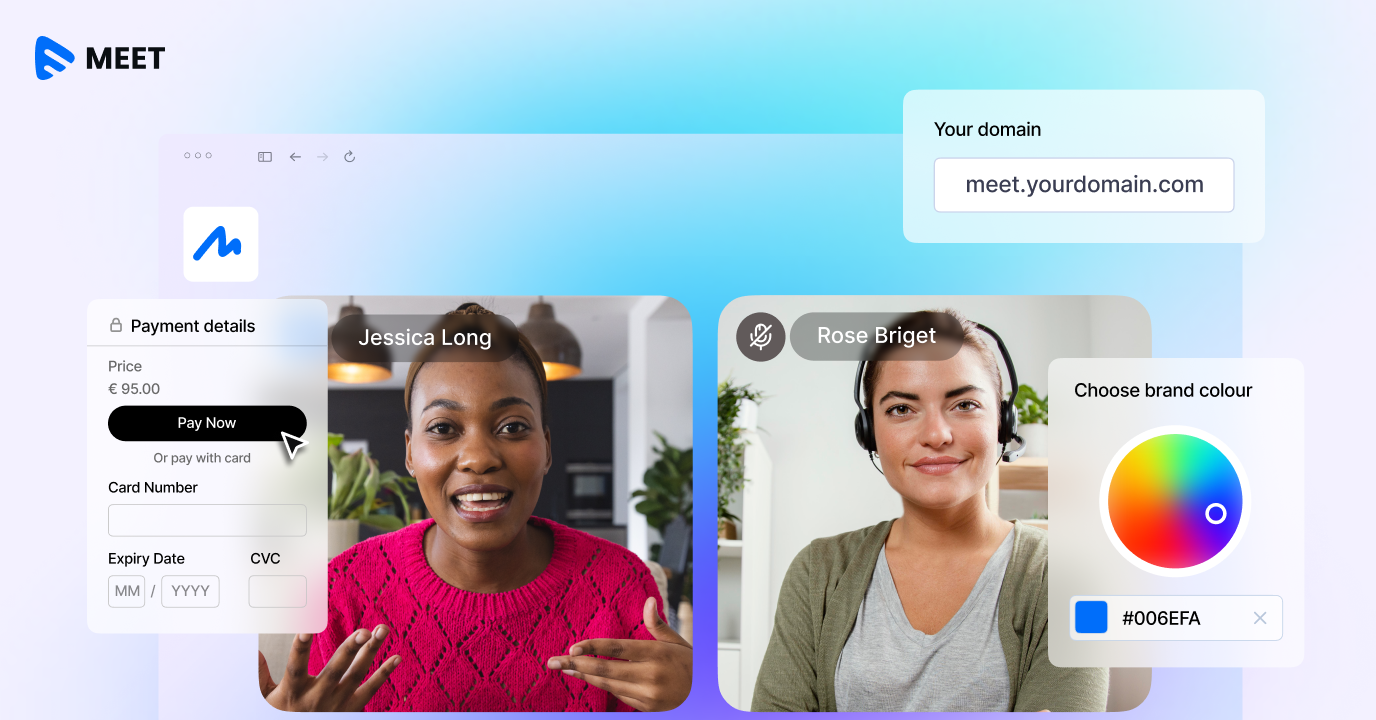
Muvi Meet handles the entire flow natively: scheduling, access control, payment gating, and the live session itself — all under your brand, on your domain. |
How Muvi Meet’s Pay-Per-View Access Works
Muvi Meet has built-in pay-per-view (PPV) access built directly into the meeting flow. Here is what that looks like to sell video consultations in practice:
- You create a meeting or session from your Muvi Meet dashboard
- You set the session as paid and define the price
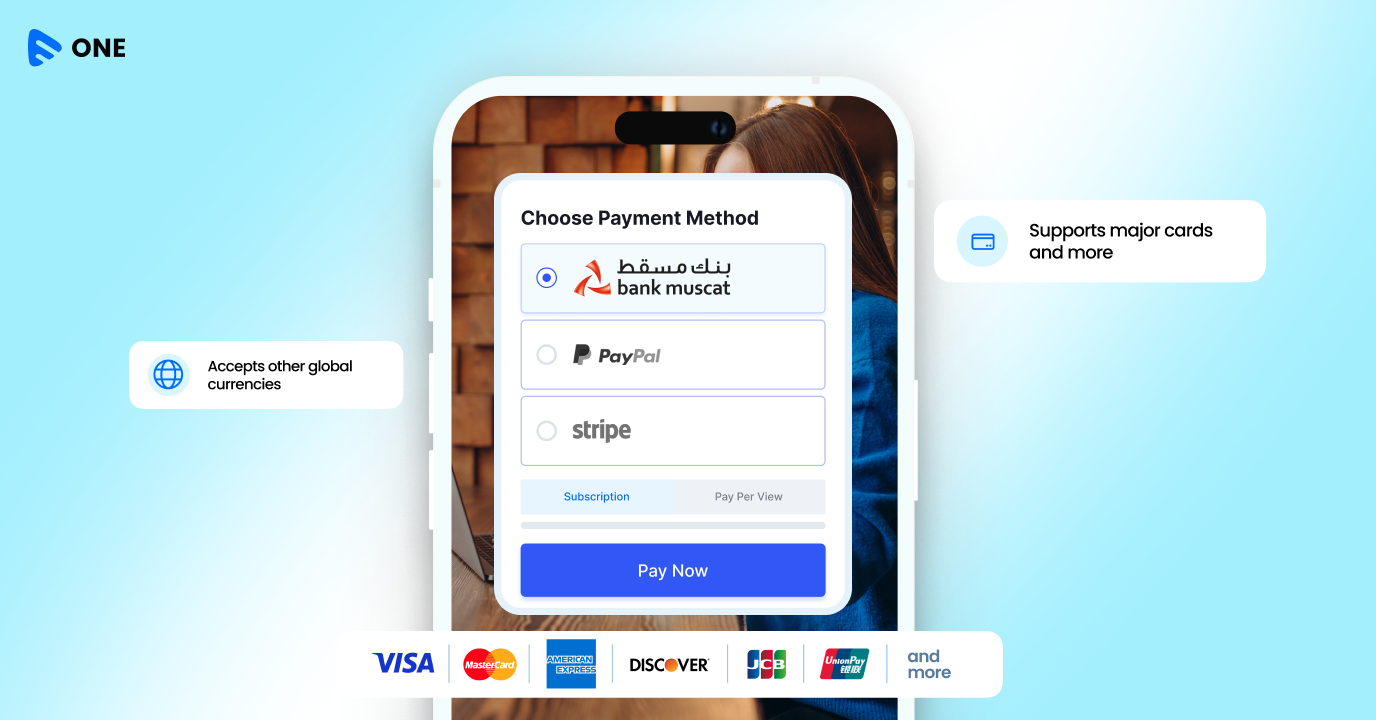
- Participants who arrive at your session link see a payment screen before they can enter
- Payment is completed within the platform — no third-party redirects
- Once payment clears, the participant gains entry to the room
There is no external payment processor to configure separately. The monetization layer sits inside the platform.
Muvi Meet supports 135+ currencies, which means a consultant based in India can sell a session to clients in the UK, UAE, Germany, and Canada — each paying in their local currency — without any additional setup.
White-Label Branding: Your Platform, Your Experience
Muvi Meet runs on your domain. Participants who join a session through your platform see your business name, your logo, your color scheme. There is no Muvi logo visible during the session, no third-party URL in the address bar, and nothing to suggest the infrastructure was built by anyone other than you.
The customization available inside Muvi Meet covers the essentials:
- Custom domain — sessions run at meet.yourbrand.com or similar
- Logo and favicon — your identity, not a platform’s
- Meeting themes and visual appearance — match your brand guidelines
- Participant-facing screens — waiting rooms, access pages, and session UI all carry your brand
When your client pays for access to a session, the experience from checkout to closing the browser tab should feel like one continuous, branded product. Muvi Meet is built to deliver that. |
Sell Video Consultations: Who Uses Paid Video Consultations
The paid consultation model applies broadly. Here are a few real use cases:
Healthcare and Wellness Providers- Clinics and independent practitioners run patient consultations under their own branding
Professional Services and Advisory Firms- Law firms, accounting practices, and management consultancies charge for initial advisory calls as a standard service.
Coaches, Educators, and Subject Matter Experts- Individual coaches and educators running live group sessions or one-on-one calls can set their own price per session, offer package access through Muvi One’s broader monetization stack.
Corporate Training and Certification Programs- Enterprises running paid training programs for external clients or customers can host those sessions on a branded platform under company infrastructure.
Sell Video Consultations: From Meeting to Asset
Once a session ends, the recording lives inside your content library. From there you can:
- Publish the recording as on-demand content and charge for replay access
- Organize sessions into a structured course or learning path
- Secure the recording with DRM and watermarking to prevent unauthorized distribution
- Embed recordings on your website for subscribers or students
- Track viewership, engagement, and drop-off analytics on the on-demand version
This turns a single paid session into a content asset with ongoing monetization potential. A workshop you delivered once can become a library item that earns every time someone buys access to the replay. That compounding effect is what separates platforms built for media businesses from general-purpose conferencing tools.
Session Management and Host Controls
Running a paid consultation requires more than video quality. It requires the host to maintain control of the room. Muvi Meet gives session hosts a complete set of management tools:
- Password protection for any session — an additional access layer beyond payment
- Participant controls — mute audio, disable video, or remove participants
- Screen sharing for presentations, documents, and demos
- Live polling to gather real-time feedback during sessions
- Live captions generated in real time for accessibility
- Recording — sessions are captured and stored for later use
For structured sessions like workshops or webinars, Muvi Meet supports controlled participation modes where the host manages who speaks and when — a practical requirement for any paid group event where participant noise or interruptions would undermine the experience.
Getting Started with Paid Consultations on Muvi Meet
Setting up your first paid session on Muvi Meet takes a few steps. You access your dashboard, create a meeting, set access to paid, configure the price and currency, and share the session link with your audience. Payment is handled on arrival. Your brand is present throughout.
Muvi Meet lets you build and test your paid consultation setup before you commit. You can configure your branded environment, set up a test session, run it end-to-end, and evaluate the experience from your client’s perspective.
Ready to turn your next video session into a paid product? Start your 14-day free trial and explore Muvi Meet — no credit card required. |




Add your comment